Better Graphics & Performance for Medium PC (CSP presets) for Assetto Corsa
Three Custom Shaders Patch presets to balance visuals and FPS on mid-range PCs: crowded AI races, solo hotlapping and everyday use. Free on OverTake.
Download Better Graphics & Performance for Medium PC (CSP presets)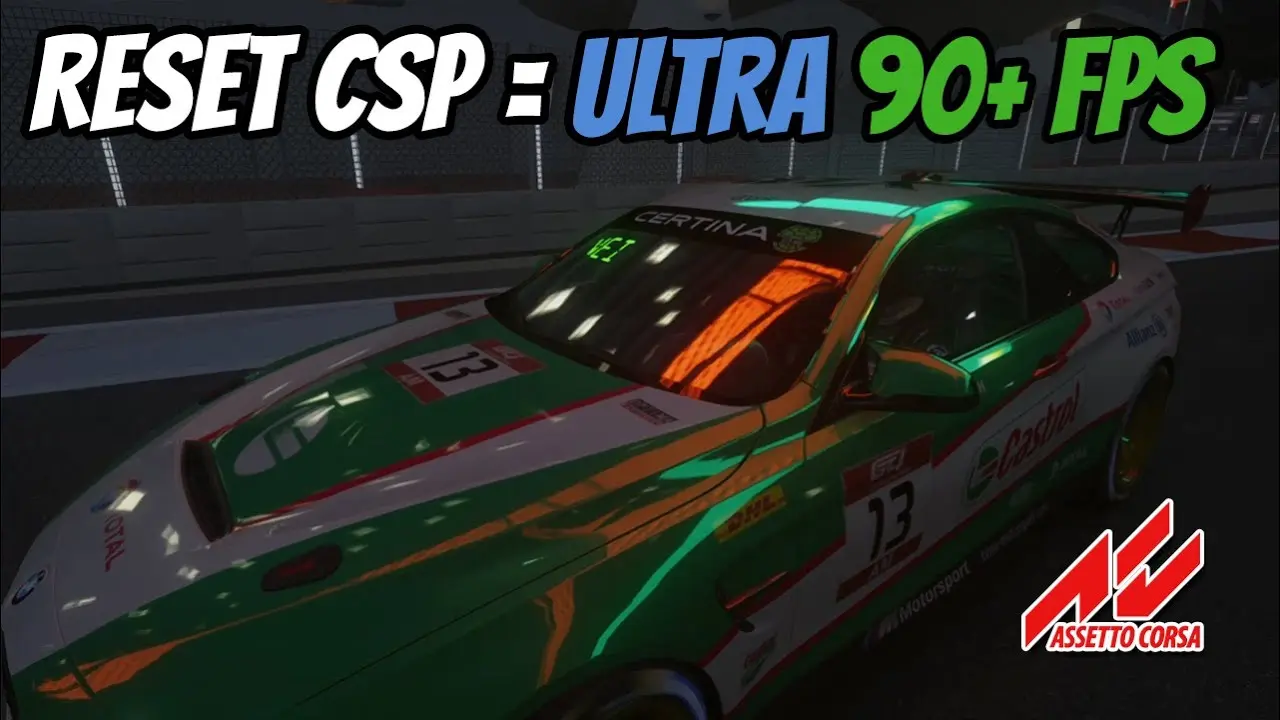
More screenshots on OverTake.gg (formerly RaceDepartment) ↗
What this mod does
Better Graphics & Performance for Medium PC are three Custom Shaders Patch presets by digitalvei to get the most out of Assetto Corsa on a mid-range computer. It is not a colour filter: it tunes CSP options to balance image quality and smoothness.
What it achieves
- Different modes for different situations: races with lots of AI or solo hotlapping.
- More stable FPS in crowded races.
- A sharper, smoother image than the default settings.
Installation
Extract it into Content Manager’s Custom Shaders Patch presets folder (in AppData\Local\AcTools Content Manager\Presets\Custom Shaders Patch) and load it from the CSP settings. It weighs about 24 KB. It is on version 1.3, from May 2026, and rated 5 out of 5 on OverTake. It pairs well with any lightweight post-processing filter.
User rating
Mod video
Highlights and things to keep in mind
- More FPS in crowded AI races
- Three modes for different situations
- No Pure or Sol needed
- Only tunes CSP: it does not change the colour grading
Requirements
- Assetto Corsa for PC
- Content Manager
- Custom Shaders Patch
- Free OverTake.gg account to download
How to install it
- Install Content Manager and Custom Shaders Patch.
- Download the presets from OverTake.gg (log in).
- Extract them into AppData\Local\AcTools Content Manager\Presets\Custom Shaders Patch.
- In Content Manager, open the CSP settings and load the preset you want.
Version history
-
1.321 May 2026Current
Revised presets
Common problems
Is it a colour filter?
No: these are CSP settings to balance visuals and performance.
What PC is it for?
Mid-range machines.
Do I need Pure or Sol?
No, just Custom Shaders Patch and Content Manager.
Is it paid?
No, it is free.
More mods for Assetto Corsa
 Multiplayer
 Multiplayer
 Multiplayer
 Multiplayer
 Multiplayer
 Multiplayer