Universal Lava Skin for BeamNG.drive
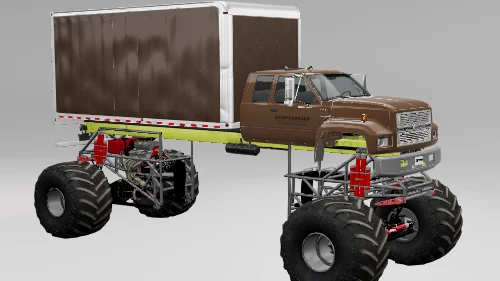
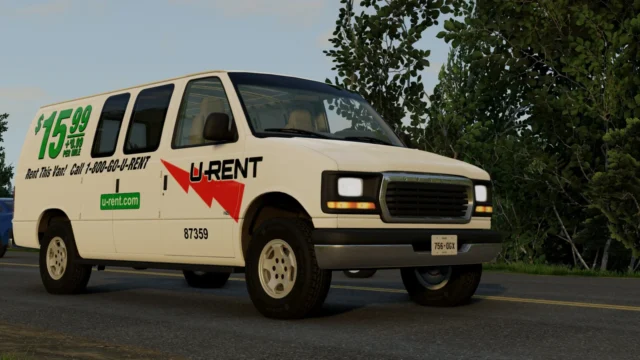
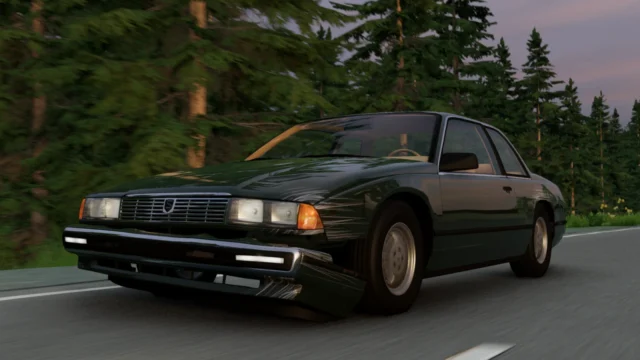
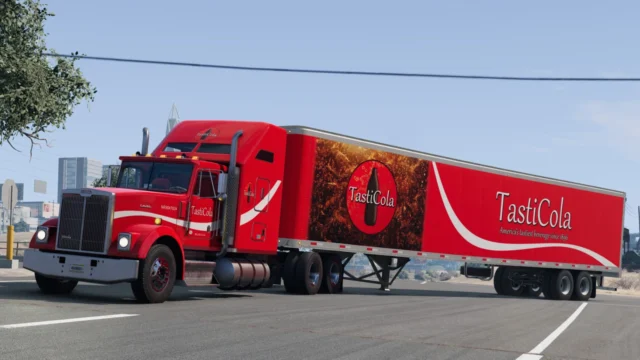
A glowing red-hot lava skin with customizable colors for every vehicle and some trailers, including animated versions. Perfect 5-star reviews.
Download Universal Lava Skin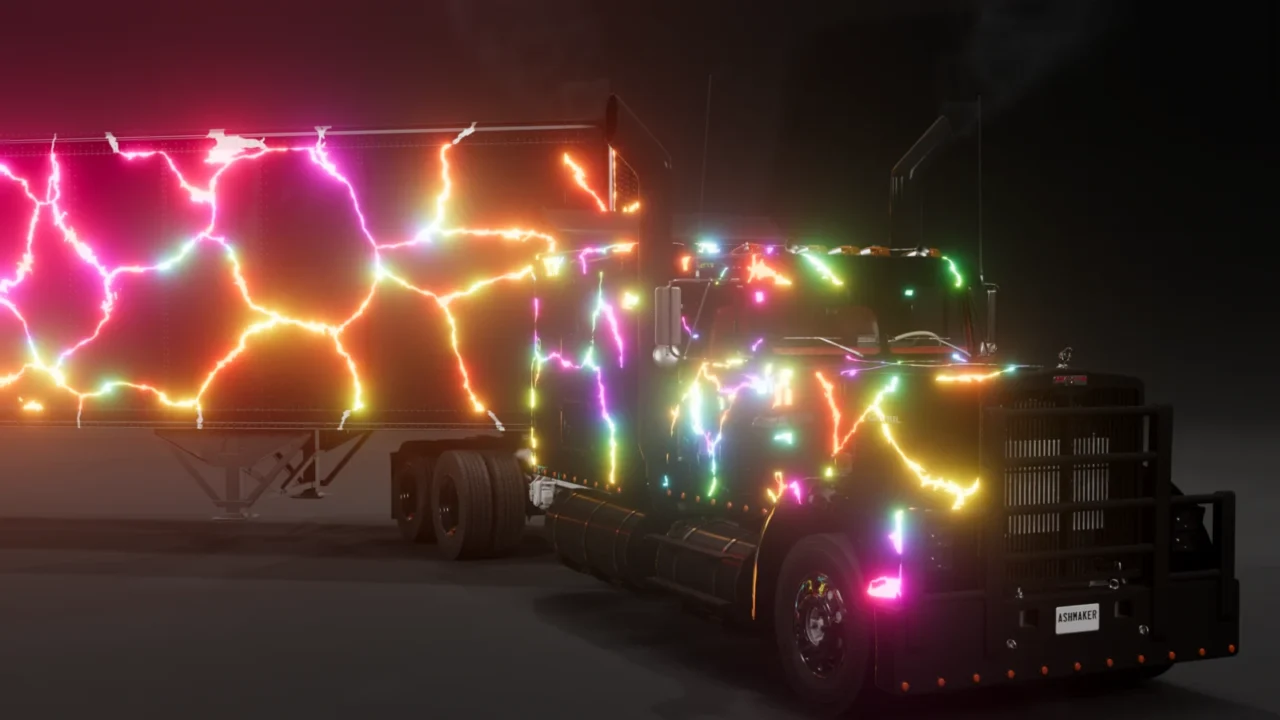
More screenshots on Official BeamNG Repository (beamng.com/resources) ↗
What this mod does
Universal Lava Skin, by Ashmaker000 (also the author of Universal Monster Frame), is a skin that gives BeamNG.drive vehicles a red-hot lava look, with glow and customizable colors. It’s available for every vehicle and some trailers, and there are animated versions.
How to use it
- In the configurator, pick the «Ashmakers Lava Glow» paint design.
- In the color tab, set your base color as Color 1.
- Set a lighter shade of the same color as Colors 2 and 3 to make the glow stand out.
- The glow also works with transparency.
Who it’s for
It’s an eye-catching skin for screenshots, videos or just giving your favorite car a different touch. Since it’s customizable, you can make classic red lava or try other shades.
Credits
The emission layer is by nobeam, Shadows made it customizable, stefan750 contributed the Lua code and Butch13 Gaming the layers.
Release notes
The latest updates, from late July and early August 2026, add a new car and fix the Miramar; 4.4, from August 6, came out with 0.39 already available. It’s still marked as Beta. Its five reviews are all 5 stars and don’t mention bugs. Questions and suggestions are handled on the author’s Discord, and the author forbids reuploading it to other sites.
User rating
Mod video
Highlights and things to keep in mind
- Very striking, customizable lava effect
- For every vehicle
- Updated after 0.39
- Still in Beta
- Few ratings (5)
- May need an update for 0.40 (released October 19, 2026)
Requirements
- BeamNG.drive 0.39
- About 35 MB of free space for the .zip file
How to install it
- Open the Universal Lava Skin page on the official BeamNG Repository.
- Click Download to get the .zip, or subscribe from the in-game Repository (Subscribe button).
- If you download it manually, copy the .zip, without unzipping it, into the mods folder inside your BeamNG.drive user folder.
- Launch the game and check in the Mod Manager that it's enabled.
- In the car's configurator, pick the "Ashmakers Lava Glow" paint design and set the three colors in the color tab.
Version history
-
4.46 Aug 2026Current
Miramar fix.
-
—31 Jul 2026
General fix ("Properfix").
-
—30 Jul 2026
New car added.
Common problems
It doesn't glow like in the images, what do I do?
Set the base color as Color 1 and a lighter shade as Colors 2 and 3, as the author explains.
Does it work on every car?
According to the mod page, there's a version for every vehicle and some trailers.
Can I upload it to another site?
No, the author forbids it.
More mods for BeamNG