Dynamic Scratches Mod for BeamNG.drive
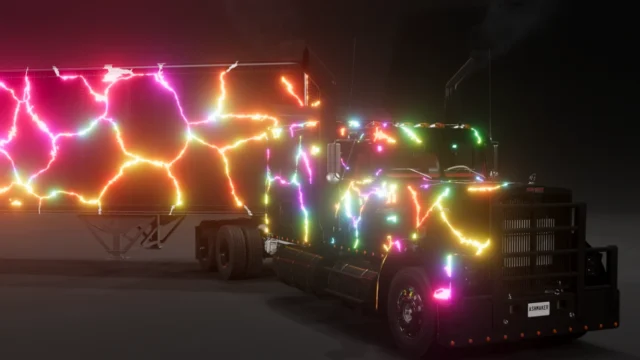
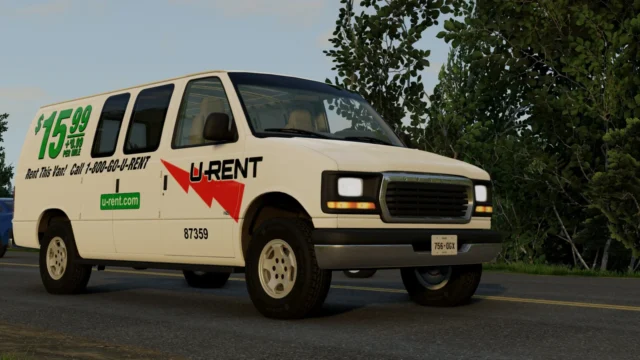
A dynamic scratch system for stock cars: the paint gets visibly scratched when you scrape or crash. You enable it as the "DSM Beta" paint design.
Download Dynamic Scratches Mod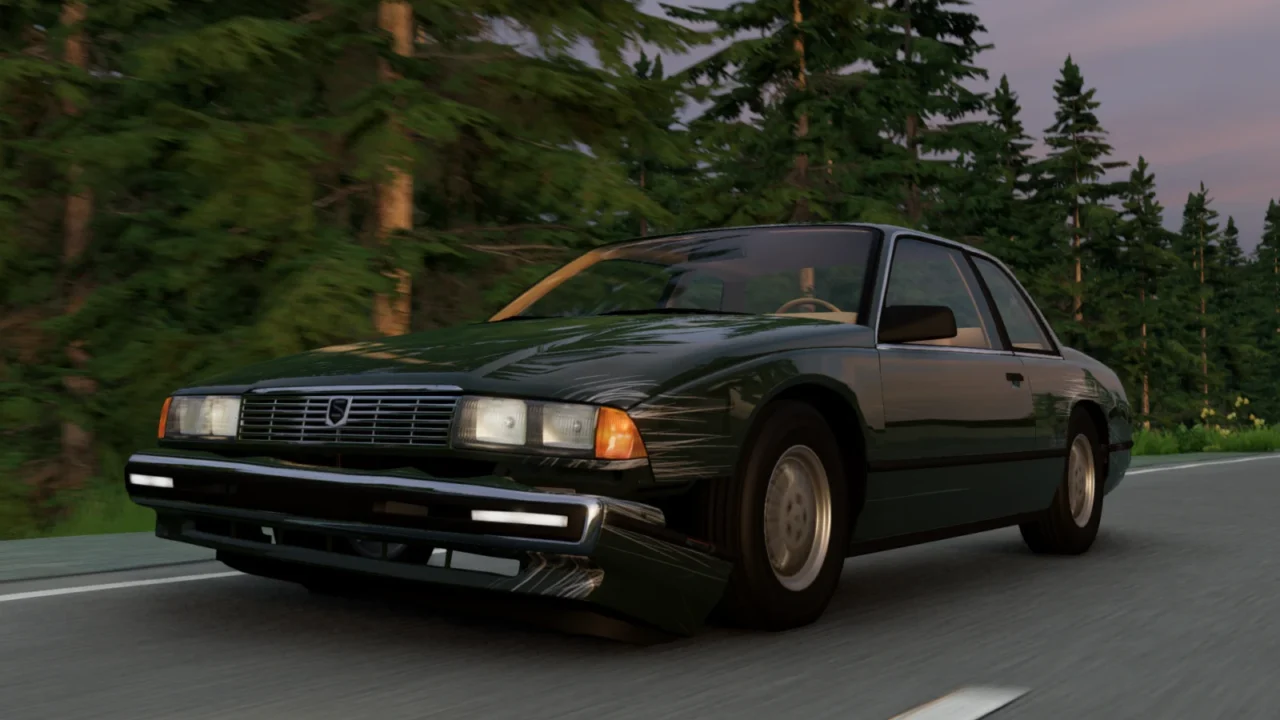
More screenshots on Official BeamNG Repository (beamng.com/resources) ↗
What this mod does
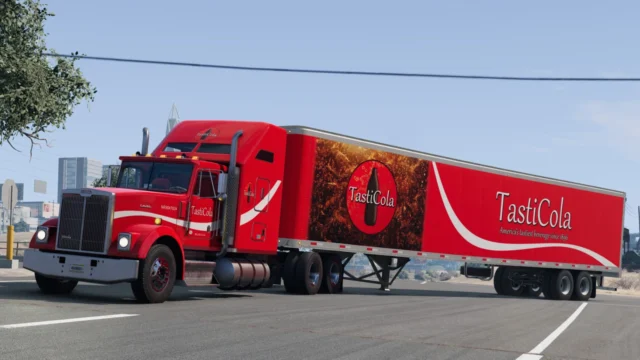
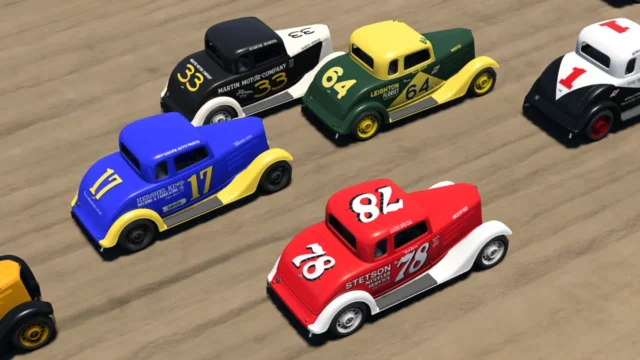
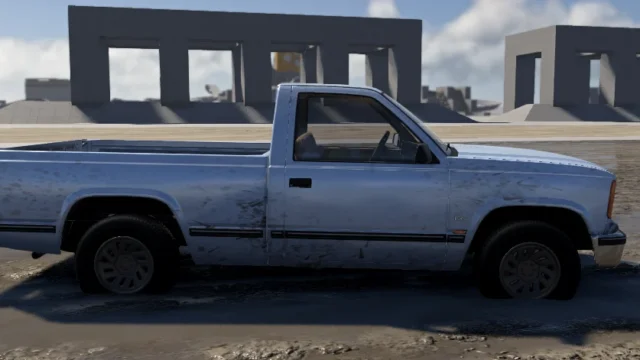
Dynamic Scratches Mod, by Outside Bet, adds a dynamic scratch system to BeamNG.drive’s stock cars: the paint gets visibly scratched when you scrape or crash, which makes accidents and crash tests far more realistic. In just a few months it has passed 230,000 downloads with an average rating close to 5.
How to use it
- In the vehicle configurator, under Paint Design, pick «DSM Beta» on compatible cars.
- If you want more metallic scratches, raise the metallic value in the paint properties.
- The author recommends dark colors, where the scratches show up better.
Compatibility
Version 1.3, from July 24, 2026, added every stock vehicle available at the time, a new material system, chrome support and fixes for most material bugs. It doesn’t include liveries, due to copyright issues with BeamNG’s textures.
Since it predates 0.39, the Cherrier Ardente that arrived with that version has no scratches, and users report that bodykit parts don’t show them either.
Before you install it
It’s still in development: the author warns that 1.3 was rushed and may have bugs, and plans to make the scratches look more like real ones. In Career mode, according to one user, some paint may not apply to individual parts.
User rating
Highlights and things to keep in mind
- Much more realistic crashes
- Works with every stock car released before 0.39
- Small file
- Still in Beta, and the author warns of possible bugs
- Doesn't include the cars that arrived with 0.39 or bodykit parts
- May need an update for 0.40 (released October 19, 2026)
Requirements
- BeamNG.drive 0.38 or later
- About 12 MB of free space for the .zip file
How to install it
- Open the Dynamic Scratches Mod page on the official BeamNG Repository.
- Click Download to get the .zip, or subscribe from the in-game Repository (Subscribe button).
- If you download it manually, copy the .zip, without unzipping it, into the mods folder inside your BeamNG.drive user folder.
- Launch the game and check in the Mod Manager that it's enabled.
- In the car's configurator, open Paint Design and pick "DSM Beta"; raise the paint's metallic value if you want shinier scratches.
Version history
-
1.324 Jul 2026Current
Every stock vehicle, new material system, chrome support and material fixes.
-
—21 Jul 2026
Alpha version of the mod.
-
—20 Jul 2026
Initial demo of the mod.
Common problems
I don't see scratches on the Cherrier Ardente, why?
The Ardente arrived with 0.39 and the mod's latest version is older; it isn't included yet.
Why doesn't it include liveries?
The author leaves them out due to copyright issues with BeamNG's textures.
The scratches are barely noticeable, what do I do?
Use a dark color and raise the metallic value in the paint properties.
More mods for BeamNG