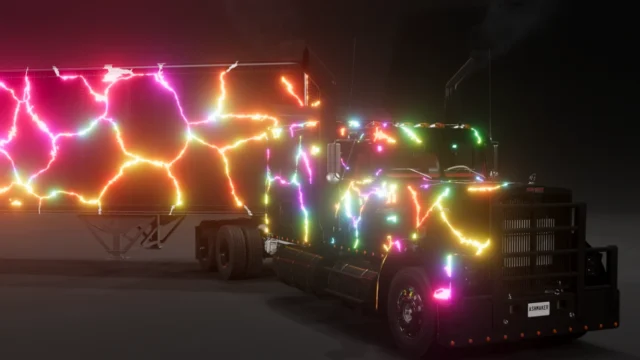
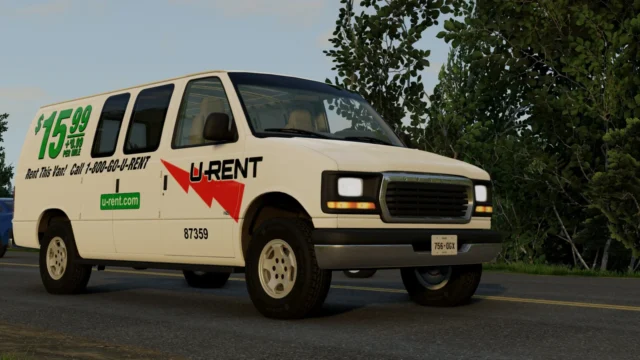
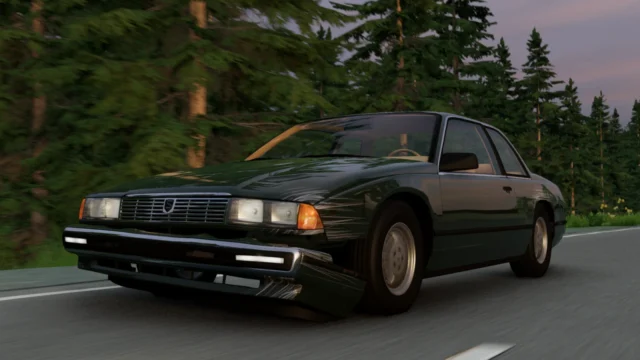
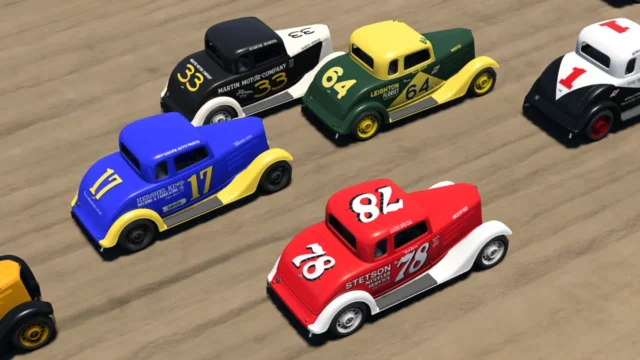
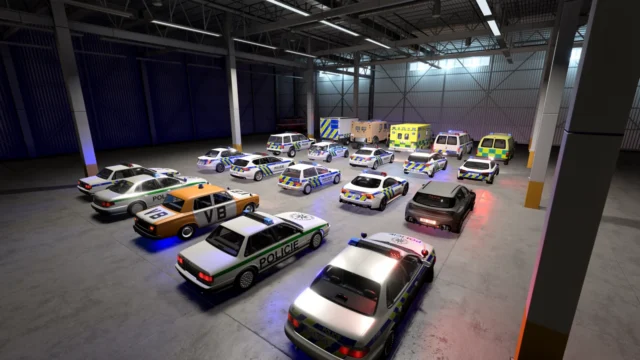
Grime – Dynamic Dirt for BeamNG.drive
Dynamic dirt: your car gets mud, dirt, sand or snow where it should, with spray from each wheel, and only gets clean when washed or driven through water.
Download Grime – Dynamic Dirt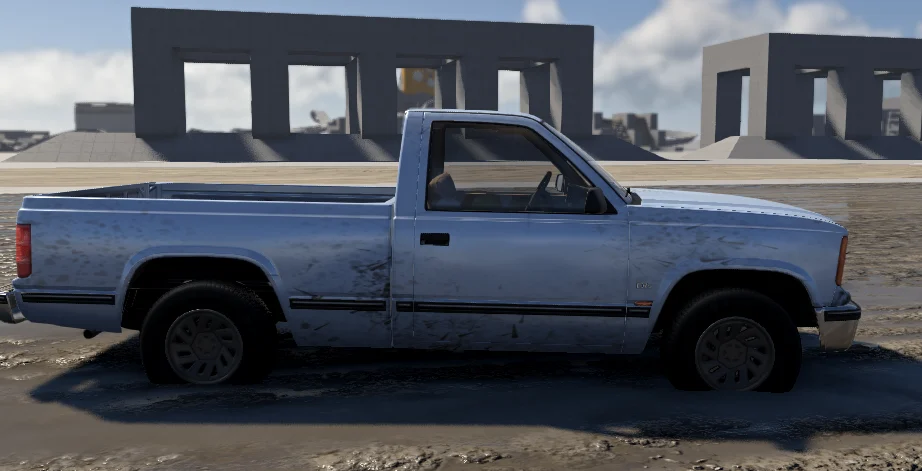
More screenshots on Official BeamNG Repository (beamng.com/resources) ↗
What this mod does
Grime – Dynamic Dirt, by astiwhyte, makes your car get dirty realistically in BeamNG.drive: dirt shows up where it would really land and stays there until you wash it off. In less than a month it has passed 56,000 downloads.
What it does
- The car gets dirty when you drive on dirt, gravel, sand, mud or snow, in the color of each surface.
- Each wheel throws spray that flies off and leaves marks where it lands; when you hit a pothole or mud, the side gets caked in mud.
- If you scrape an embankment or crash into the dirt, those panels get covered.
- Wet mud dries into light dust, and water only cleans the part that’s submerged.
- Dirty paint loses its shine and the windows build up smudges.
How to use it
The Grime – Dynamic Dirt panel opens by itself when you start driving, with presets (road, normal, outback and swamp), sliders and buttons to wash or dirty the car instantly. The car needs to have the Grime – Dirt paint design, which you can apply from the panel. With modded cars, press the button so the mod learns the vehicle, and the dirt will appear the next time the map loads. It’s compatible with Ignition, the same author’s fire mod.
Before you install it
The author marks it as beta and says he used AI to make it. Some users find the paint too shiny or the car turning a single color, and it doesn’t work with Automation cars.
User rating
Mod video
Highlights and things to keep in mind
- Very realistic dirt in the color of the terrain
- Panel with presets and wash buttons
- Works with lots of modded cars
- Beta version made with the help of AI, according to the author
- Some users find the paint too shiny or a single color
- May need an update for 0.40 (released October 19, 2026)
Requirements
- BeamNG.drive 0.39 or later
- About 3 MB of free space for the .zip file
How to install it
- Open the Grime - Dynamic Dirt page on the official BeamNG Repository.
- Click Download to get the .zip, or subscribe from the in-game Repository (Subscribe button).
- If you download it manually, copy the .zip (don't unzip it) into the mods folder inside your BeamNG.drive user folder (AppData > Local > BeamNG > BeamNG.drive > current > mods).
- Launch the game and check in the Mod Manager that it's enabled.
- Start driving: the panel appears by itself. Press the button to apply the Grime - Dirt paint design if you don't see any dirt.
Version history
-
2.313 Oct 2026Current
Contact-based dirt: real spray from each wheel, mud splashes, droplet marks and a waterline.
-
—7 Oct 2026
Fixes and a bit more content.
-
—2 Oct 2026
Partial modded car support, fixed paint, more options and fixes.
Common problems
I don't see any dirt, what's wrong?
The car needs the Grime - Dirt paint design; apply it with the button on the panel.
I closed the panel, how do I get it back?
Open the console with the ~ key, type dynamicDirt.toggleHud() and press Enter. It also comes back when you restart the game.
Does it work with modded cars?
Generally yes: press the button on the panel so it learns the vehicle and reload the map. With Automation cars, one user says it doesn't work.
More mods for BeamNG