River Highway for BeamNG.drive
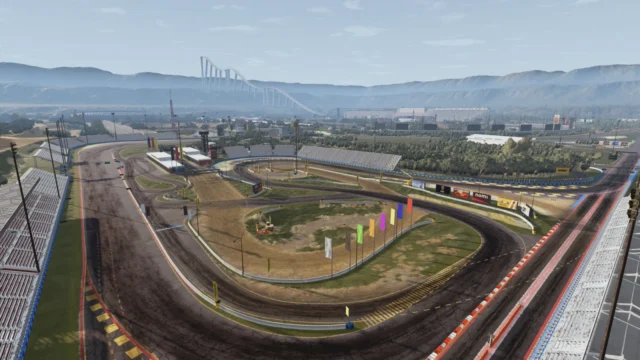
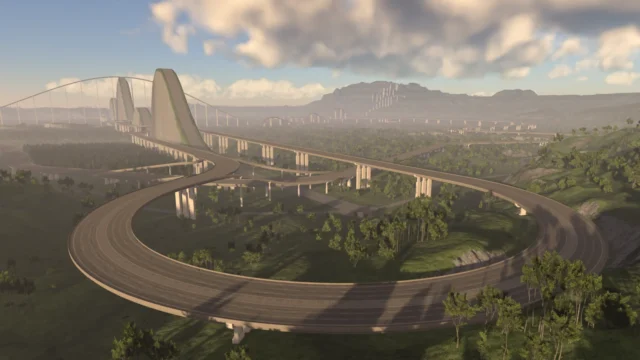
Huge 8×8 km map with over 200 km of roads, a dammed river, towns, highways, a railroad and a 2.1 km runway. Partial AI traffic; needs a PC with some headroom.
Download River Highway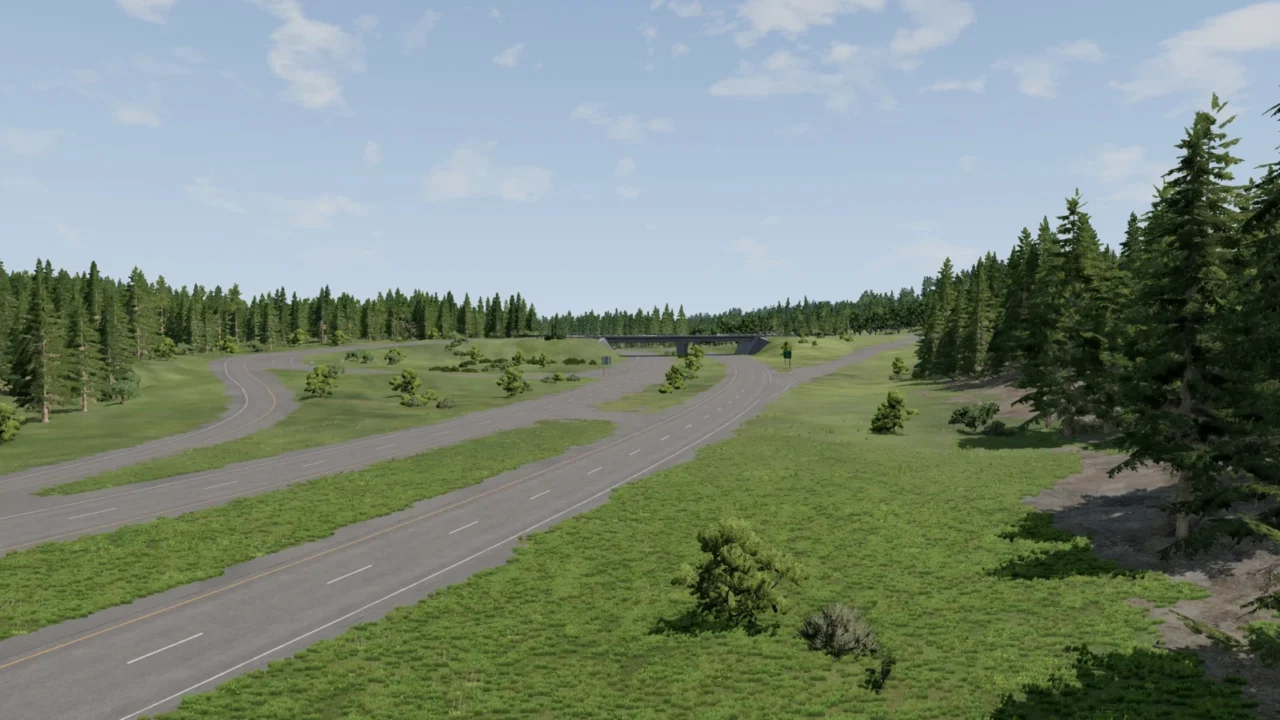
More screenshots on beamng.com/resources (official BeamNG.drive Repository) ↗
What this mod does
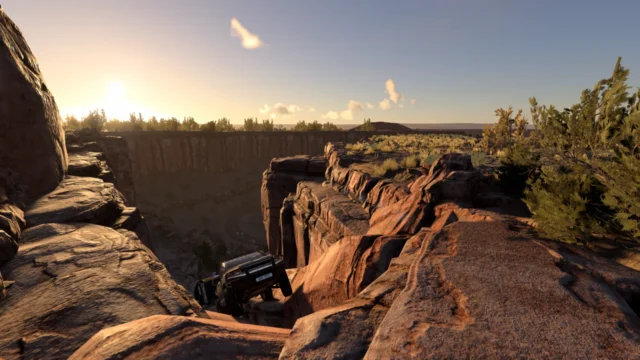
River Highway is a large map built for unhurried driving and exploring. It combines highways, back roads and lots of dirt trails around a winding river, with enough variety to spend hours driving around it.
What’s included
- An 8×8 km terrain with over 200 km of roads.
- A river with a dam that runs through the whole map.
- Towns and small settlements.
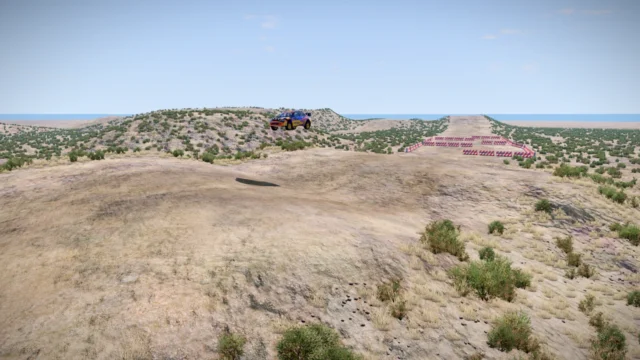
- A 2.1 km runway, handy if you use aircraft mods.
- A railroad loop over 11 km long.
- Recognizable landmarks to help you find your way: wind turbines, radio towers, water towers and factories.
- Lots of dirt trails for off-roaders.
Limitations
The author keeps it in beta and says so clearly: the environment is only set up for daytime, AI traffic works only partially (especially at intersections) and the terrain, 8192×8192 at 1-meter resolution, is heavier than on most maps, so it may not work on some PCs.
Version
Version 1.8 (August 2026) was a graphics update that, according to players, fixed visual issues that appeared with 0.39. 1.8.1, from September 7, 2026, fixes a tunnel.
User rating
Highlights and things to keep in mind
- A huge amount of road and varied terrain to explore
- A runway and a railroad, rare in modded maps
- Recently updated
- Still in beta: partial AI and no nighttime setup
- Very demanding on memory and performance
Requirements
- An up-to-date BeamNG.drive (the latest version of the map was released after 0.39 came out)
- About 355 MB of free space for the .zip
- A PC with plenty of memory: the terrain is high-resolution and the author warns it may not work on some PCs
How to install it
- Open the Repository from the BeamNG.drive main menu.
- Search for "River Highway" and click Subscribe to download and enable it automatically.
- For a manual install, download the .zip from the official mod page and don't extract it.
- Open your user folder from the launcher (Manage User Folder > Open in Explorer; on Windows it's usually %LOCALAPPDATAamNGBeamNG.drivecurrent) and copy the .zip into the mods folder.
- Launch the game and check in the Mod Manager that the map is active.
- Select River Highway in the map selector.
Version history
-
1.8.17 Sep 2026Current
Fixed a tunnel
-
1.831 Aug 2026
Graphics update
-
1.7.2b30 Oct 2024
AI traffic sticks to lanes better, new gas station on the east highway and sky color tweak
Common problems
The map won't load or the game closes when I enter it. Why?
The terrain is 8192x8192 at 1 m resolution, more demanding than most maps; the author warns it can fail on some PCs. Close other programs and lower the graphics quality.
It looked wrong on 0.39. Is that fixed?
According to players, the 1.8 graphics update from August 2026 fixed the visual issues on 0.39. Make sure you have 1.8.1.
The AI traffic does weird things at intersections.
That's a known limitation: the author says AI is only partially supported, especially at intersections.
Can I play at night?
The author says the environment is only set up for daytime; at night the lighting is limited.
More mods for BeamNG