Frosty Winter Weather Mod for American Truck Simulator
Turns ATS into a permanent winter: snow instead of rain, frosty vegetation and roads, snowy roofs and shorter days. Version 6.1 for ATS 1.61, by Grimes.
Download Frosty Winter Weather Mod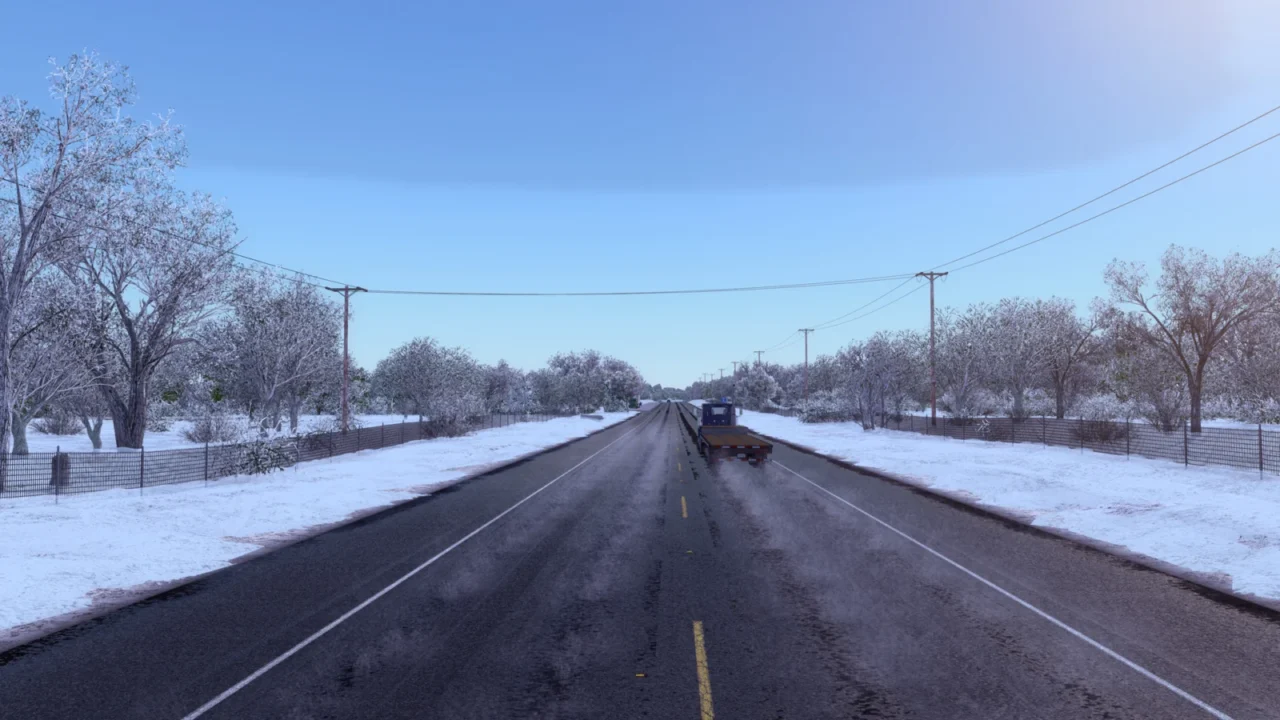
More screenshots on grimesmods.wordpress.com (author's website) ↗
What this mod does
Frosty Winter Weather Mod is Grimes’ winter mod, one of the community’s longest-running: it’s been updated since 2017, and version 6.1 is already ready for ATS 1.61 and the South Dakota DLC.
What it changes in the game
- Rain is replaced with snow.
- Vegetation, terrain and roads with a wintry, frosty look.
- Snow-covered roofs and pedestrians in warm clothing.
- Winter daylight hours and temperatures.
- Wheel spray adapted to snow and smoother vegetation transitions.
Optional add-ons
The author offers several extras that go above the main mod: Frosty Wheels (frost on the wheels), a physics add-on that makes the road a bit more slippery, another that lengthens daylight hours, and Clear Roads, which leaves the asphalt wet by day and icy at night.
Free or ad-free
The free download goes through ShareMods, with ads. If you’d rather avoid them, Grimes sells a direct download for $1 that includes all the add-ons. Separately, he sells a Seasons Pack with spring, summer and two autumns.
Who it’s for
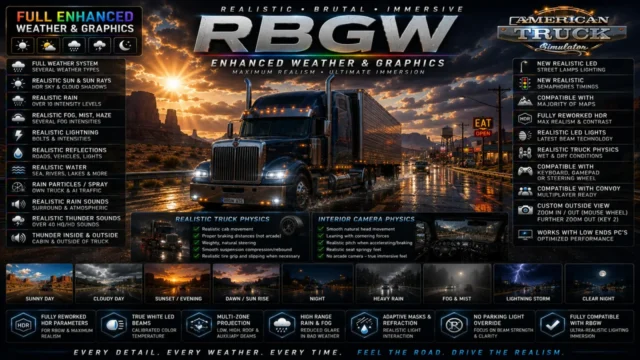
For anyone who wants to drive in the snow all year round. It’s not compatible with other weather or lighting mods, such as Realistic Brutal Graphics and Weather: pick one or the other. If this is your first mod, first see how to install mods in ATS.
Holyfix Check
Will it work with your mods?
Load your game.log.txt and check whether this mod is for your ATS version, whether you're missing a mod or DLC it needs and where to place it.
It's in Documents › American Truck Simulator › game.log.txt. It's read in your browser: the file is never uploaded.
Something else failing? Holyfix for ATS checks all your mods at once.
User rating
Mod video
Highlights and things to keep in mind
- A complete winter with adapted snow, vegetation and light
- Updated for ATS 1.61 and South Dakota
- Optional add-ons to fine-tune the experience
- The final download is on ShareMods, which shows ads; click only the file's download button
- Incompatible with other weather, graphics or lighting mods
- Large file (2.2 GB for the free version)
Requirements
- American Truck Simulator 1.61
- No other weather, graphics or lighting mod active
- About 2.2 GB free for the free file
How to install it
- Go to the Frosty for ATS page on Grimes' website.
- Choose the free download (ShareMods) or the paid ad-free one, which includes all the add-ons.
- Copy the mod's .scs file (and any add-ons you want) to Documents/American Truck Simulator/mod.
- Open ATS and, in the Mod Manager, place Frosty at the very top.
- If you use add-ons, put them above Frosty.
- Disable any other weather or lighting mod and load your profile.
Common problems
Can I use it with other weather mods?
No. The author warns that other weather, graphics or lighting mods alter the snow and light and can cause conflicts or crashes.
Do I have to pay?
No. The mod is free via ShareMods; the $1 payment only removes the ads and includes all the add-ons in one download.
Why do I see snow inside tunnels?
It's a known limitation the author acknowledges: some game assets are shared and the snow can't be removed from specific areas.
More mods for ATS
 ✓ ATS 1.61
  ✓ ATS 1.61
  ✓ ATS 1.61
  ✓ ATS 1.61
  ✓ ATS 1.61Multiplayer
  ✓ ATS 1.61Multiplayer