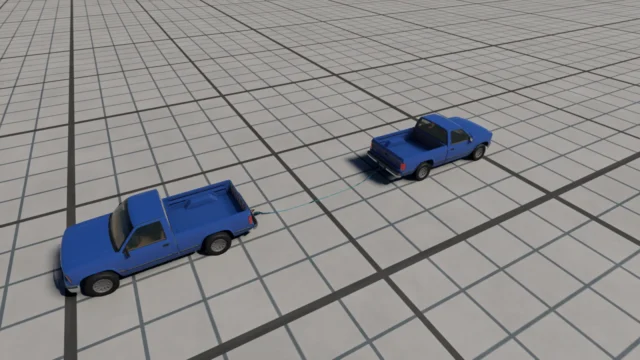
Dynamic Damage Particles for BeamNG.drive
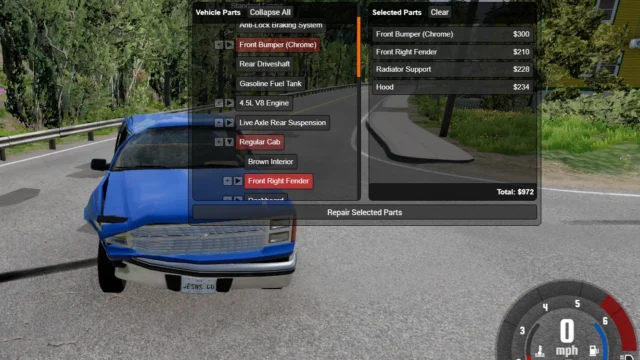
Crash debris system: glass, plastic, bolts and body chunks that bounce, slide and stay on the road. Tweak it with its own app (backslash key by default).
Download Dynamic Damage Particles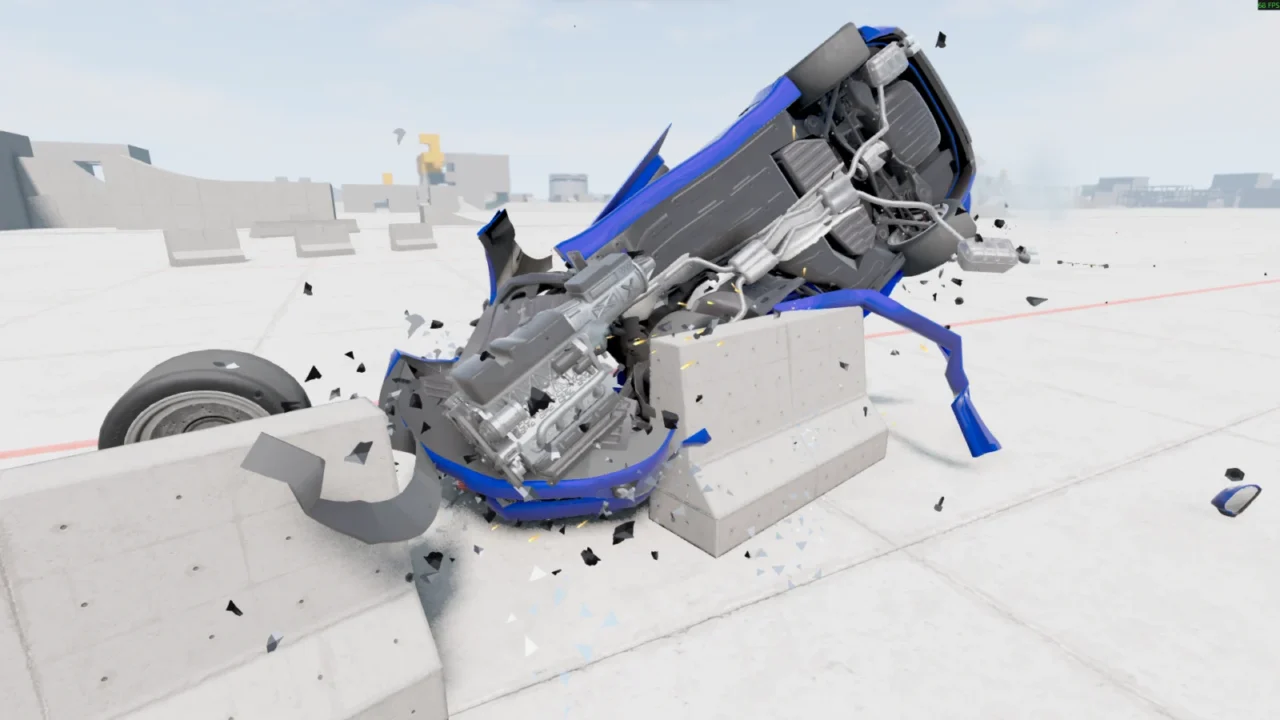
More screenshots on Official BeamNG Repository (beamng.com/resources) ↗
What this mod does
Dynamic Damage Particles adds a physical debris system for crashes to BeamNG.drive. Instead of particles that vanish instantly, the fragments bounce, slide and end up staying on the asphalt, so every crash leaves a far more believable trail.
What it does
- Generates different types of debris depending on the damage: metal shards and hardware when joints break, glass and plastic fragments, and chunks of bodywork.
- The amount of debris depends on how violent the impact is.
- Since version 2.0, each part of the car sheds its own type of debris.
- Driving over the debris scatters it and can take away some tire grip.
- Sparks only appear on suitable surfaces, not when sliding on dirt.
How to tweak it
It includes a settings app that opens with the backslash key (you can change it in the game’s controls). It has sliders and presets for particle emission, bounce, friction and lifetime, and you can choose whether debris stays or gets cleared when you reset the vehicle.
Release notes
It’s marked as experimental on the Repository. Version 2.0 arrived on August 10, 2026, after 0.39, with performance improvements and debris that stays after resetting the car.
User rating
Mod video
Highlights and things to keep in mind
- Much flashier and more believable crashes
- Highly configurable from its own app
- Lightweight file
- Marked as experimental
- Reported bugs: particles on very low cars without real contact, excessive glow at night
- The particle sounds don't slow down in slow motion
Requirements
- BeamNG.drive 0.39
- About 11 MB of free space
How to install it
- Open the Dynamic Damage Particles page on the official BeamNG Repository.
- Download the .zip or subscribe from the in-game Repository.
- If you download it manually, place the .zip (don't unzip it) in the mods folder inside your user folder.
- Start the game and confirm in the Mod Manager that it's enabled.
- Press the backslash key to open the settings app and choose a preset.
- If the key doesn't respond on your keyboard, bind another one in Options > Controls.
Version history
-
2.010 Aug 2026Current
Debris that stays after resetting, performance improvements and sparks only on suitable surfaces.
-
—31 Jul 2026
Part-specific debris that scatters when driven over and can reduce grip.
-
—30 Jul 2026
Bug fixes.
Common problems
How do I open the settings?
With the backslash key by default; you can change it in BeamNG's controls.
Why doesn't the debris disappear when I reset the car?
Since 2.0 it stays by default, but you can turn on automatic cleanup in the app's settings.
At night the debris glows too much, is that a bug?
Some users have pointed it out; lower the visual intensity from the app while the author fixes it.
Is it paid?
No. The author has a Patreon only for those who want to support him, with no early access or paid versions.
More mods for BeamNG
 Multiplayer