East Coast snowing for BeamNG.drive
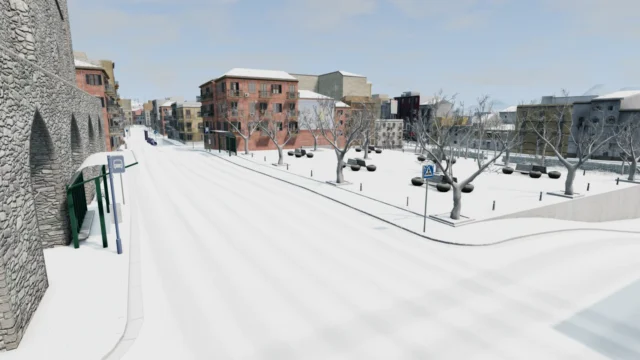
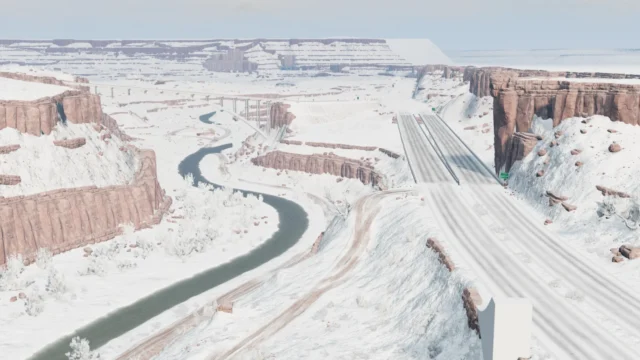
A winter version of the official East Coast USA map with snow, leafless trees, a frozen sea and scenarios. Fixed for BeamNG.drive 0.38.
Download East Coast snowing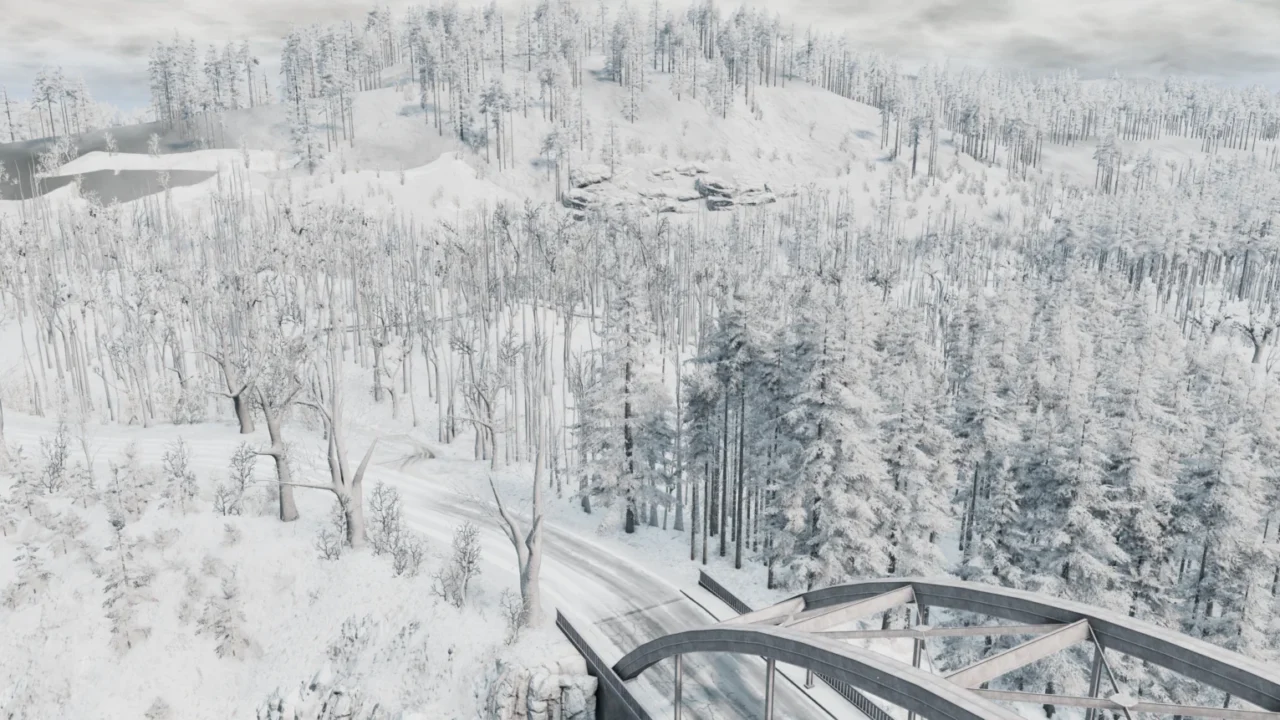
More screenshots on Official BeamNG Repository (beamng.com/resources) ↗
What this mod does
East Coast snowing turns the official East Coast USA map into a winter landscape: snowy roads, leafless trees and the sea turned into one big sheet of ice. It installs as a separate map and doesn’t replace the original.
What’s included
- Snowy-looking terrain and roads with adjustable snowfall.
- Leafless trees, with no shadows or collisions on the removed leaves.
- The ocean replaced with a flat ice surface, and unfrozen rivers.
- Several scenarios from the original map; the author warns they weren’t designed for snow and some may be impossible.
Who it’s for
Perfect for winter scenes, photo sessions and driving with little grip. Players praise how pretty it looks and how fun it is to watch the AI slide around. Some miss snow and tire sounds, and say the roads feel like ice.
Version notes
The mod reuses the official map’s data except the color files, which is why it’s a small download. Version 1.4, from December 2025, fixes the dirt road textures for 0.38. One player confirms it ran fine on 0.38, but in September 2026 asked for an update for 0.39.
User rating
Mod video
Highlights and things to keep in mind
- Really eye-catching winter version of East Coast
- Lightweight file since it reuses the official map
- Scenarios included
- Listed for 0.38; may need an update for 0.40 (released October 19, 2026)
- A player asked for an update for 0.39
- No snow or tire sounds, according to some players
Requirements
- BeamNG.drive 0.38
- About 141 MB of free space for the .zip file
How to install it
- Open the East Coast snowing page on the official BeamNG Repository.
- Click Download to get the .zip, or subscribe from the in-game Repository.
- If you download it manually, copy the .zip (don't unzip it) into the mods folder in your user folder (from the launcher: Manage User Folder > Open in Explorer).
- Launch the game, check in the Mod Manager that it's enabled and pick the snowy version of East Coast from the map list.
- If you see trees with leaves in the distance, clear the cache from the launcher.
Version history
-
1.416 Dec 2025Current
Dirt road textures fixed for 0.38.
-
—9 Sep 2025
Tree collision fix.
-
—18 Oct 2022
Mod reorganized and made lighter, muddy terrain returned to a wintry look and invisible vegetation removed.
Common problems
Does it replace the official East Coast USA?
No, it's a separate map that uses the official one's data.
Do all the scenarios work?
Not all of them: the author warns they weren't designed for snow and some may be impossible.
Can I change the amount of snow?
Yes, by editing a map setting; the author explains it with a screenshot on the mod page.
More mods for BeamNG