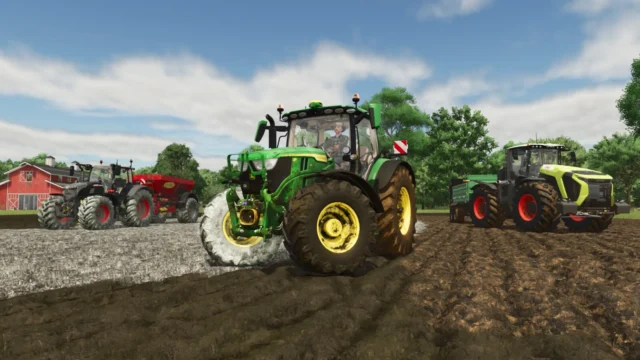
Unlimited Color Configurations for Farming Simulator 25
Official GIANTS mod that unlocks shop colors: for every color option on any vehicle or implement, you pick the exact shade you want. Only 84 KB, on PC and console.
Download Unlimited Color Configurations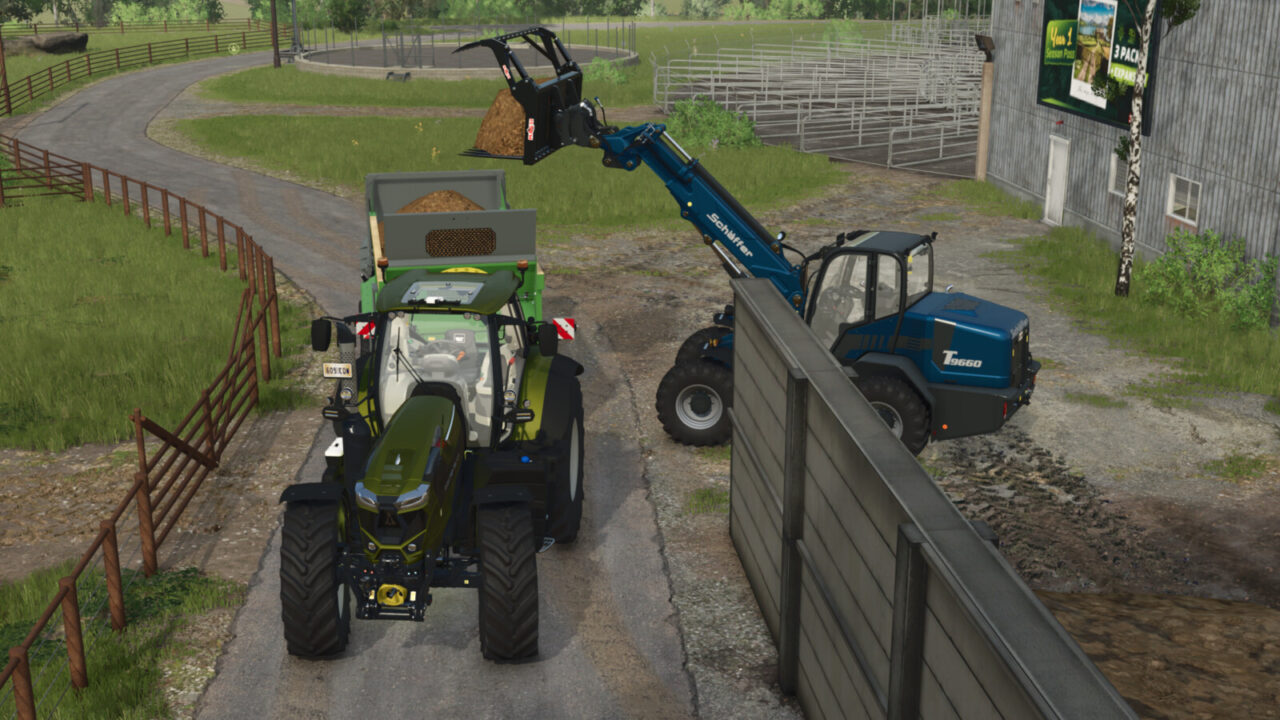
More screenshots on GIANTS ModHub (farming-simulator.com) ↗
What this mod does
Unlimited Color Configurations is a small gameplay mod published by GIANTS Software itself. It does just one thing, but a very useful one: in every color configuration in the shop, the colors become fully customizable.
What it changes
- It affects every color configuration in the shop, for vehicles as well as implements and trailers.
- Instead of being limited to the preset shades, you can adjust the color to your liking.
- It weighs only 84 KB and doesn’t add vehicles or buildings.
- Since it’s from GIANTS, it’s available on PC/Mac, PS5, Xbox Series X|S and Nintendo Switch 2.
What it’s for on the farm
It’s ideal for giving your farm a fleet look: tractors, trailers and loaders in the same color, matching your fictional company or your co-op’s livery. It also lets you recreate specific colors that aren’t in the palette, or tell each player’s machines apart at a glance in a shared savegame.
Tips
It works with vehicles that have a color configuration in the shop; if a machine doesn’t have one, the mod can’t add it. It’s one of the most downloaded mods on ModHub and takes up almost no space, so it’s easy to keep it always enabled.
Holyfix Check
Will it work with your mods?
Load your log.txt and check whether this mod is for your FS25 version, whether you're missing a mod or DLC it needs and where to place it.
It's in Documents › My Games › FarmingSimulator2025 › log.txt. It's read in your browser: the file is never uploaded.
Something else failing? Holyfix for FS25 checks all your mods at once.
User rating
Highlights and things to keep in mind
- Official GIANTS mod
- Takes up only 84 KB
- More than 4,000 ratings (4.6)
- Only works on vehicles with a color option in the shop
- Doesn't change anything else in the game
Requirements
- Farming Simulator 25 on PC/Mac, PS5, Xbox Series X|S or Nintendo Switch 2
- About 1 MB of free space
How to install it
- Download it from the official ModHub (link on this page) or search for "Unlimited Color Configurations" in the in-game Mods menu, on PC or console.
- If you download it manually on PC/Mac, copy FS25_unlimitedColorConfigurations.zip without unzipping it into the mods folder: Documents > My Games > FarmingSimulator2025 > mods.
- Enable the mod when you create or load your savegame.
- Open the shop, pick a vehicle with a color option and set the shade you want before buying it.
Version history
-
1.0.0.027 Nov 2024Current
Initial release
Common problems
Does it work on console?
Yes. ModHub offers it on PS5, Xbox Series X|S and Nintendo Switch 2, as well as PC/Mac.
Does it add colors to any vehicle?
Only to those that already have a color configuration in the shop.
Is it official?
Yes, GIANTS Software publishes it on its ModHub.
More mods for FS25
 PC and consoles
  PC and consoles
  PC and consoles
  Multiplayer
  Multiplayer