EyeSpy for Hytale
Adds a small on-screen panel that tells you what you're looking at: block name, source mod, chest contents, furnace times and creature health.
Download EyeSpy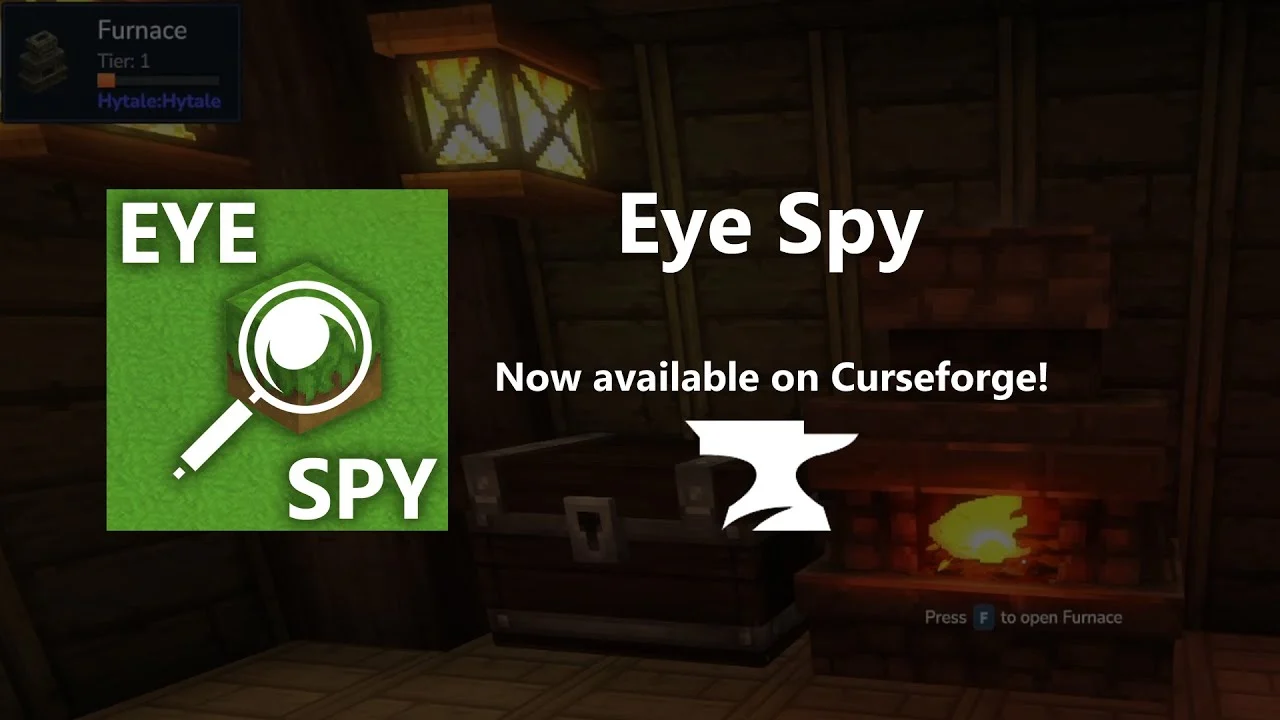
More screenshots on CurseForge ↗
What this mod does
EyeSpy adds an unobtrusive HUD that shows information about the block or creature you’re aiming at. It’s the kind of mod you install once and never remove, especially if you play with lots of mods and can’t tell where each block comes from.
What information it shows
- The block’s name and the mod that adds it.
- Workbench tier for crafting benches.
- Chest contents without having to open them.
- Status of furnaces and processing stations, with the time remaining.
- Name and current health of creatures and NPCs.
Who it’s for
For anyone playing survival who wants to know at a glance what’s in front of them, and especially for players who set up saves with several content mods. The author says they plan to add mining and farming info, add-on support and config options, which aren’t available yet.
Version
The latest version published on CurseForge is listed as compatible with Hytale 0.6. Older versions are still available in the Files tab if you play on an older version of the game.
Checked on October 20, 2026: the author hasn’t yet published a file tagged for Hytale 0.7 (Update 7) on CurseForge. We’ll check again and update this page as soon as it’s out.
User rating
Mod video
Highlights and things to keep in mind
- Very lightweight and easy to use
- A must if you play with lots of content mods
- Author very active in the modding scene
- No config options yet
- Mining and farming info has been announced but isn't available
Requirements
- Hytale (Early Access) on PC
- Enable the mod in the world settings
How to install it
- Open the EyeSpy page on CurseForge and click Install to install it with the CurseForge app, or download the .jar from the Files tab.
- If you download it manually, copy the .jar into %APPDATA%\Hytale\UserData\Mods (Windows) or ~/Library/Application Support/Hytale/UserData/Mods (macOS).
- Open Hytale, right-click the world and check EyeSpy in the mod list.
- Click Save World Settings and load your save.
- Aim at any block or creature to see the info panel.
Common problems
I don't see the panel when I enter the world
Make sure the mod is checked in that world's settings; in Hytale, mods are enabled per world.
Can I move or configure the panel?
Not yet; the author says config options are planned for later.
More mods for Hytale
 Multiplayer
  Multiplayer
  Multiplayer
  Multiplayer
  Multiplayer
  Multiplayer