Simple Elevator for Hytale
Elevator blocks: place two or more in the same column, jump to go up and crouch to go down. They can be disguised as other blocks and made private. Version 4.0.2 for Hytale 0.7.
Download Simple Elevator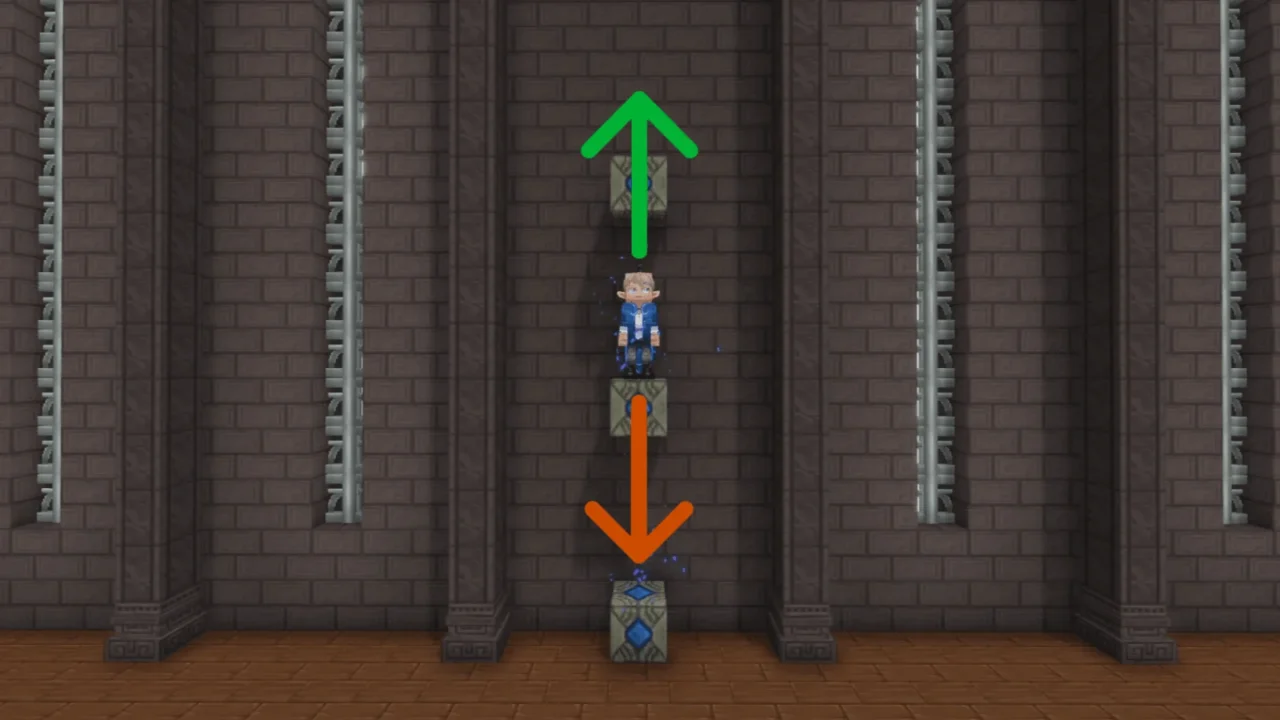
More screenshots on CurseForge ↗
What this mod does
Simple Elevator adds an elevator block so you can move vertically without stairs or ladders. It’s handy in towers, mines and multi-story bases.
How it works
- Place two or more elevator blocks lined up in the same column (same X and Z coordinates).
- Jump to go up to the next one and crouch to go down.
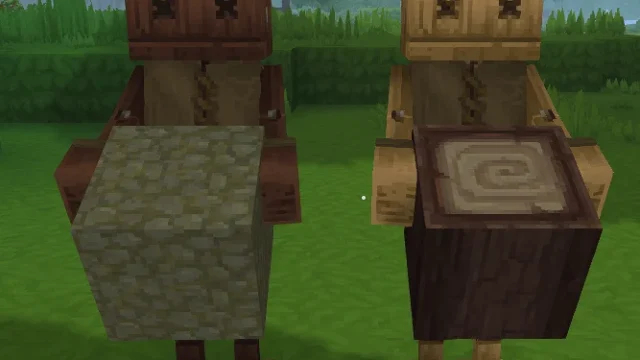
- You can disguise the block as almost any solid block, chosen from the hotbar or by its ID.
- You can set which way the player faces on arrival: north, west, south, east or no direction.
- Private elevators have an owner and a list of allowed players.
Crafting and admin
It’s crafted at the Arcanist Table; the recipe is shown in the mod’s gallery. Interacting with the block opens its settings menu. Admins get /simpleelevator status, /simpleelevator set <option> <true|false> and /simpleelevator reload.
Version for Update 7
Version 4.0.2, released October 13, 2026, updates the code for Hytale 0.7. If you’re coming from 3.x, keep in mind that 4.0.0 changed the mod’s identifier and deprecated the directional elevator block. To protect areas on a server, pair it with Simple Claims.
User rating
Highlights and things to keep in mind
- Very easy to use: jump to go up and crouch to go down
- Disguises and private elevators
- Settings menu and admin commands
- The recipe only appears in a gallery image
- 4.0.0 changed the mod's identifier: be careful when updating from 3.x
- All Rights Reserved license
Requirements
- Hytale (Early Access) on PC or server, version 0.7 (file SimpleElevator-4.0.2-275.jar)
- No dependencies: no other mods needed
- Access to an Arcanist Table to craft the blocks
How to install it
- Open the Simple Elevator page on CurseForge and click Install to install it with the CurseForge app, or download SimpleElevator-4.0.2-275.jar from the Files tab (the file tagged 0.7).
- If you download it manually, copy the file as is, without unzipping it, into your mods folder: on Windows %APPDATA%\Hytale\UserData\Mods.
- Open Hytale, right-click the world, check Simple Elevator in the mod list and save the world settings.
- On a dedicated server, place the file in the server's mods folder and restart it.
- Craft at least two elevator blocks at the Arcanist Table, place them in the same column and jump or crouch on top to move.
Version history
-
4.0.213 Oct 2026Current
Code updated for Update 7 (Hytale 0.7)
-
4.0.127 Aug 2026
Fixes an elevator with no direction turning the player north; compatible with Hytale 0.6
Common problems
It doesn't take me to the other block
The blocks must be in the same column, with the same X and Z coordinates.
Can I hide the elevator?
Yes. It can be disguised as almost any solid block from its settings menu.
How do I stop others from using my elevator?
Make it private: it'll have an owner and a list of allowed players.
More mods for Hytale