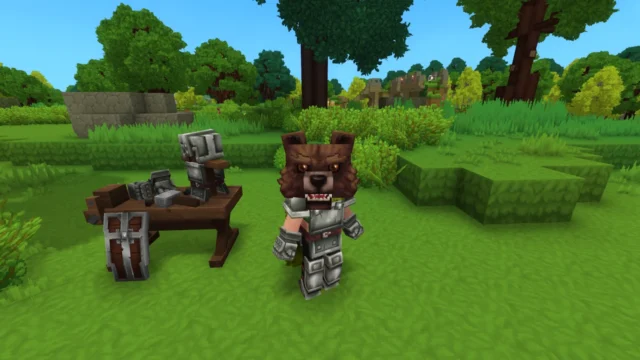
Wardrobe for Hytale
Cosmetics system for Hytale: adds hairstyles, clothing, accessories and models without using armor slots. It has no cosmetics of its own; you need compatible packs.
Download Wardrobe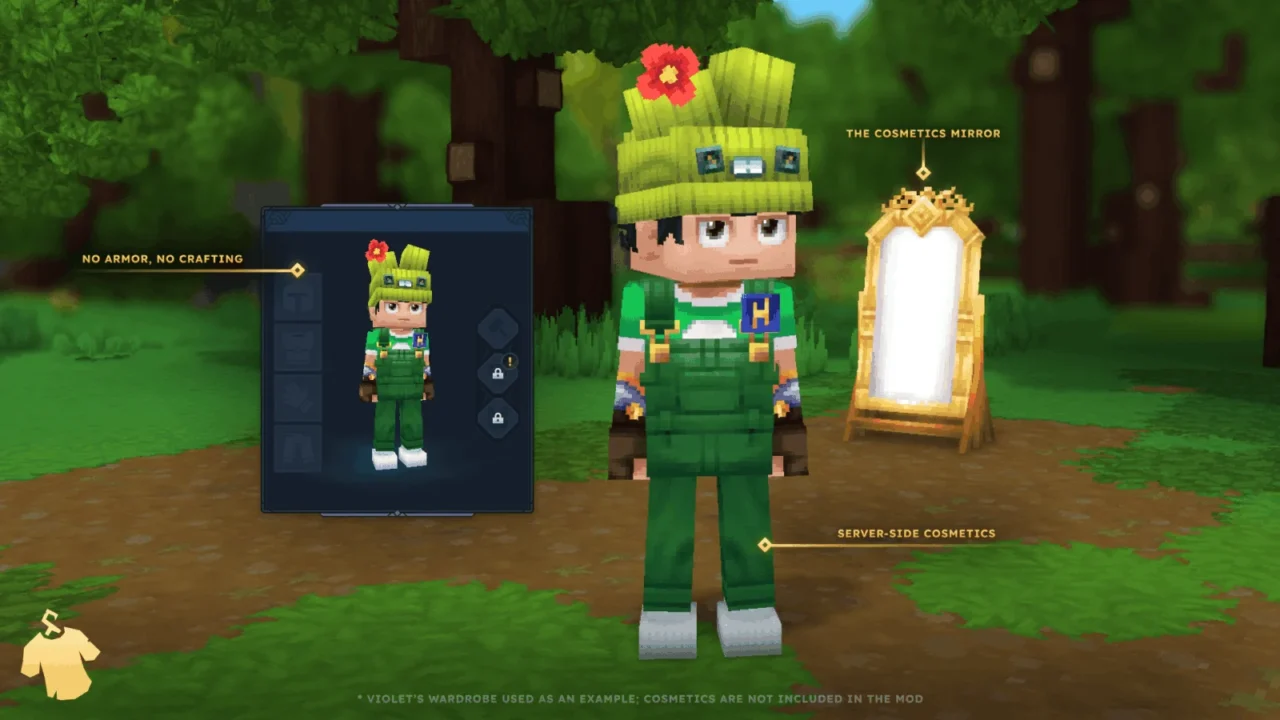
More screenshots on CurseForge ↗
What this mod does
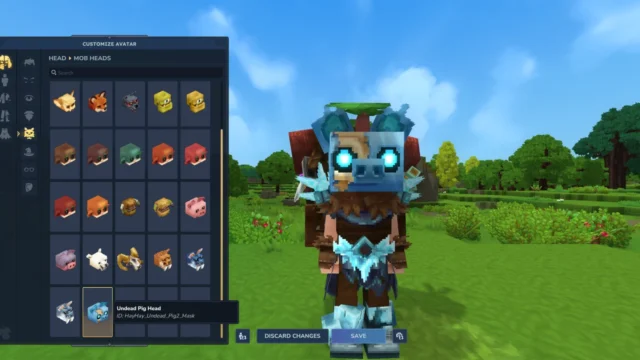
Wardrobe is the foundation of almost every player skin and cosmetics mod for Hytale. It recreates the game’s customization system and lets other creators add hairstyles, clothing, accessories and even full player models through asset packs. The key point: it doesn’t include any cosmetics of its own. You install it alongside one or more packs that explicitly say they work with Wardrobe, like HayHay’s Mob Cosmetics.
How to use it in game
- Craft the Cosmetics Mirror with five metal bars of any kind and three white crystal shards, and place it on the floor or on a wall to open the menu.
- You can also open it with the
/wardrobecommand, if you have permission to use it. - The menu mimics Hytale’s avatar editor: you search for pieces, pick texture and color variants and hide the default cosmetics.
- A Wardrobe cosmetic replaces the Hytale cosmetic in the same slot, and it doesn’t take up armor space.
For creators
Each cosmetic is defined in a JSON file inside the pack, with support for texture variants, model variants, color gradients and looks that change depending on the armor you’re wearing. The code is open source (AGPLv3 license) and there’s a wiki on GitHub.
Version
Version 0.3.5, from September 2, 2026, is built for Hytale 0.6.3.
Checked on October 20, 2026: the author hasn’t yet released a file tagged for Hytale 0.7 (Update 7) on CurseForge. We’ll check again and update this page as soon as it’s out.
User rating
Highlights and things to keep in mind
- It's the common base for many cosmetics packs
- Menu similar to the game's avatar editor
- Open source and updated for 0.6
- Comes with no cosmetics: it relies on third-party packs
- Each pack may be updated at a different pace
Requirements
- Hytale (Early Access) on PC, version 0.6
- At least one Wardrobe-compatible cosmetics pack so you have something to wear
- Permission to use /wardrobe if you play on a server that restricts it
How to install it
- Open the Wardrobe page on CurseForge and click Install to install it with the CurseForge app, or download the .jar file from the Files tab.
- If you download it manually, copy the file into the mods folder: on Windows %APPDATA%\Hytale\UserData\Mods.
- Install one or more cosmetics packs that say they require Wardrobe the same way.
- In Hytale, right-click the world, check Wardrobe and the packs in the mod list and save the world settings.
- In game, craft the Cosmetics Mirror or type /wardrobe to open the menu and choose your cosmetics.
Version history
-
0.3.52 Sep 2026Current
Updated to Hytale 0.6.3
-
0.3.427 May 2026
Version for Hytale 0.5
Common problems
I installed Wardrobe and the menu is empty
That's expected: Wardrobe is just the system. You need to install cosmetics packs made for Wardrobe.
Does it use armor slots?
No. Cosmetics are applied to your character's look without using gear; if they overlap with a Hytale cosmetic in the same slot, the Wardrobe one wins.
I can't use /wardrobe on a server
The command has its own permission node (hardaway.wardrobe.commands.wardrobe). Ask the admin to grant it to you or use the Cosmetics Mirror.
Mods that need Wardrobe
If you're installing any of these, you need this one first.
More mods for Hytale

 Multiplayer
 Multiplayer