HayHay’s Mob Cosmetics for Hytale
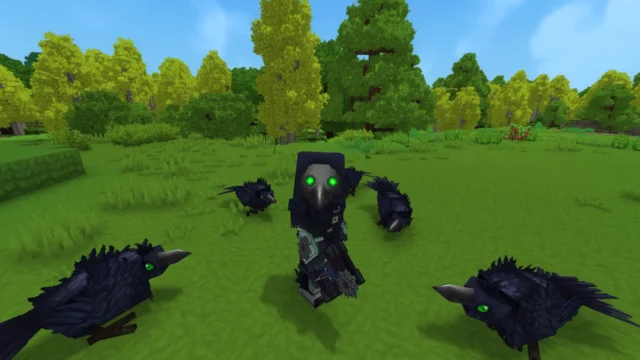
Over 200 cosmetics for your character inspired by Hytale's creatures: mob heads, horns, ears, hairstyles, clothing and capes. Requires the Wardrobe mod.
Download HayHay’s Mob Cosmetics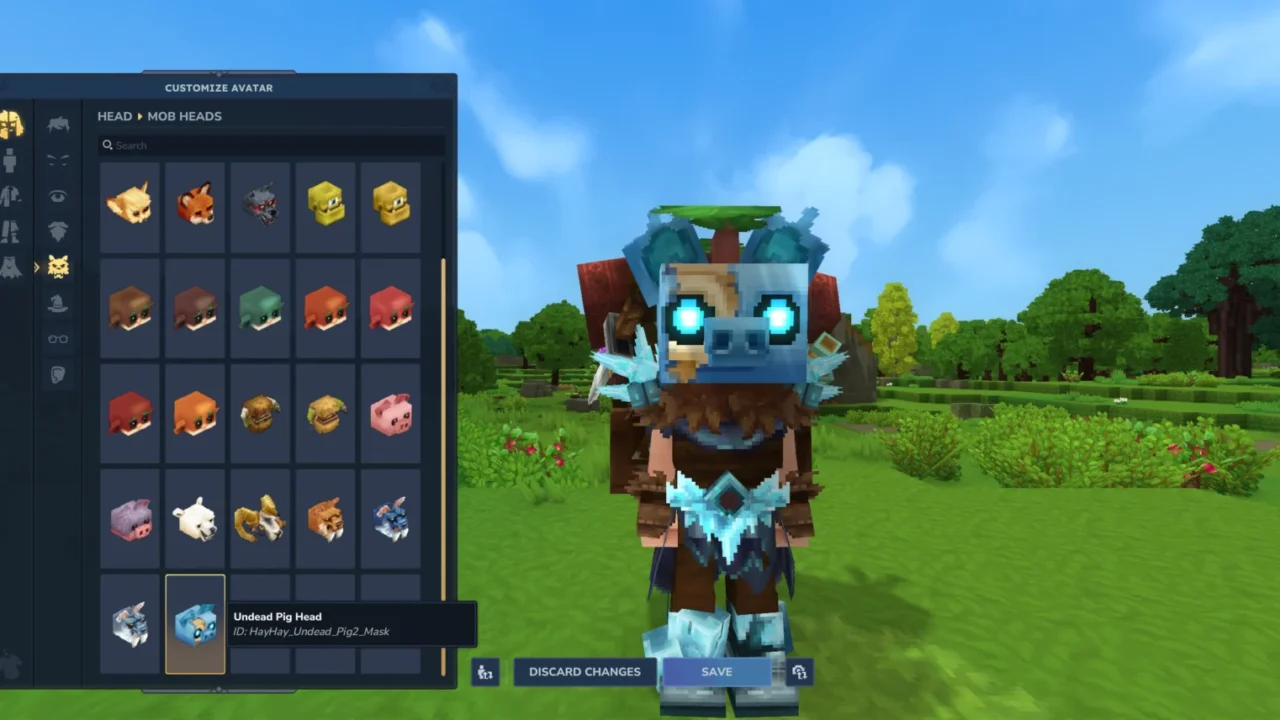
More screenshots on CurseForge ↗
What this mod does
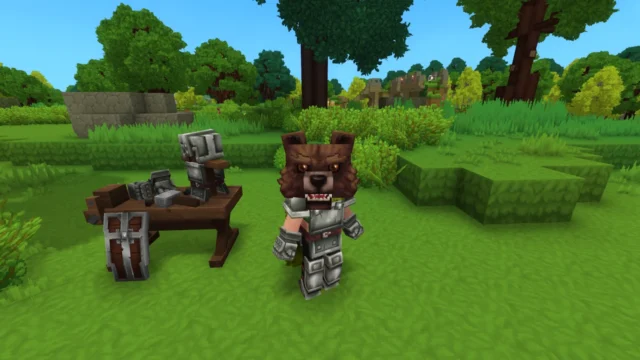
HayHay’s Mob Cosmetics expands your avatar’s customization options with pieces inspired by Hytale’s creatures. If you want your character to wear a mob head, a pair of horns or a beastly cape, this pack gives you plenty to choose from.
What’s included
- Over 200 options in total.
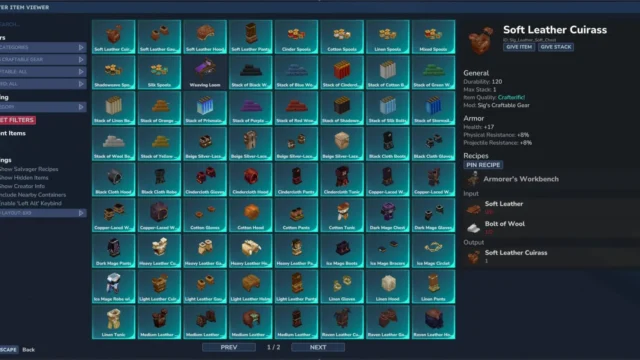
- Over 20 mob heads and over 100 head accessories.
- Horns, ears and face accessories.
- Hairstyles, eyes, eyebrows, beards and mouths.
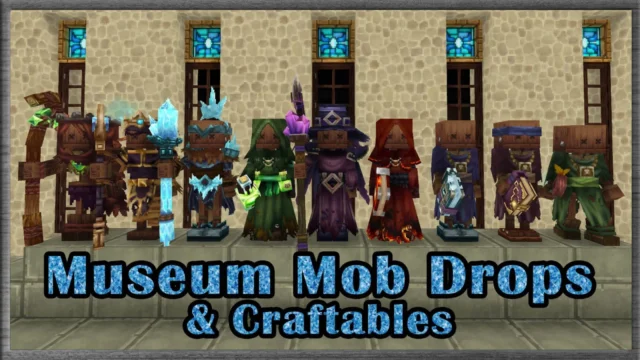
- Full outfits: shirts, outerwear, gloves, pants and footwear.
- Capes, backpacks, decorative weapons and miscellaneous items.
How it works
The pack doesn’t work on its own: it needs the Wardrobe mod, which adds a cosmetics mirror and the /wardrobe command to open a customization screen like the character creator. Once both are installed, this pack’s pieces show up on that screen.
Who it’s for
For players who want a flashier or themed character, for roleplay servers and for anyone who loves the look of the game’s creatures. The changes are purely cosmetic: they don’t give stats or take up armor slots. Version 2.12.3 is published for Hytale 0.6.
Checked on October 20, 2026: the author hasn’t yet published a file tagged for Hytale 0.7 (Update 7) on CurseForge. We’ll check again and update this page as soon as it’s out.
User rating
Highlights and things to keep in mind
- A huge number of customization pieces
- A look that fits the game's creatures
- Picked from a handy screen, no complicated commands
- Depends on the Wardrobe mod
- It has far fewer downloads than the other mods on this list
Requirements
- Hytale (Early Access) on PC, version 0.6 for version 2.12.3 of the pack
- Wardrobe mod 0.3.2 or later (version for 0.6)
- Enable both in the world settings
How to install it
- Open the pack's page on CurseForge and click Install: the CurseForge app installs Wardrobe too.
- If you do it manually, download the HayHay's Mob Cosmetics .zip and the Wardrobe file from each one's Files tab and copy them into %APPDATA%\Hytale\UserData\Mods (Windows).
- In Hytale, right-click the world, check both mods and click Save World Settings.
- Load your save and type /wardrobe, or craft and interact with the cosmetics mirror.
- Pick the pack's pieces on the customization screen.
Common problems
I can't find the cosmetics anywhere
You need the Wardrobe mod enabled in the same world; cosmetics are chosen from /wardrobe or the cosmetics mirror.
Do they give any combat advantage?
No, they're purely cosmetic pieces.
How do you craft the mirror?
According to the Wardrobe mod, with five metal bars and three white crystal shards; you can also use the /wardrobe command.
More mods for Hytale
 Multiplayer