Customize Anywhere for Stardew Valley
Change your farmer's look and open a wardrobe with all the game's clothing from anywhere, plus a mirror and a clothing catalog. Version 1.4.2 (March 2026).
Download Customize Anywhere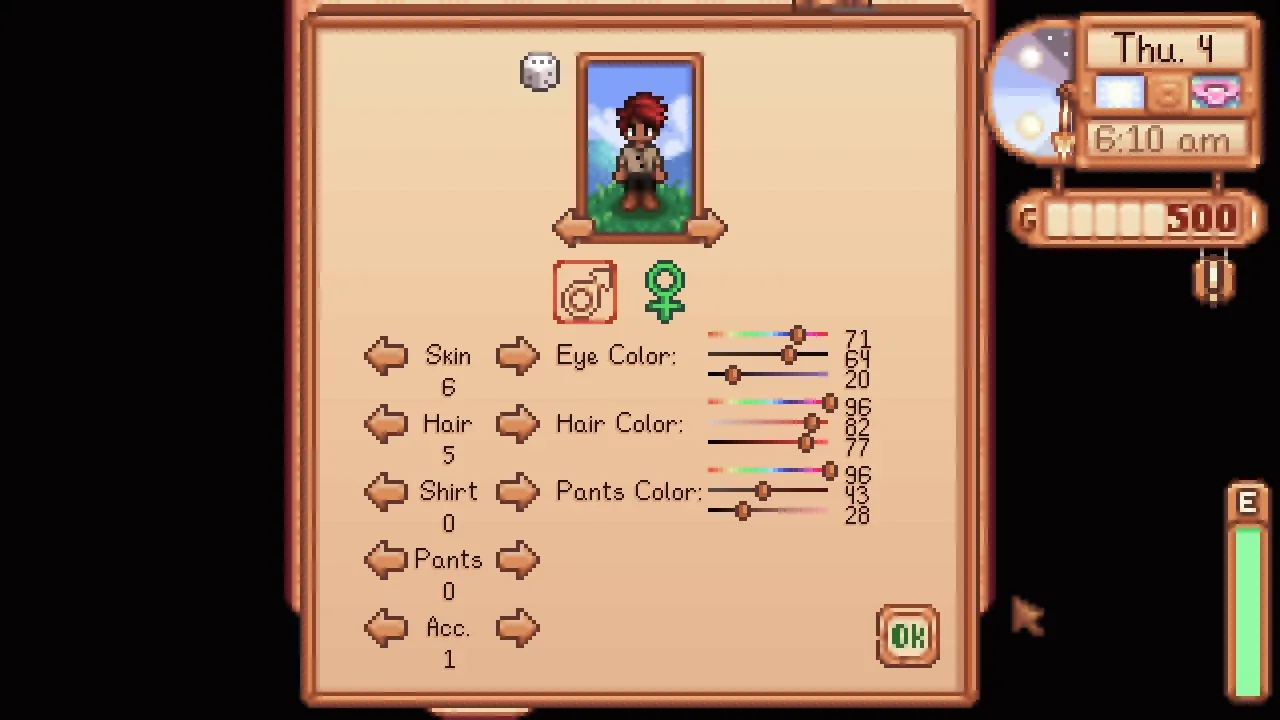
More screenshots on Nexus Mods ↗
What this mod does
Customize Anywhere lets you change your farmer’s appearance without waiting for the new bed or going to the dressing room in town. It opens the customization screen and a wardrobe with every piece of clothing in the game, including clothes from other mods, wherever you are.
How to use it
- Keyboard shortcuts:
Left Shift + 1opens customization;+ 2, dyeing;+ 3, tailoring; and+ 4, the clothing catalog. Dyeing and tailoring unlock with the base-game event. - Two furniture items in Robin’s shop, for 50,000g each: the customization mirror and the clothing catalog. They can also be crafted (10 Wood and 2 Refined Quartz for the mirror; 10 Wood for the catalog).
- With Generic Mod Config Menu you can disable or change the shortcuts and allow tailoring before it’s unlocked.
Compatibility
Version 1.4.2 (March 15, 2026) requires Stardew Valley 1.6.15 or later and SMAPI 4.1.10, and it’s maintained by Pathoschild. It works in single-player and multiplayer and has no known conflicts. It doesn’t add new clothes or hairstyles, and if you remove it your appearance stays the same. The dresser sprite is based on a mod by Eemiestardew, with credit. Gonzy42 publishes the Spanish translation on Nexus.
User rating
Highlights and things to keep in mind
- Change your look at any time
- Works with clothing from other mods
- Maintained by Pathoschild in 2026
- Spanish translation available
- The catalog gives access to all clothing, which takes some of the fun out of hunting for it
- The furniture costs 50,000g in the shop
- The Nexus tags are outdated (1.4); the description states the compatibility
Requirements
- Stardew Valley 1.6.15 or later (Windows, macOS or Linux)
- SMAPI 4.1.10 or later
- Optional: Generic Mod Config Menu
How to install it
- Install SMAPI first (see its mod page) and launch the game once with it to make sure it works.
- Open the Customize Anywhere page on Nexus Mods, go to the Files tab and click Manual download on the main file (Customize Anywhere 1.4.2). You need a free Nexus account to download.
- Extract the .zip outside the game folder and move the resulting folder into the Mods folder, inside the game folder.
- Optional: for a Spanish version, download 'Customize Anywhere - Spanish' by Gonzy42 on Nexus and follow its instructions.
- Launch the game with SMAPI, load your save and press Left Shift + 1 to open the customization screen.
Version history
-
1.4.215 Mar 2026Current
Current file, updated by Pathoschild (requires SMAPI 4.1.10)
-
1.4.17 Sep 2025
Updated by Pathoschild
-
1.4.025 Jan 2025
Updated by Pathoschild
Common problems
Does it add new clothes?
No. It gives you access to the clothing that already exists in the game and your mods, but it doesn't add garments or character options.
Can I use tailoring early?
Yes, if you turn it on in Generic Mod Config Menu.
What happens if I uninstall it?
Your appearance stays the same; you only lose the mod's shortcuts and furniture.
More mods for Stardew Valley
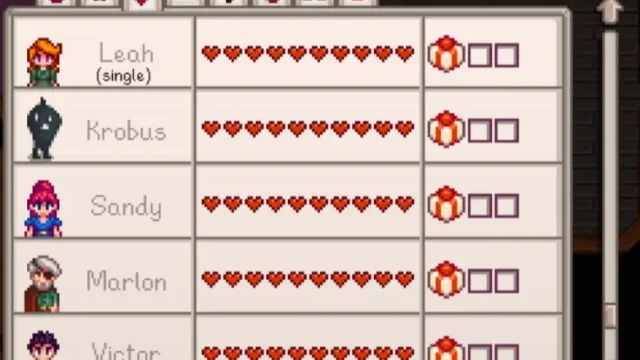 ✓ Stardew Valley 1.6Multiplayer
 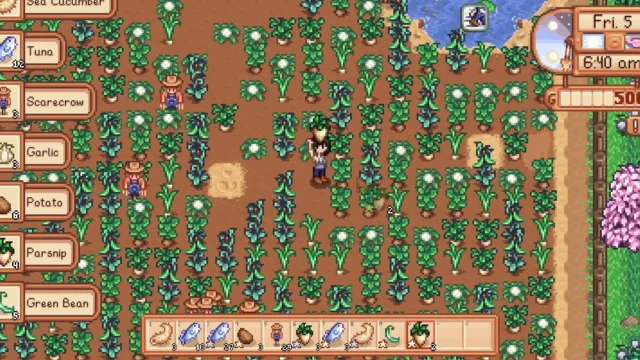 ✓ Stardew Valley 1.6Multiplayer
 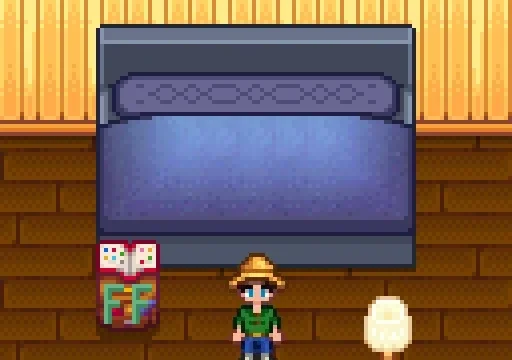 ✓ Stardew Valley 1.6
  ✓ Stardew Valley 1.6Multiplayer
  ✓ Stardew Valley 1.6
  ✓ Stardew Valley 1.6