SMAPI (Stardew Modding API) for Stardew Valley
The Stardew Valley mod loader: without it, almost no mod works. Version 4.5.2 for 1.6.14 or later on Windows, macOS, Linux and Steam Deck.
Download SMAPI (Stardew Modding API)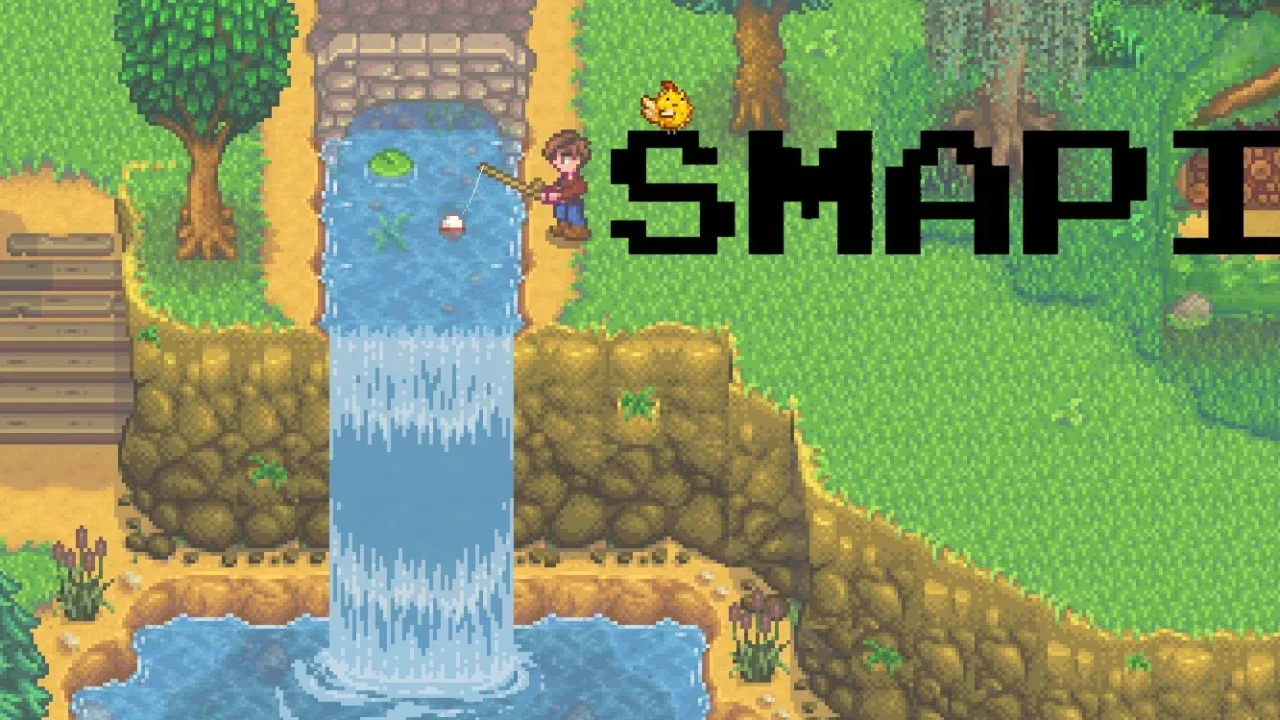
More screenshots on smapi.io (official website; also on Nexus Mods and GitHub) ↗
What this mod does
SMAPI (Stardew Modding API) is the Stardew Valley mod loader and the foundation of almost everything you’ll find in this section: without it, most mods won’t even load. It’s maintained by Pathoschild, who also made Content Patcher, Lookup Anything and Automate, and it’s open source.
What it does
- Loads the mods in the
Modsfolder at startup and opens a console where you can see what loaded and what failed. - Lets you know when new versions of your installed mods are available.
- Adapts mods to work on any supported system, so almost all of them work the same on Windows, macOS or Linux.
- Since 4.5, according to its release notes, it includes in-game settings and malicious file detection.
Requirements and compatibility
Version 4.5.2 needs Stardew Valley 1.6.14 or later (the latest PC version is 1.6.15) and works on Windows, macOS, Linux and Steam Deck. It keeps Steam and GOG achievements working, coexists with the vanilla game and can be uninstalled whenever you want. To update it, just run the new version’s installer, which removes the old one.
It doesn’t work on Android or consoles. On Android there’s a separate unofficial port (SMAPI for Android, by NRTnarathip), which the official wiki still considers experimental.
User rating
Highlights and things to keep in mind
- Essential: almost every mod needs it
- Installer for Windows, macOS and Linux; also works on Steam Deck
- Console with error log and mod update alerts
- Open source and continuously maintained
- On Steam for Windows you have to add the launch option the installer gives you
- On macOS you may need to allow the installer in Privacy & Security
- Game updates can break mods until their authors update them
- Not for Android: the mobile port is a separate, unofficial project
Requirements
- Stardew Valley 1.6.14 or later on PC (Steam, GOG or Xbox app) or Steam Deck
- Having opened the game at least once without mods
- Doesn't work on Android (there's a separate unofficial port), iOS or consoles
How to install it
- Open Stardew Valley once without mods so it finishes its initial setup, then close it.
- Download SMAPI 4.5.2 from smapi.io (or from its Nexus page) and extract the .zip outside the game folder.
- Windows: double-click 'install on Windows.bat'. macOS: right-click the .command installer and choose Open (if macOS blocks it, go to System Settings > Privacy & Security > Open Anyway). Linux: run './install on Linux.sh' from a terminal.
- Follow the installer's instructions and choose install.
- On Steam for Windows, copy the line the installer shows you (the path to StardewModdingAPI.exe in quotes followed by %command%) and paste it into the game's Properties > Launch Options.
- Start the game as usual: the SMAPI console window will open alongside it. From now on, copy each extracted mod into the Mods folder.
Version history
-
4.5.214 Mar 2026Current
Patch in the 4.5 series (which added in-game settings and malicious file detection): performance, Linux/macOS installer and translations
Common problems
Will I lose my saves if I install SMAPI?
No. SMAPI coexists with the vanilla game and uninstalls with the same installer. That said, a save that uses content mods (NPCs, items, areas) may depend on them.
Does it work with the Xbox app or Game Pass version?
Yes, but with extra steps: you have to rename the game's executable and redo it after every update. The official wiki's Windows guide explains how.
Can I use it on mobile or console?
There are no mods on consoles or iOS. On Android there's SMAPI for Android, an unofficial, experimental port for 1.6.15.1 or later on 64-bit systems.
Mods that need SMAPI (Stardew Modding API)
If you're installing any of these, you need this one first.
 ✓ Stardew Valley 1.6Multiplayer
  ✓ Stardew Valley 1.6Multiplayer
  ✓ Stardew Valley 1.6Multiplayer
  ✓ Stardew Valley 1.6Multiplayer
  ✓ Stardew Valley 1.6Multiplayer
  ✓ Stardew Valley 1.6Multiplayer
 More mods for Stardew Valley
 ✓ Stardew Valley 1.6Multiplayer
  ✓ Stardew Valley 1.6Multiplayer
  ✓ Stardew Valley 1.6Multiplayer
  ✓ Stardew Valley 1.6
  ✓ Stardew Valley 1.6
  ✓ Stardew Valley 1.6Multiplayer