Content Patcher for Stardew Valley
The framework most retextures, portraits and expansions load through: it applies content packs without touching game files. Version 2.9.1 for 1.6.15 or later.
Download Content Patcher
More screenshots on Nexus Mods ↗
What this mod does
Content Patcher is the framework the most mods need in Stardew Valley. On its own it doesn’t change anything: it loads content packs, mods that change the game’s data, images and maps without replacing XNB files. Retextures, portraits, new NPCs and expansions like Stardew Valley Expanded depend on it.
Why you need it
- Packs can change based on location, weather, date, events seen, your spouse or your relationships; for example, different outfits for each season.
- Packs install and uninstall without touching the game files.
- It includes update and compatibility checks, plus translation support for packs.
- With Generic Mod Config Menu, every Content Patcher pack gets an options menu automatically.
Compatibility
Version 2.9.1 works with Stardew Valley 1.6.15 or later on Windows, macOS and Linux, in single-player and multiplayer, and the author lists no known conflicts. For Android phones there’s a separate file, 2.8.1, which Nexus marks as an Android-only version. It only needs SMAPI.
Content packs usually have the [CP] prefix in their folder name and go in Mods like any other mod. If a pack doesn’t do anything, check the SMAPI console to make sure Content Patcher loaded.
User rating
Highlights and things to keep in mind
- Required by a large share of content mods
- Install and uninstall packs without touching game files
- Automatic options menu for packs with Generic Mod Config Menu
- Open source with no known conflicts
- Does nothing without content packs
- Android users must use 2.8.1, not the latest version
- The Nexus page doesn't link a Spanish translation (each pack provides its own text)
Requirements
- Stardew Valley 1.6.15 or later (PC: Windows, macOS or Linux)
- SMAPI 4.x (the latest version)
- Android: use the 2.8.1 file, marked Android-only
How to install it
- Install SMAPI first (see its mod page) and launch the game with it once to make sure it works.
- Open the Content Patcher page on Nexus Mods, go to the Files tab and click Manual download on the main file (Content Patcher 2.9.1). You need a free Nexus account to download.
- Extract the .zip outside the game folder and move the resulting folder into Mods, inside the game folder (on Steam for Windows: C:\Program Files (x86)\Steam\steamapps\common\Stardew Valley\Mods).
- Then install the content packs you want (folders that usually start with [CP]) in the same Mods folder and launch the game with SMAPI.
Version history
-
2.9.115 Mar 2026Current
Current main file (for Stardew Valley 1.6.15 or later)
-
2.8.126 Oct 2025
Version Nexus keeps for Android only
Common problems
Does it change anything if I install it on its own?
No. Content Patcher doesn't do anything by itself: it only applies the content packs that need it.
What's a content pack?
A mod with no code of its own (JSON files and images) that Content Patcher applies to the game. Lots of retextures, portraits and expansions work this way.
Does it work on Android?
Nexus offers a separate file, 2.8.1, marked as an Android-only version.
Mods that need Content Patcher
If you're installing any of these, you need this one first.
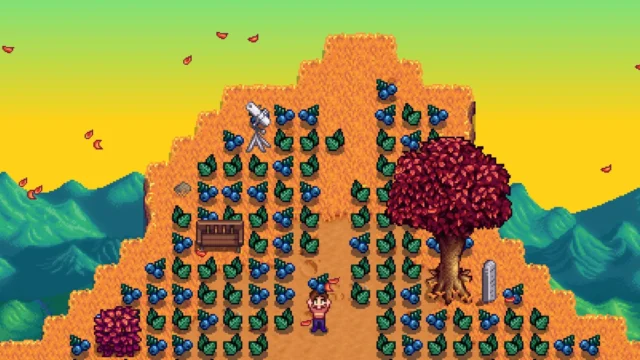 ✓ Stardew Valley 1.6Multiplayer
  ✓ Stardew Valley 1.6
  ✓ Stardew Valley 1.6
  ✓ Stardew Valley 1.6
 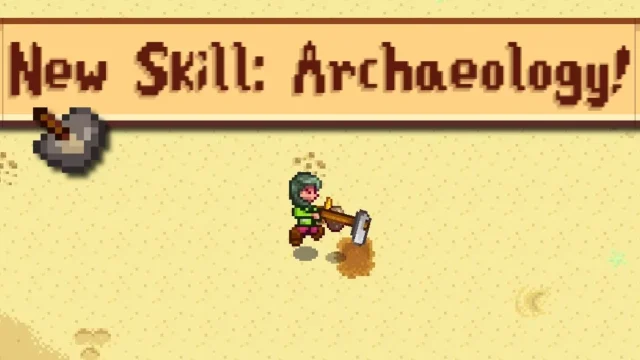 ✓ Stardew Valley 1.6
  ✓ Stardew Valley 1.6
 More mods for Stardew Valley
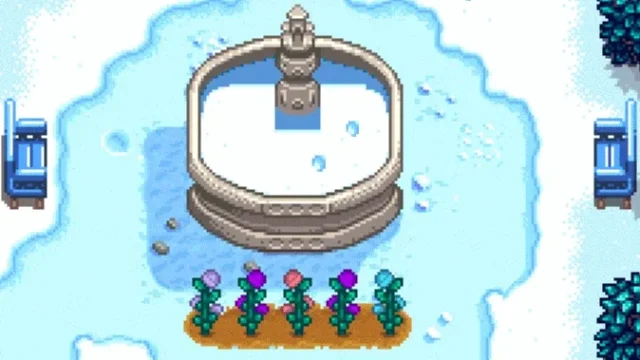 ✓ Stardew Valley 1.6Multiplayer
  ✓ Stardew Valley 1.6Multiplayer
  ✓ Stardew Valley 1.6Multiplayer
  ✓ Stardew Valley 1.6
  ✓ Stardew Valley 1.6
  ✓ Stardew Valley 1.6Multiplayer