Generic Mod Config Menu for Stardew Valley
In-game menu to change other mods' options without editing config.json. Version 1.16.0 for 1.6.14 or later, with a Spanish translation on Nexus.
Download Generic Mod Config Menu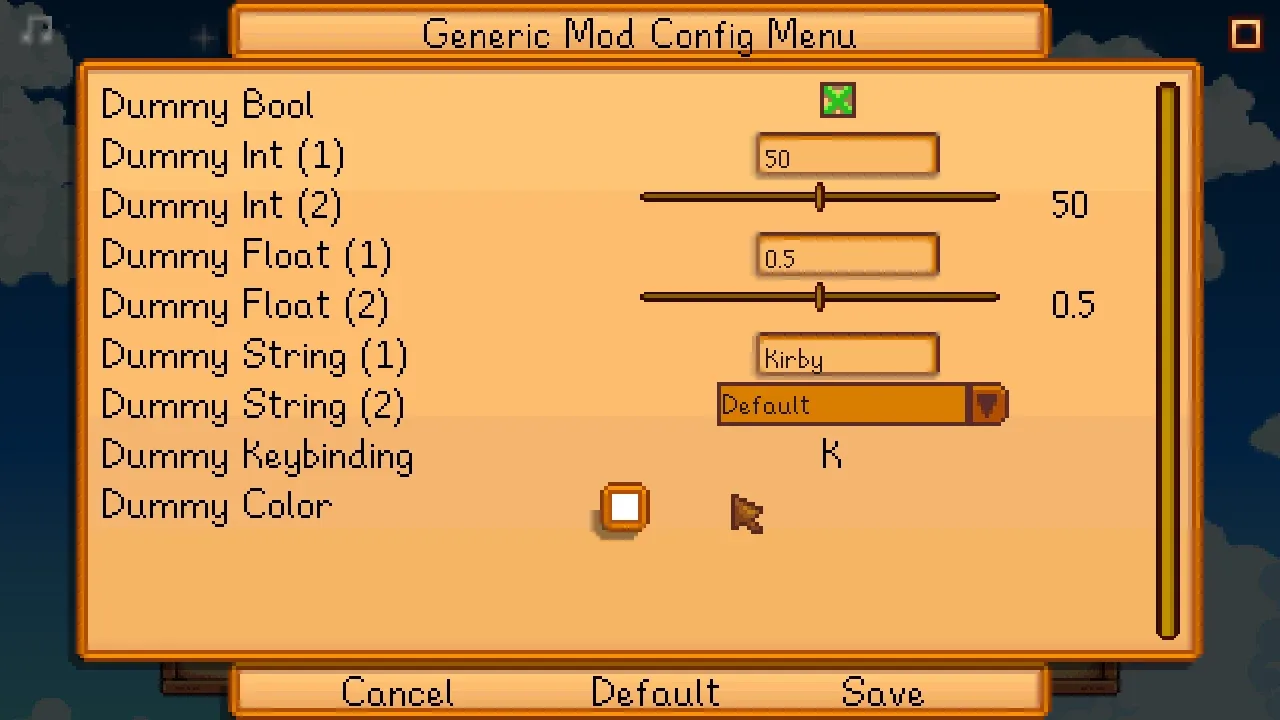
More screenshots on Nexus Mods ↗
What this mod does
Generic Mod Config Menu (GMCM) adds an in-game menu to change other mods’ options without opening config.json files. It’s by spacechase0 and shows up as an optional requirement on a huge number of mod pages.
How to use it
- From the title screen, with the gear button.
- During play, at the bottom of the game’s options menu.
- Changes apply when you save, without restarting the game.
- Some mods only let you change their options from the title screen.
It only shows mods that support it, but every Content Patcher pack gets a menu automatically. Mods that support it include Automate, Tractor Mod and NPC Map Locations.
Compatibility
Version 1.16.0 (October 18, 2025) is built for Stardew Valley 1.6.14 and adds subheadings to menus, plus a fix for mods that open the config through its API. The page lists Windows, macOS and Linux, in single-player and multiplayer. For Android there’s only an old version, 1.2.0 from 2020, which the author keeps as an optional file. It needs SMAPI. Nexus links a Spanish (Spain) translation by Gonzy42.
User rating
Highlights and things to keep in mind
- No more editing config files by hand
- Available from the title screen and during play
- Works with every Content Patcher pack
- Spanish translation available on Nexus
- Only shows mods that support it
- Some mods can only be configured from the title screen
- On Android there's only a very old version (1.2.0)
Requirements
- Stardew Valley 1.6.14 or later (PC)
- SMAPI 4.x
- Android: only the old 1.2.0 version (optional file)
How to install it
- Install SMAPI first (see its mod page) and launch the game with it once to make sure it works.
- Open the Generic Mod Config Menu page on Nexus Mods, go to the Files tab and click Manual download on the main file (Generic Mod Config Menu 1.16.0). You need a free Nexus account to download.
- Extract the .zip outside the game folder and move the resulting folder into Mods, inside the game folder (on Steam for Windows: C:\Program Files (x86)\Steam\steamapps\common\Stardew Valley\Mods).
- Launch the game with SMAPI: on the title screen you'll see the gear button with the list of configurable mods.
Version history
-
1.16.018 Oct 2025Current
For Stardew Valley 1.6.14: subheadings in menus and a fix for mods that open the config through its API
-
1.2.03 Aug 2020
Old version kept only for Android
Common problems
Why doesn't a mod show up in the menu?
Only mods that support GMCM show up (plus every Content Patcher pack). You still configure the rest by editing their config.json.
Do I have to restart the game after changing options?
No. Changes apply when you save in the menu.
Is it in Spanish?
Spanish isn't in the mod's language list on Nexus, but the page links a Spanish (Spain) translation by Gonzy42.
Mods that need Generic Mod Config Menu
If you're installing any of these, you need this one first.
 ✓ Stardew Valley 1.6
 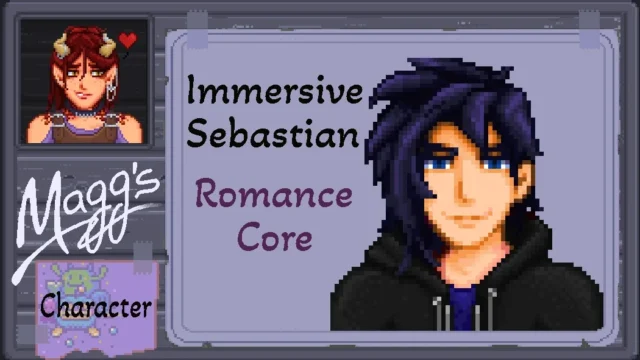 ✓ Stardew Valley 1.6
  ✓ Stardew Valley 1.6
 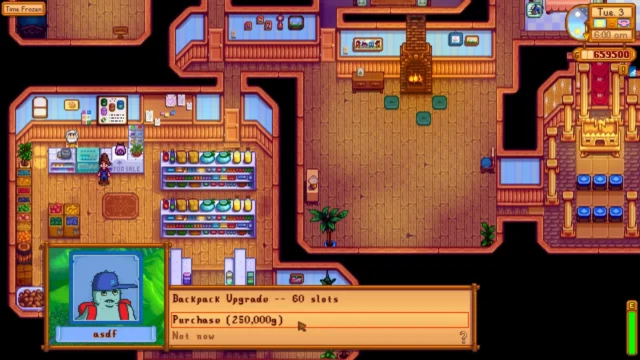 ✓ Stardew Valley 1.6
 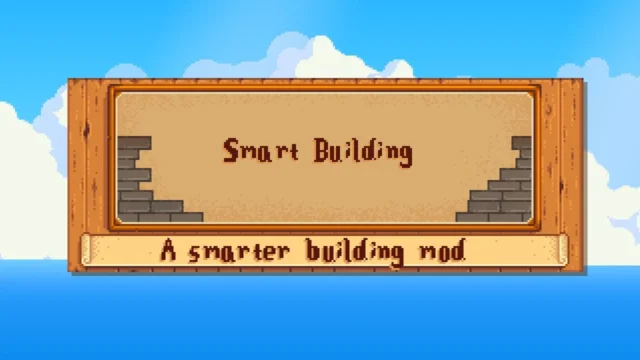 ✓ Stardew Valley 1.6
 More mods for Stardew Valley
 ✓ Stardew Valley 1.6Multiplayer
  ✓ Stardew Valley 1.6Multiplayer
  ✓ Stardew Valley 1.6Multiplayer
  ✓ Stardew Valley 1.6Multiplayer
  ✓ Stardew Valley 1.6
  ✓ Stardew Valley 1.6Multiplayer