Farm Type Manager (FTM) for Stardew Valley
Framework that spawns forage, ores and monsters on custom farms and areas; required by SVE, Ridgeside Village and East Scarp. Version 1.26.1 for 1.6.15.
Download Farm Type Manager (FTM)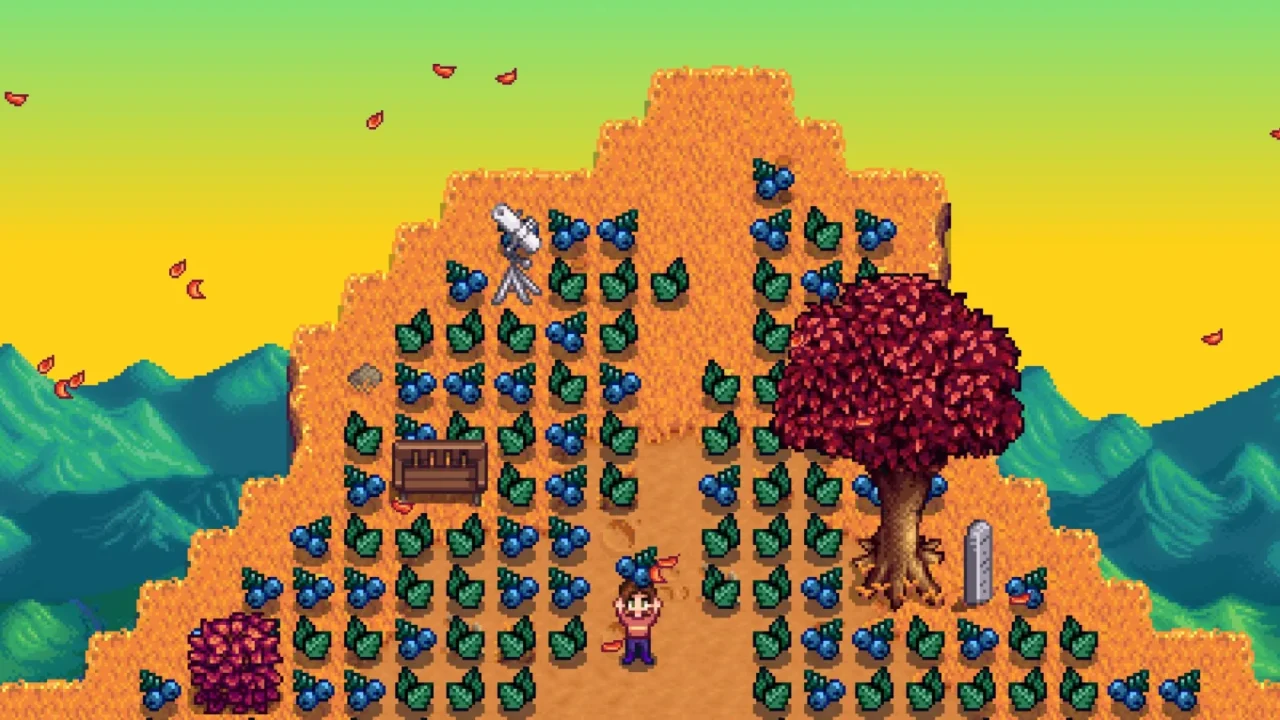
More screenshots on Nexus Mods ↗
What this mod does
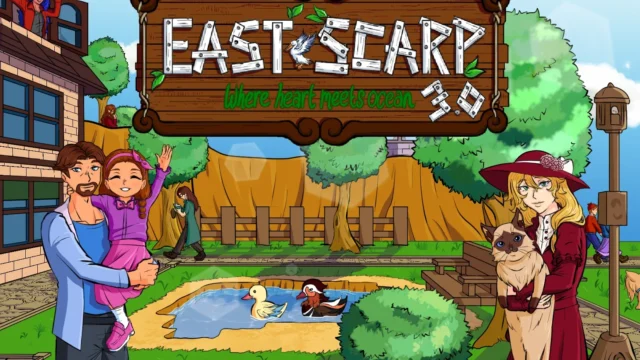
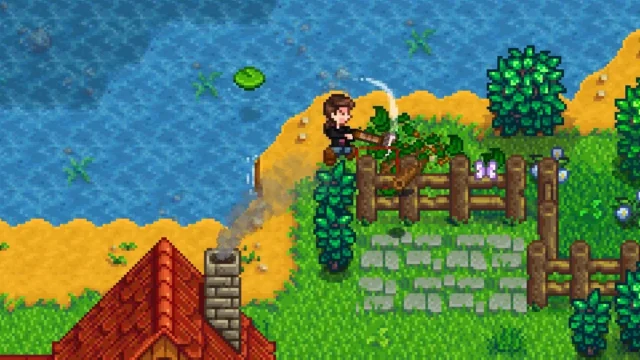
Farm Type Manager (FTM), by Esca-MMC, spawns items and monsters on the map following rules set by content packs: forage, stones, ores or enemies on custom farms and new areas. Expansions like Stardew Valley Expanded, Ridgeside Village and East Scarp require it.
For players
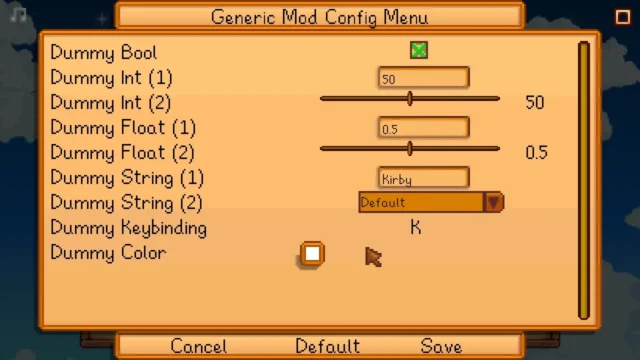
- Global options, such as the monster limit per area, are in
config.jsonor in Generic Mod Config Menu. - With the optional Config Editor file (an HTML file you open in your browser) you can edit packs or create your own spawn rules for your farm.
- It has console commands like
whereami,list_monstersorremove_items.
Compatibility
Version 1.26.1 (November 14, 2025) is designed for Stardew Valley 1.6.15 and reduces the size of SMAPI logs. Since 1.16.0 it needs Content Patcher, in addition to SMAPI. In multiplayer everyone must install it: if only the host has it, the others may see errors or be unable to interact with some items and monsters, and only the host’s settings apply. It’s tagged as Android-compatible. Nexus links a Spanish (Spain) translation by Gonzy42.
User rating
Highlights and things to keep in mind
- Required by the big expansions (SVE, RSV, East Scarp)
- Global options in GMCM
- Optional visual editor for your own rules
- Android-compatible tag
- Needs Content Patcher
- Every player must install it in multiplayer
- Some pack features have limitations documented in its changelog (for example, the IsOn setting doesn't apply to basic objects)
Requirements
- Stardew Valley 1.6.15 (PC; Android-compatible tag)
- SMAPI 4.x
- Content Patcher (required since FTM 1.16.0)
- In multiplayer, installed for every player
How to install it
- Install SMAPI first (see its mod page) and launch the game with it once to make sure it works.
- Also install Content Patcher, which FTM needs since version 1.16.0.
- Open the Farm Type Manager page on Nexus Mods, go to the Files tab and click Manual download on the main file (Farm Type Manager v1.26.1). You need a free Nexus account to download.
- Extract the .zip outside the game folder and move the resulting folder into Mods, inside the game folder (on Steam for Windows: C:\Program Files (x86)\Steam\steamapps\common\Stardew Valley\Mods).
- Optional: download Config Editor (optional file) and open it in your browser if you want to create your own spawn rules.
- Launch the game with SMAPI and check in the console window that Farm Type Manager shows up in the list of loaded mods with no red errors.
Version history
-
1.26.114 Nov 2025Current
Fewer messages in the SMAPI log and fixes for overlapping forage; designed for SDV 1.6.15
-
Config Editor 1.23.027 Jul 2024
Optional HTML editor for packs and your own farm rules
Common problems
Do I need FTM if I don't use custom farms?
Only if a mod asks for it. Many expansions use it to spawn forage and monsters in their areas.
What happens if only the host installs it?
The others may see SMAPI errors or be unable to see or use some items and monsters. Everyone must install it.
Can I limit the monsters?
Yes, with the global options in config.json or from Generic Mod Config Menu.
Mods that need Farm Type Manager (FTM)
If you're installing any of these, you need this one first.
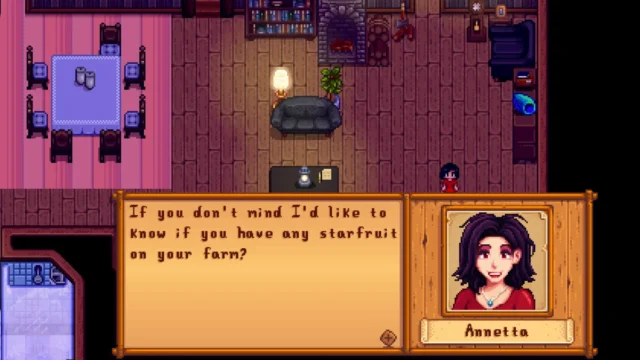 ✓ Stardew Valley 1.6Multiplayer
 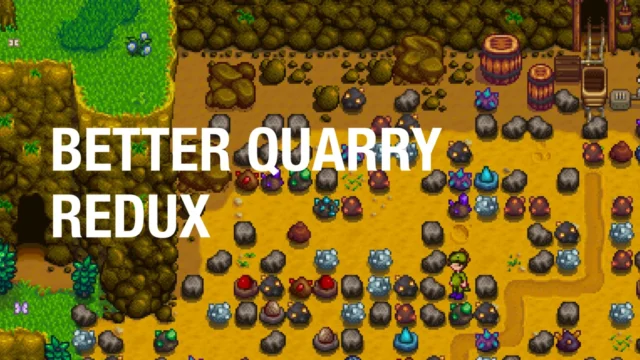 ✓ Stardew Valley 1.6
  ✓ Stardew Valley 1.6
  ✓ Stardew Valley 1.6Multiplayer
  ✓ Stardew Valley 1.6Multiplayer
  ✓ Stardew Valley 1.6Multiplayer
 More mods for Stardew Valley
 ✓ Stardew Valley 1.6Multiplayer
  ✓ Stardew Valley 1.6Multiplayer
  ✓ Stardew Valley 1.6Multiplayer
  ✓ Stardew Valley 1.6Multiplayer
  ✓ Stardew Valley 1.6Multiplayer
  ✓ Stardew Valley 1.6