Custom NPC Exclusions for Stardew Valley
A utility that lets other mods exclude their NPCs from quests, Winter Star gifts, island visits or the movie theater. Many NPC mods require it. Version 1.6.0.
Download Custom NPC Exclusions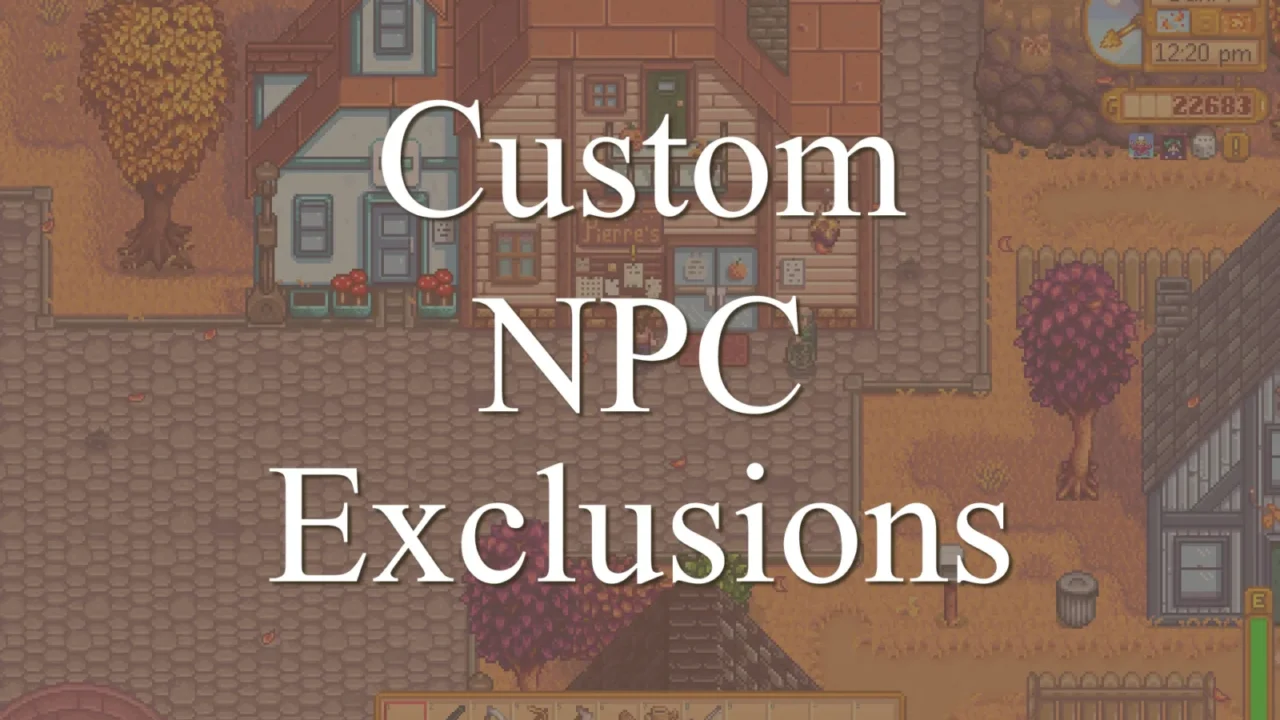
More screenshots on Nexus Mods ↗
What this mod does
Custom NPC Exclusions, by Esca-MMC, is a small utility listed as a requirement by many mods that add characters. It was commissioned by FlashShifter for the NPCs in Stardew Valley Expanded and does nothing on its own.
What it’s for
Some game mechanics pick characters at random. Without this mod, an NPC who lives far from town might ask you for a delivery on the Help Wanted board or say they shop at Pierre’s. With it, each mod decides which characters are left out of:
- The Introductions quest and random delivery quests.
- The Feast of the Winter Star gift exchange.
- Visits to the Ginger Island resort and movie theater invitations.
- Greetings between NPCs, the perfection score and calendar birthdays.
Requirements and compatibility
It only needs SMAPI. Version 1.6.0 (March 19, 2024, 20 KB) rewrites the code for 1.6, and Nexus tags it as compatible with Android. In multiplayer, the author recommends that all players install it, because NPC mods with mismatched versions can cause errors. Only install it if a mod asks for it.
User rating
Highlights and things to keep in mind
- Prevents odd situations with modded NPCs
- Lightweight (20 KB), no configuration needed
- Tagged as compatible with Android
- Does nothing without mods that use it
- The latest version is from March 2024, although it's built for 1.6
Requirements
- Stardew Valley 1.6.x (PC; tagged as compatible with Android)
- SMAPI 4.x
- A mod that uses it (it does nothing on its own)
How to install it
- Install SMAPI first (see its mod page) and launch the game once with it to make sure it works.
- Open the Custom NPC Exclusions page on Nexus Mods, go to the Files tab and click Manual download on the main file (Custom NPC Exclusions v1.6.0). You need a free Nexus account to download.
- Extract the .zip outside the game folder and move the resulting folder into the Mods folder, inside the game folder.
- Launch the game with SMAPI and check in the console that Custom NPC Exclusions appears in the list of loaded mods with no red errors.
Version history
-
1.6.019 Mar 2024Current
Current file: code rewritten for 1.6
-
1.5.020 Sep 2023
Last version for 1.5.6 (Old files)
Common problems
Does it need configuring?
No. The mods that use it specify which NPCs to exclude; you just have to install it.
Do all players need it in multiplayer?
The author recommends it, because NPC mods with different versions between players can cause errors.
What is the Exclusion Example Pack for?
It's a test pack for authors that excludes some base-game NPCs; it isn't meant for regular play.
Mods that need Custom NPC Exclusions
If you're installing any of these, you need this one first.
More mods for Stardew Valley
 ✓ Stardew Valley 1.6Multiplayer
  ✓ Stardew Valley 1.6Multiplayer
  ✓ Stardew Valley 1.6Multiplayer
  ✓ Stardew Valley 1.6Multiplayer
  ✓ Stardew Valley 1.6
  ✓ Stardew Valley 1.6Multiplayer