Jump Button for BeamNG.drive
Adds a button that makes your car jump without ramps, with configurable force and cooldown. A silly but very fun mod that's also used in BeamMP.
Download Jump Button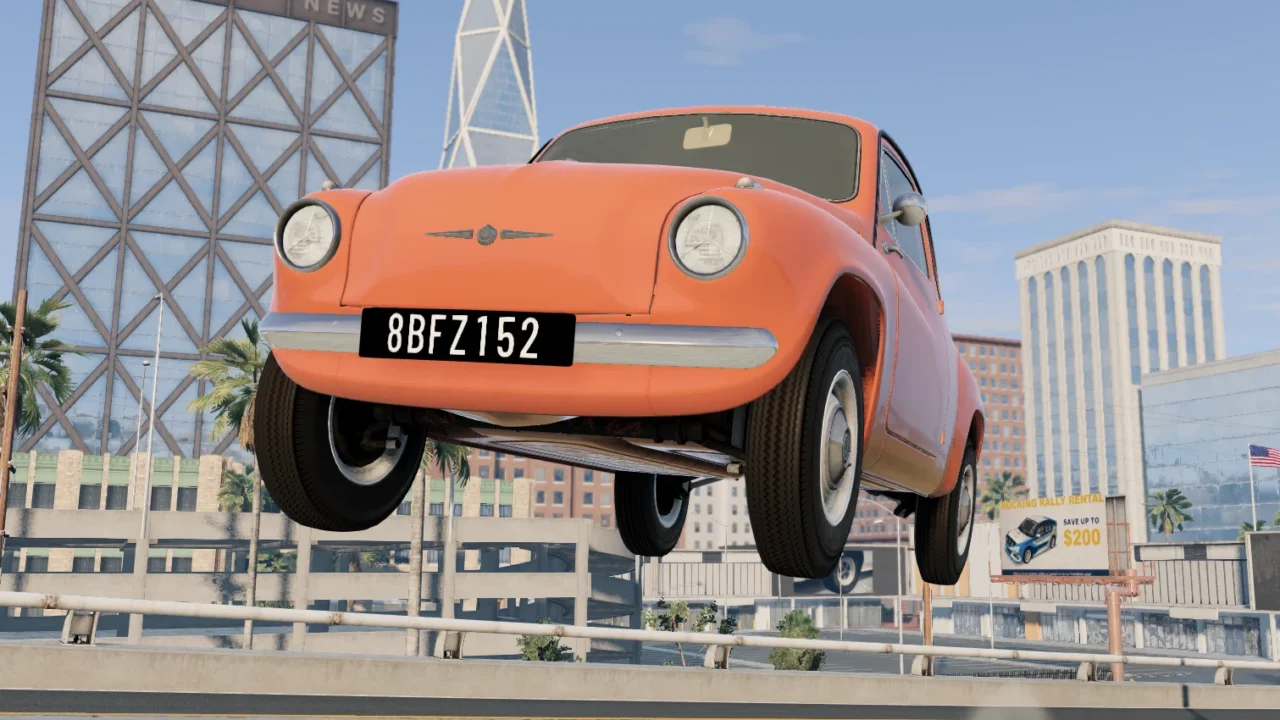
More screenshots on Official BeamNG Repository (beamng.com/resources) ↗
What this mod does
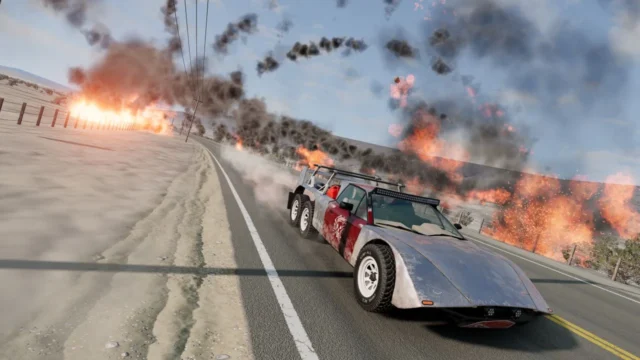
Jump Button does exactly what its name says: it adds a button to BeamNG.drive that makes your vehicle jump at any moment, no ramps needed. It works with a wide variety of land vehicles, although the author jokingly points out that most modern cars aren’t designed to jump.
What’s included
- A jump action, bound to the U key by default.
- A UI app to adjust the jump force, in other words, the height.
- A setting for the cooldown between one jump and the next.
How to use it
Add the Jump Button app to your UI to change the settings and check the key under Options, Controls, in the Jump Button (mod) section. Then just press it. The effect applies to the player’s whole vehicle, so any parts that have come off go flying too. Some players are asking for a way to remove the jump smoke.
What it’s for
It’s perfect for goofing around, dodging crashes or creating your own challenges. Several users use it in BeamMP to avoid hits from other players, and one jokes that the game looks more and more like soccer with cars.
Compatibility
The latest version is from April 2025 and doesn’t specify a game version. Reviews from 2026 are still positive, but it’s worth testing it in 0.40.
User rating
Highlights and things to keep in mind
- Lots of fun and easy to use
- Adjustable force and cooldown
- Used by many BeamMP players
- The current game version is 0.40 (October 19, 2026): the mod doesn't list it and may need an update; also, after a major update the game disables mods and you have to re-enable them
- Latest version from April 2025
- Loose car parts jump too
- The jump leaves a smoke effect that can't be removed
Requirements
- BeamNG.drive 0.35
How to install it
- Open the Jump Button page on the official BeamNG Repository.
- Click Download to get the .zip, or click Subscribe to install it from the in-game Repository.
- If you download it manually, copy the .zip (don't unzip it) into the mods folder in your user folder (AppData > Local > BeamNG > BeamNG.drive > current > mods; the launcher opens it with Manage User Folder).
- Launch the game and check in the Mod Manager that it's enabled.
- Check or change the key in Options > Controls > Jump Button (mod); it's U by default.
- If you want to change the height or the time between jumps, add the Jump Button app from UI Apps.
Version history
-
1.324 Apr 2025Current
Compatibility update (no further notes).
-
—31 Mar 2025
Jump timer fix.
-
—28 Mar 2025
More consistent jumping (Consistency).
Common problems
Which key makes you jump?
U by default; you can change it in Options > Controls > Jump Button (mod).
How do I make higher jumps?
Add the Jump Button app to your UI and raise the jump force.
Why do loose parts go flying too?
Because the jump applies to the player's whole vehicle, including detached parts.
More mods for BeamNG