Custom Bush for Stardew Valley
Framework for adding new bushes that work like the Tea Bush. You can remove it at any time without breaking your save. Version 1.5.2.
Download Custom Bush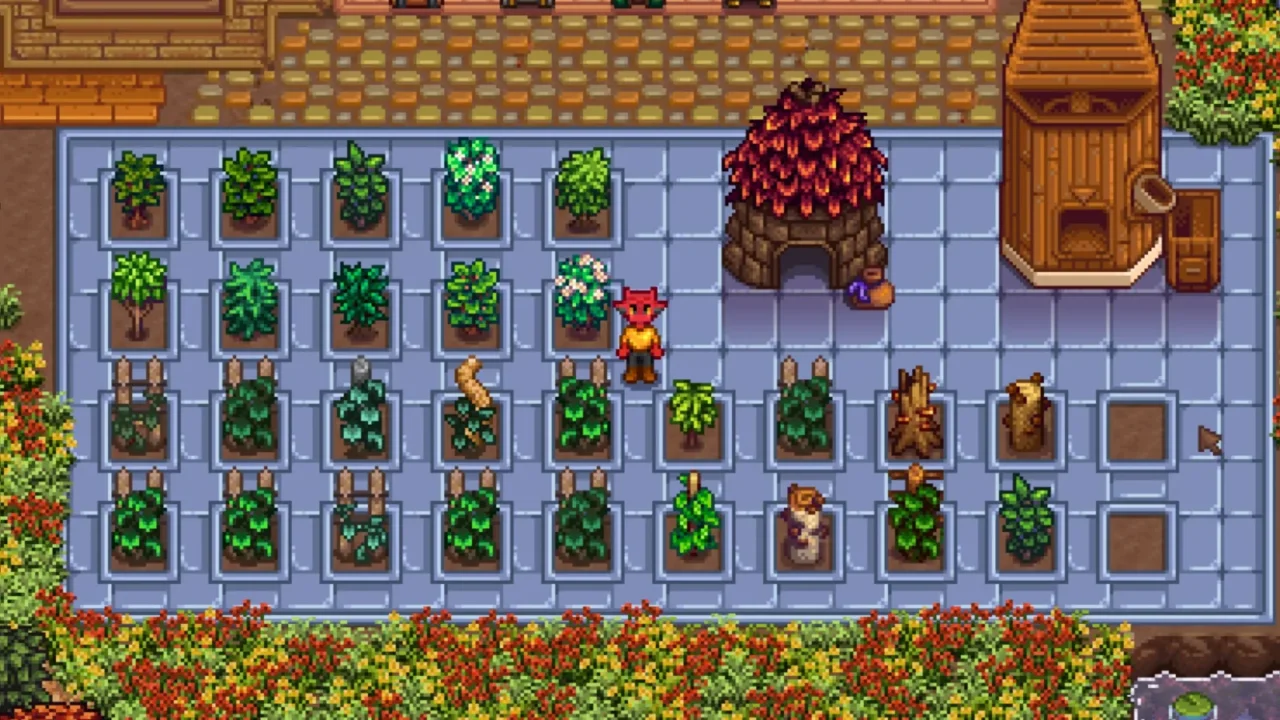
More screenshots on Nexus Mods ↗
What this mod does
Custom Bush, by LeFauxMatt, is a framework that lets mods add new bushes to the game that work like the Tea Bush: you plant them, they grow and they produce a harvest. The bushes are loaded with Content Patcher, so it’s used by crop and plant mods; Nexus counts almost 30. On its own it doesn’t add anything.
How it works
Each mod defines its bushes in a Content Patcher pack. The author doesn’t provide an extensive guide: he points to the mods that already use it as examples and to the GitHub documentation for anyone who wants to make their own.
One big advantage: you can remove it at any time. If you uninstall Custom Bush, the custom bushes turn back into regular Tea Bushes, without breaking your save.
Requirements and compatibility
- It needs SMAPI and Content Patcher.
- Version 1.5.2 (January 22, 2025, 93 KB) is the current version and is marked compatible with 1.6.
- It pairs well with Passable Objects, which lets you walk through the bushes.
- The page doesn’t mention multiplayer or Android.
The only translation is Chinese. If you have questions, the author offers support on his Discord and in the tech support channel of the official Stardew Valley Discord.
User rating
Highlights and things to keep in mind
- Can be removed with no risk to your save
- No open bug reports on Nexus
- Lightweight (93 KB)
- It does nothing without mods that use it
- The page doesn't clarify multiplayer or Android
- No updates since January 2025
Requirements
- Stardew Valley 1.6.x (PC)
- SMAPI 4.x
- Content Patcher
- Mods that use it (it does nothing on its own)
How to install it
- Install SMAPI and Content Patcher first (see their mod pages) and launch the game once with SMAPI to make sure everything loads.
- Open the Custom Bush page on Nexus Mods, go to the Files tab and click Manual download on the main file (Custom Bush 1.5.2). You need a free Nexus account to download.
- Unzip the .zip outside the game folder and move the resulting folder into the Mods folder, inside the game folder.
- Launch the game with SMAPI and check in the console that Custom Bush shows up in the list of loaded mods with no red errors.
Version history
-
1.5.222 Jan 2025Current
Current file
-
1.5.021 Jan 2025
Previous version (Old files)
Common problems
Can I uninstall it?
Yes, at any time. The custom bushes become regular Tea Bushes.
Does it add bushes on its own?
No. It needs mods that define bushes with Content Patcher.
Can you walk through the bushes?
The author recommends Passable Objects for that.
Mods that need Custom Bush
If you're installing any of these, you need this one first.
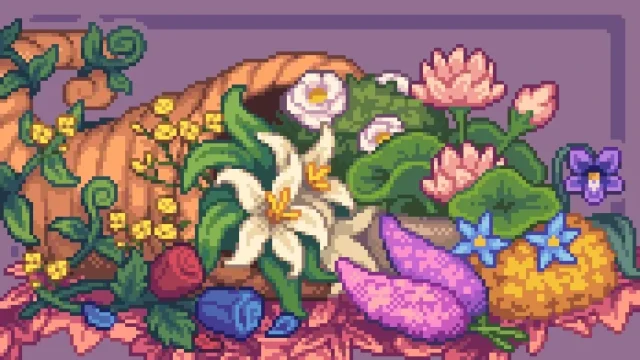 ✓ Stardew Valley 1.6
 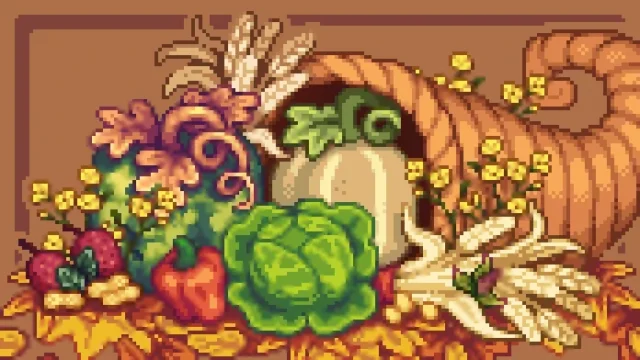 ✓ Stardew Valley 1.6
 More mods for Stardew Valley
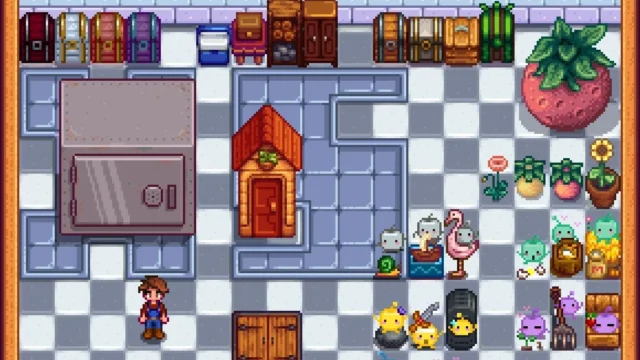 ✓ Stardew Valley 1.6
  ✓ Stardew Valley 1.6Multiplayer
  ✓ Stardew Valley 1.6
  ✓ Stardew Valley 1.6
  ✓ Stardew Valley 1.6
  ✓ Stardew Valley 1.6