Lumisteria Tilesheets – Indoor for Stardew Valley
Lumisteria's indoor tilesheets for other mods to use in their maps: furniture, kitchens, bathrooms, shops and stairs. Version 1.4.0.
Download Lumisteria Tilesheets – Indoor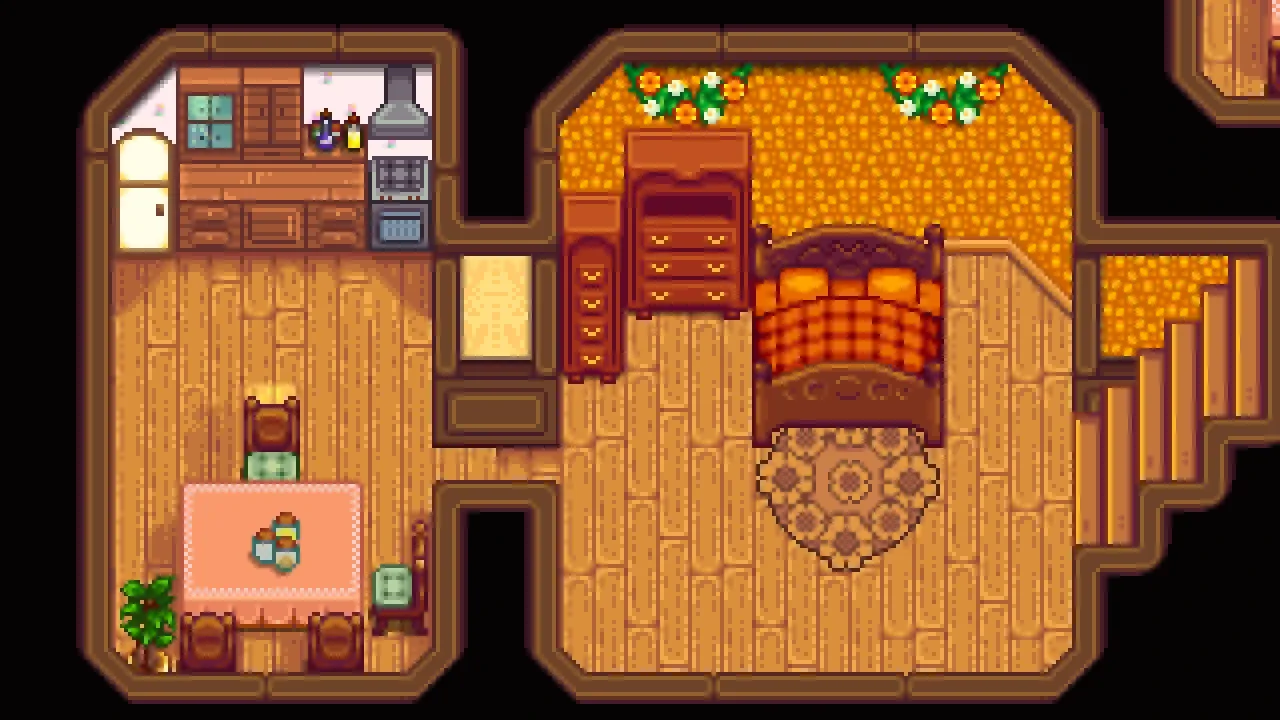
More screenshots on Nexus Mods ↗
What this mod does
Lumisteria Tilesheets – Indoor is a resource for map makers: a collection of indoor tilesheets drawn by Lumisteria, the author of Visit Mount Vapius. According to Nexus, more than 50 mods use it. For players it does nothing on its own: you only need to install it if a mod asks for it.
What it includes
- Furniture in various styles, including a mahogany set and dark pieces.
- A full kitchen, a bathroom, beds, windows and a glass door.
- Shop decorations (bakery, flower shop, sports and clothing), rugs and stair pieces.
- Pride flags, hanging flower baskets, posters and a sakura set.
Most chairs and stools have a spot to sit on; sofas are checked case by case.
Requirements and compatibility
It needs SMAPI and Content Patcher. Version 1.4.0 (March 21, 2024, 1.5 MB) came out after 1.6 was released and adds mahogany furniture that the author will use in Visit Mount Vapius. It detects compatible recolors and lets you pick them manually.
Creators must list it as a dependency and not include the images in their mod.
User rating
Highlights and things to keep in mind
- Wide variety of indoor furniture and decorations
- Chairs you can actually sit on
- Recolor detection
- It does nothing without mods that use it
- No 1.6 compatibility tag on Nexus
- Some rugs and stairs need extra layers in the map
Requirements
- Stardew Valley 1.6.x (PC)
- SMAPI 4.x
- Content Patcher
- A mod that uses it (it does nothing on its own)
How to install it
- Install SMAPI and Content Patcher first (see their mod pages) and launch the game once with SMAPI to make sure everything loads.
- Open the Lumisteria Tilesheets - Indoor page on Nexus Mods, go to the Files tab and click Manual download on the main file (Lumisteria Tilesheets - Indoor 1.4.0). You need a free Nexus account to download.
- Unzip the .zip outside the game folder and move the resulting folder into the Mods folder, inside the game folder.
- Launch the game with SMAPI and check in the console that Lumisteria Tilesheets - Indoor shows up in the list of loaded mods with no red errors.
Version history
-
1.4.021 Mar 2024Current
Current file: mahogany furniture and dark pieces
-
1.3.012 Apr 2022
Rugs, stairs, beams, kitchen, beds and glass door
Common problems
Does it change anything in my game?
Not on its own. It provides tiles that other mods use in their maps.
Does it work on 1.6?
Nexus doesn't give it the 1.6 tag, but its version 1.4.0 came out after 1.6 was released and current mods use it.
Is there an outdoor version?
Yes, Lumisteria Tilesheets - Outdoor, by the same author.
Mods that need Lumisteria Tilesheets – Indoor
If you're installing any of these, you need this one first.
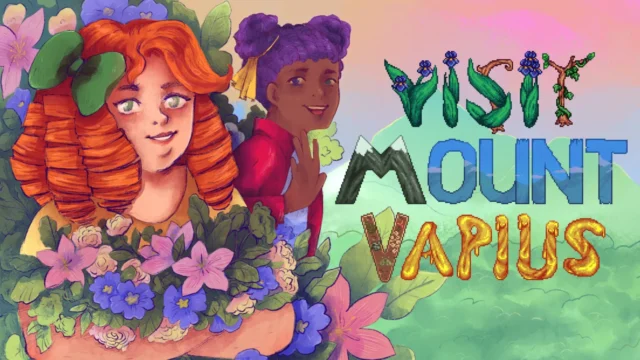 ✓ Stardew Valley 1.6Multiplayer
 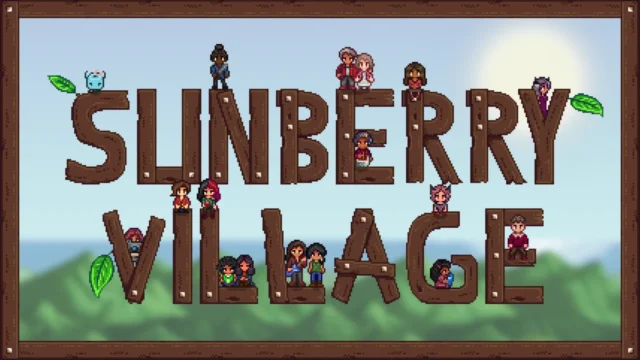 ✓ Stardew Valley 1.6Multiplayer
 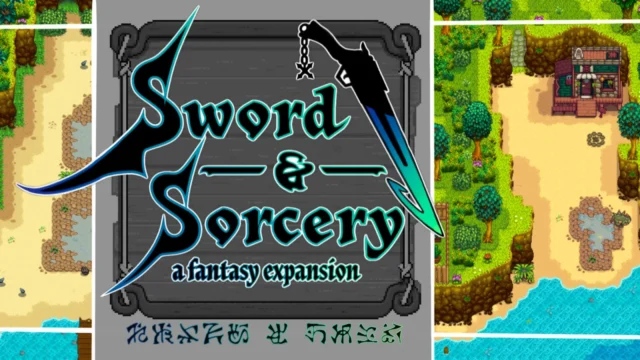 ✓ Stardew Valley 1.6Multiplayer
  ✓ Stardew Valley 1.6Multiplayer
 More mods for Stardew Valley
 ✓ Stardew Valley 1.6
  ✓ Stardew Valley 1.6
  ✓ Stardew Valley 1.6Multiplayer
  ✓ Stardew Valley 1.6
  ✓ Stardew Valley 1.6
  ✓ Stardew Valley 1.6Multiplayer