Ebisu Circuit – Touge Course for Assetto Corsa
A recreation of the mountain layout at Ebisu Circuit (Fukushima, Japan), the mecca of drifting: narrow road, elevation changes and hairpins. Free; requires CSP.
Download Ebisu Circuit – Touge Course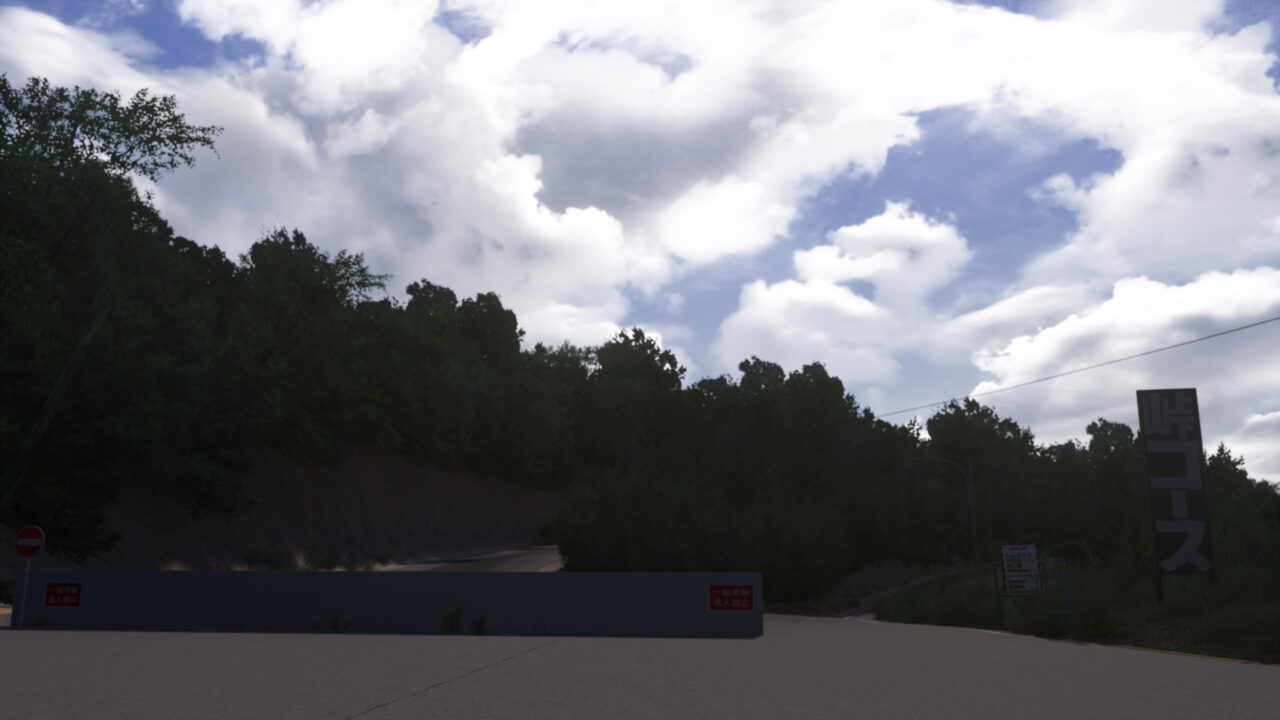
More screenshots on OverTake.gg ↗
What this mod does
Ebisu Circuit is the Japanese complex in Nihonmatsu (Fukushima) that has been a pilgrimage site for every drift fan since the late nineties. This mod from the 90’s Golden Drift Spot Project, skyflightmusic’s project dedicated to legendary Japanese drift spots, recreates its Touge Course, the layout that mimics a mountain pass road inside the circuit itself.
What you’ll find
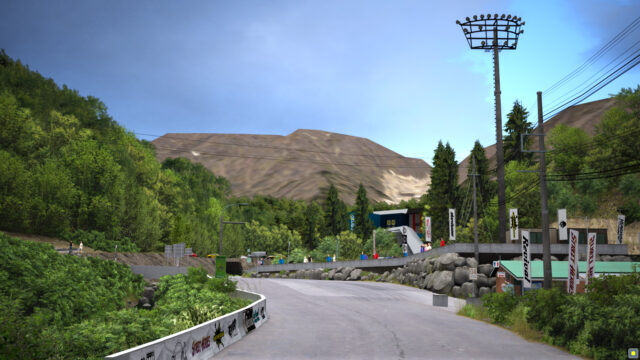
- A narrow track with constant climbs and descents, tight hairpins and the road markings you’d expect on a touge.
- A setting built for linking corners in a drift at low and medium speed, where any mistake ends in the wall or the ditch.
- Visual upgrades added in version 1.1: reworked textures and shaders, plus 3D grass with Custom Shaders Patch.
Who it’s for
If you’ve already mastered drifting on open circuits and want something more technical, this layout forces you to be precise with your countersteer and handbrake. It’s also a good track for tandem practice with friends in private sessions, although its width means it can’t take many cars at once without a risk of crashes.
Version
Version 1.2 (February 2021) is the latest release and only fixes minor bugs. The author requires Custom Shaders Patch for the track to work properly.
User rating
Highlights and things to keep in mind
- Recreates one of the most famous layouts in Japanese drifting
- Very technical: hairpins, elevation changes and little margin for error
- Perfect rating on OverTake (5 out of 5 from 24 votes)
- Requires Custom Shaders Patch
- No updates since February 2021
- Only includes the Touge Course, not the full complex
Requirements
- Assetto Corsa for PC
- Custom Shaders Patch (the author asks for 'build 1.30' or later)
- Content Manager recommended for installation
- Free OverTake.gg account to download
How to install it
- Install or update Custom Shaders Patch from Content Manager (Settings > Custom Shaders Patch).
- Go to the Ebisu Circuit - Touge Course page on OverTake.gg and log in.
- Download the track file (about 58 MB).
- Drag the file into the Content Manager window and click install, or copy the track folder to assettocorsa/content/tracks.
- In Content Manager, go to Drive, choose Ebisu Circuit - Touge Course and a drift-ready car.
- Head out in practice mode to learn the layout before driving with more cars.
Version history
-
1.218 Feb 2021Current
Minor fixes
-
1.115 Feb 2021
Improved textures and shaders and 3D grass (GrassFX)
Common problems
The track looks wrong or the grass is missing
Make sure Custom Shaders Patch is enabled and up to date; the track needs it.
Does it include the other Ebisu layouts?
No. This mod only recreates the Touge Course; the complex's other circuits are separate mods.
Which car should I use?
Any rear-wheel-drive car set up for drifting; given the track's width, compact cars with moderate power work best.
More mods for Assetto Corsa
 Multiplayer