Custom Shaders Patch (CSP) for Assetto Corsa
The free extension that modernizes Assetto Corsa: dynamic lights, scriptable weather, reflections and new effects. Pure, Sol and most current mods rely on it.
Download Custom Shaders Patch (CSP)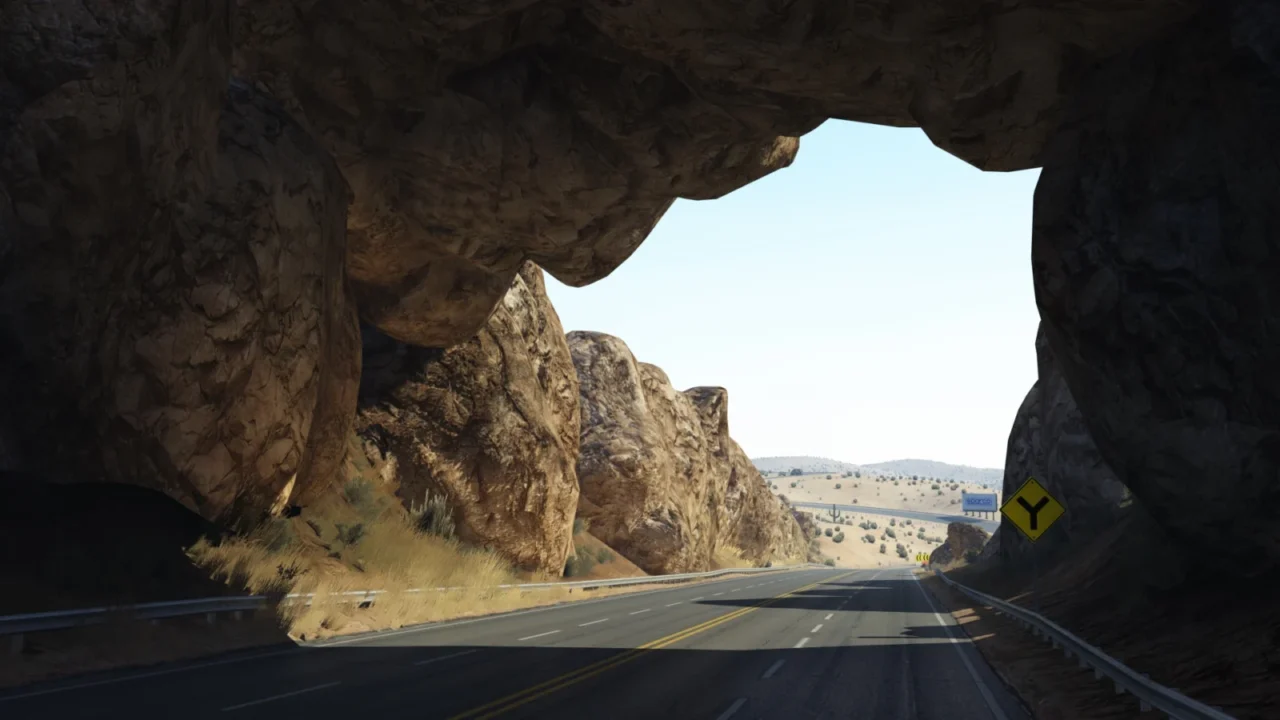
More screenshots on acstuff.ru ↗
What this mod does
Custom Shaders Patch (CSP) is an extension for Assetto Corsa that started out by adding dynamic lighting and is now essential: many modern cars, tracks and graphics mods need it to work properly.
What it adds
- Lighting FX: dynamic lights for cars and tracks.
- Weather FX: a fully scriptable weather engine that Pure and Sol are built on.
- Extra FX: local reflections, bounced lighting, temporal anti-aliasing.
- Particles FX: sparks, new smoke, and grass and dirt kicked up by the wheels.
- Car extensions: reverse lights, turn signals, working odometers and physics improvements.
Public version and preview versions
The public version is free; the one currently recommended on the official website is 0.2.11. Rain (RainFX) and other new features arrive first in the preview versions, which are distributed through the author’s Patreon.
The easiest way to install it is through Content Manager.
User rating
Highlights and things to keep in mind
- Free and very actively developed
- Required for almost all modern content
- Configured module by module from Content Manager
- Rain is only available in the paid preview versions
- It can lower performance if you enable every effect
- Some mods require a specific version
Requirements
- Assetto Corsa 1.16.3 or 1.16.4, 64-bit
- Visual C++ Redistributable 2015 (x86)
- Content Manager (recommended for installing and configuring)
How to install it
- Open Content Manager and go to Settings › Custom Shaders Patch.
- Click Install and choose the recommended version.
- Enable the modules you want: Lighting FX, Weather FX, Extra FX…
- Start a practice session to check that everything loads correctly.
- Manual alternative: download the package from acstuff.ru/patch and extract it into the Assetto Corsa root folder.
Common problems
Where's the rain?
RainFX is part of the preview versions on the author's Patreon, which are paid. The public version doesn't include it.
Does it work online?
Yes. Some servers require a minimum CSP version; Content Manager warns you when you join.
How do I uninstall it?
From the same section in Content Manager, or by deleting dwrite.dll and the extension folder from the game's root folder.
More mods for Assetto Corsa
 Multiplayer


