PureLIFE: filter pack for Pure for Assetto Corsa
PureLIFE for Assetto Corsa with Pure: 4 free filters by Amby (base, EVO, EVO GT and EVO GTS) with HDR for any time and weather. Requirements and installation.
Download PureLIFE: filter pack for Pure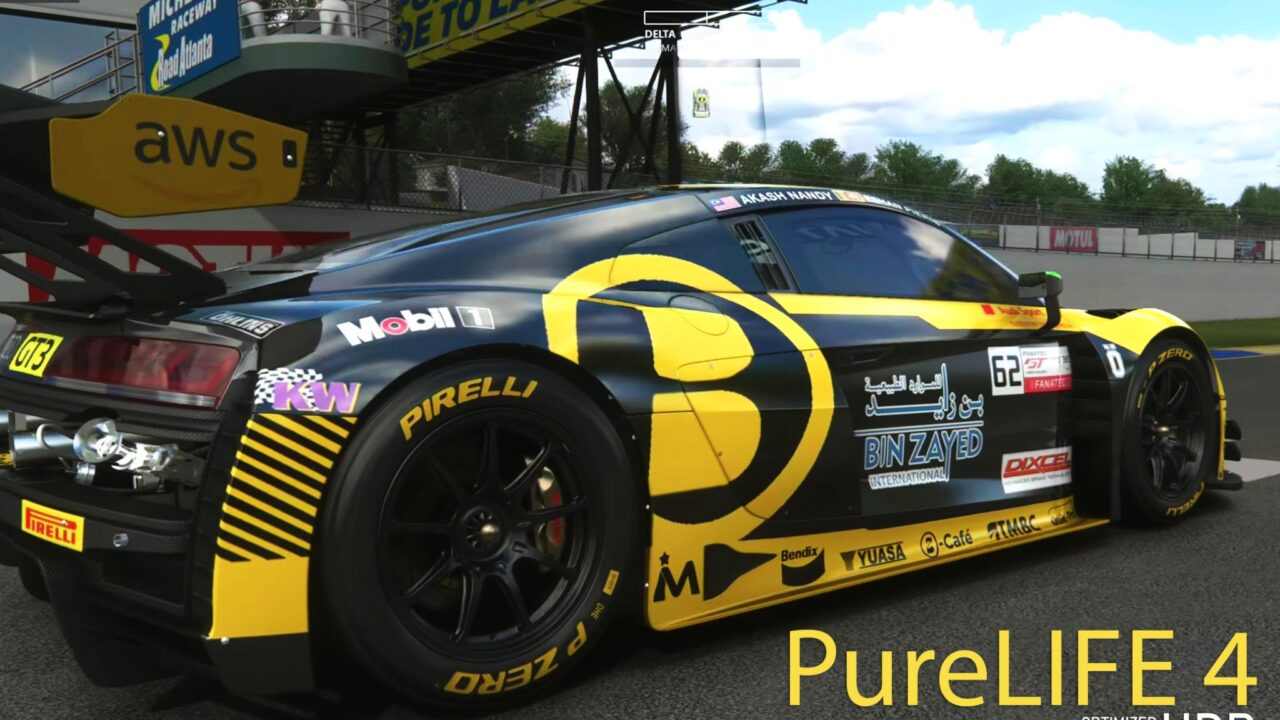
More screenshots on OverTake.gg (formerly RaceDepartment) ↗
What this mod does
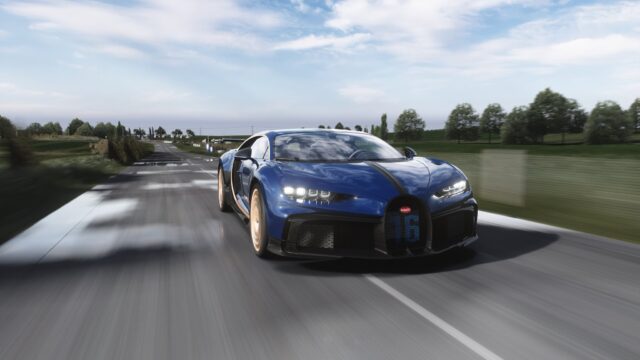
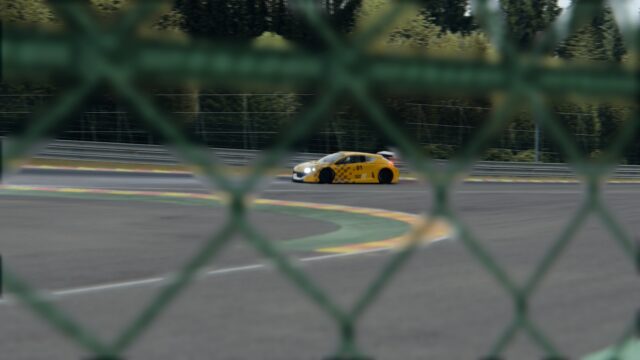
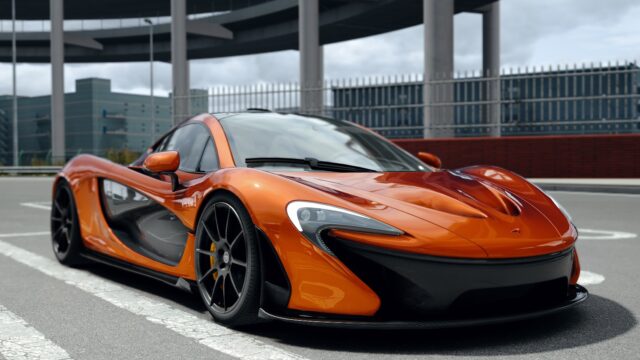
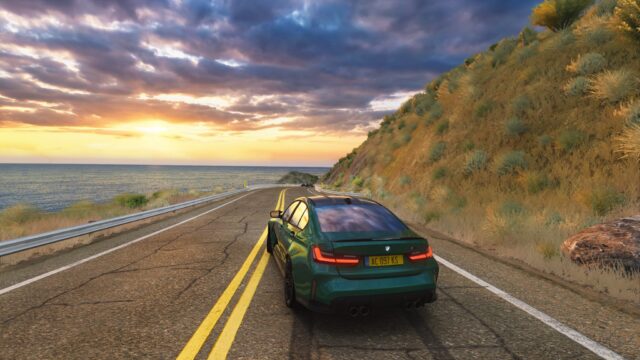
PureLIFE is a post-processing filter pack by Amby designed to make Assetto Corsa with Pure look like a real car on a real track seen with your own eyes, not through a camera. It aims for a clean, native look without exaggerated effects. Released in January 2022, it’s rated 4.98 out of 5 from 90 reviews, one of the highest in its category.
Included filters
- PureLIFE (base).
- PureLIFE EVO, EVO GT and EVO GTS.
- A Pure LCS-compatible filter, still in beta.
They work at any time of day and in any weather, include improved HDR features, and the author claims they’re among the fastest available. They were created for Peter Boese’s Pure and later converted for Sol as well.
Requirements
It’s optimized for Pure 0.238 or later and must be used with the default Pure script. The author shares his CSP settings, which call for at least an RTX 2080, and his video settings, for an RTX 4080 or better.
Tips
Before updating, delete the old PureLIFE .ini files in the filters folder. The author recommends resetting your monitor to factory settings, turning on game mode, and adjusting contrast, brightness and color only in small steps.
What is Pure in Assetto Corsa? Pure is Peter Boese’s graphics and weather mod: it replaces skies, lighting and weather, runs on top of Custom Shaders Patch and is the successor to Sol. You can get it on its author’s Patreon or Gumroad ($1.50 a month). PureLIFE doesn’t include Pure: it’s a pack of post-processing filters loaded on top of it.
OverTake stats (checked on October 22, 2026): 4.98/5 from 90 reviews and over 60,000 downloads since its release on January 18, 2022. If you’d rather have a single filter that also works in VR, check out Improved Visuals Pure CS.
User rating
Mod video
Highlights and things to keep in mind
- Rated 4.98 out of 5
- Four filters plus one for Pure LCS
- Several sample videos
- Must be used with the default Pure script
- The author's settings require powerful graphics cards
- The Pure LCS filter is in beta
Requirements
- Assetto Corsa for PC
- Pure 0.238 or later with the default script
- Custom Shaders Patch
- Content Manager
- Free OverTake.gg account to download
How to install it
- If you had an earlier version, delete the .ini files containing pureLIFE in assettocorsa/system/cfg/ppfilters.
- Go to the mod page on OverTake.gg, log in and download the ZIP (about 600 KB).
- Copy the contents of the ZIP's assettocorsa folder into your Assetto Corsa folder and overwrite if prompted.
- Optional: back up your CSP settings and try the author's, linked on the mod page.
- In game, with the default Pure script active, choose one of the PureLIFE filters.
Version history
-
4.2.110 Apr 2024Current
Latest version according to the resource data; the notes mention final tweaks and the first beta of PureLIFE LCS
Common problems
Which filter should I choose?
The pack includes the base filter and the EVO, EVO GT and EVO GTS variants; try them and see which you like best.
Does it work with Sol?
The author also converted the filters for Sol, although they were created for Pure.
The author's settings run slowly for me
His CSP settings call for at least an RTX 2080 and his video settings an RTX 4080.
What is Pure in Assetto Corsa?
A graphics and weather mod by Peter Boese (skies, lighting and weather) that runs with Custom Shaders Patch; PureLIFE is a filter pack to use with it.
Does PureLIFE include Pure?
No. You need Pure 0.238 or later installed separately from its author's page; PureLIFE only adds the filters.
Where do the PureLIFE files go?
Copy the contents of the ZIP's assettocorsa folder into the game folder; the filters end up in system/cfg/ppfilters.
More mods for Assetto Corsa