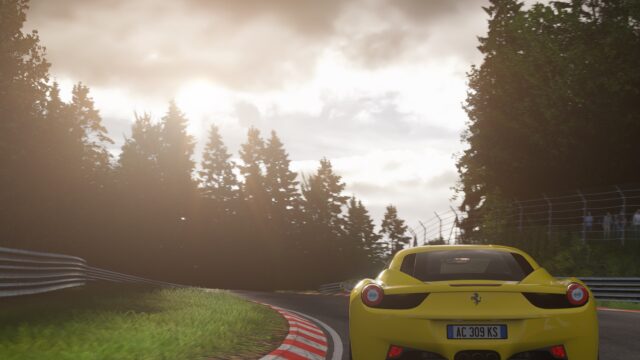
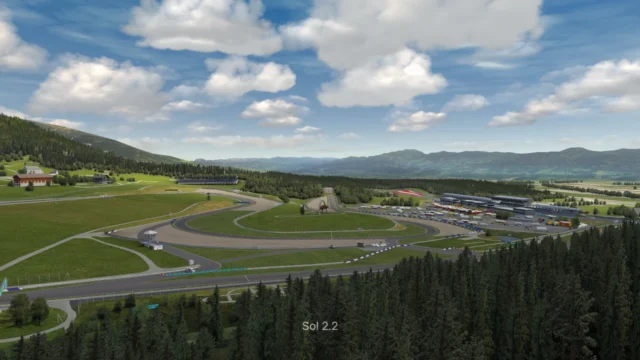
SPR Graphics Settings: Pure, video and CSP presets for Assetto Corsa
One user's complete graphics settings: a Pure configuration plus video and Custom Shaders Patch presets. Free; requires Pure to work.
Download SPR Graphics Settings: Pure, video and CSP presets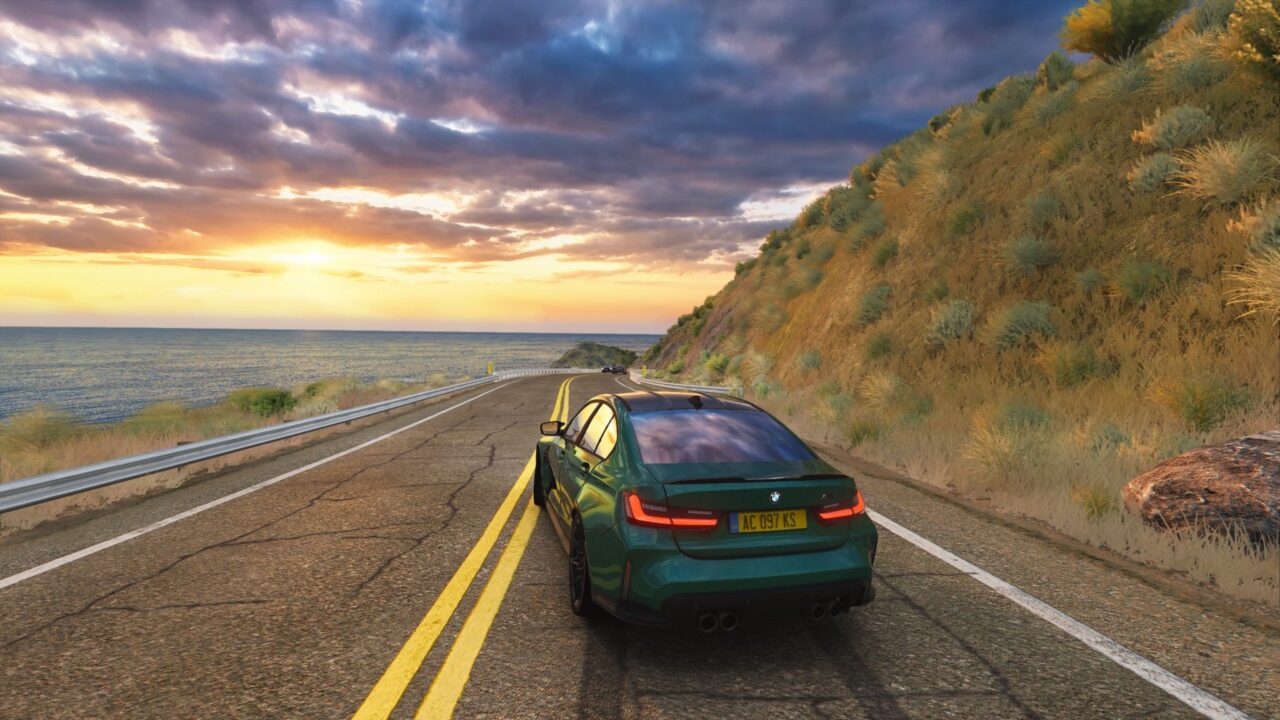
More screenshots on OverTake.gg (formerly RaceDepartment) ↗
What this mod does
SPR Graphics Settings is the graphics settings package XManMkD uses in his own Assetto Corsa: a Pure configuration plus video and Custom Shaders Patch presets. Released in December 2022, it has over 130,000 downloads on OverTake with a rating of 4.67 out of 5, though from only 12 reviews.
What’s included
- Assetto Corsa video presets.
- Custom Shaders Patch presets.
- A Pure configuration file.
- An installation guide inside the download.
The author says he tweaked almost everything and encourages you to change whatever you like. He raised the brightness for night driving through CSP while trying to keep it realistic, and notes the settings look especially good on cars with underglow.
Requirements and tips
You need Pure; the settings are also meant to be used with the Pure Candy filter. The author plays at 1440p with everything maxed out, so he asks you to read the guide and lower settings if your PC is more modest: one user with a GTX 1660 Super had to turn them down. If the headlights seem too wide, you can narrow them in CSP, under Lighting FX, Headlights Wideness option. There’s a tutorial video linked on the mod page and a support thread for questions.
User rating
Mod video
Highlights and things to keep in mind
- Complete setup in a single package
- Tutorial video from the author
- Brighter nights without losing realism
- Designed for powerful PCs
- Only 12 reviews
- No updates since December 2022
Requirements
- Assetto Corsa for PC
- Pure
- Custom Shaders Patch
- A powerful PC to use the settings as-is (the author plays at 1440p maxed out)
- Free OverTake.gg account to download
How to install it
- Install Pure and Custom Shaders Patch if you don't have them.
- Go to the mod page on OverTake.gg, log in and download the file (about 90 KB).
- Open the download and follow the included installation document.
- Load the video and CSP presets in Content Manager, and apply the Pure configuration.
- Lower the resolution or quality if your PC can't handle 1440p with everything maxed out.
Version history
-
v124 Dec 2022Current
Release
Common problems
Does it work without Pure?
No. The author states the presets need Pure.
The headlights are too wide
Adjust Headlights Wideness under Lighting FX in the CSP settings.
It runs slowly
The settings are made for 1440p maxed out; lower the graphics quality to suit your PC.
More mods for Assetto Corsa