A3PP: post-processing filter for Pure for Assetto Corsa
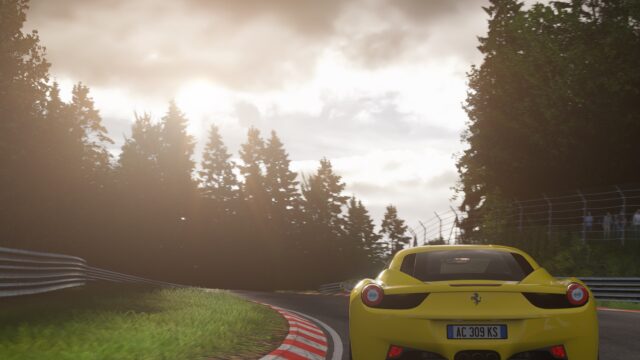
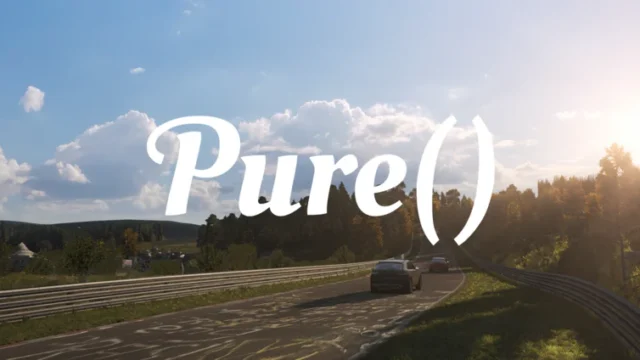
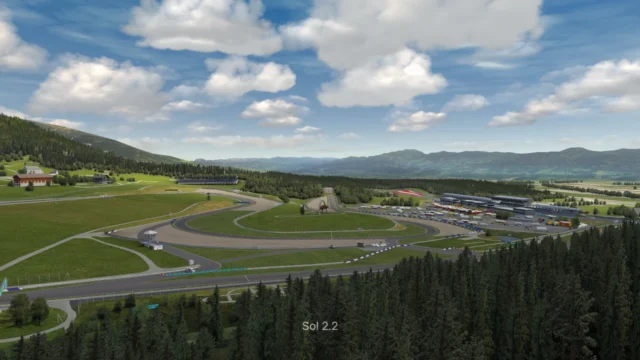
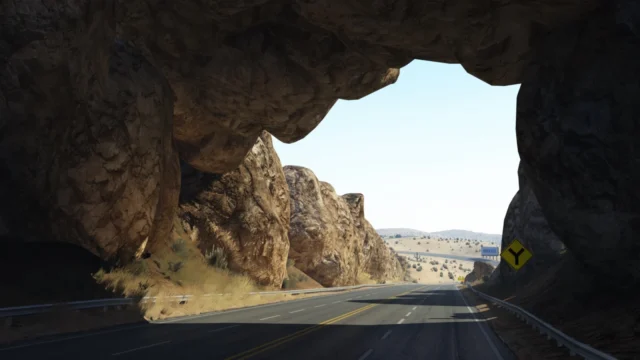
Open-source post-processing filter with three variants: for driving, for screenshots and for streaming. Free; for Pure 0.222 or later.
Download A3PP: post-processing filter for Pure
More screenshots on OverTake.gg (formerly RaceDepartment) ↗
What this mod does
A3PP is a post-processing filter by Marocco2 that works day and night with Custom Shaders Patch and Pure. It was released in December 2018, the latest version is from December 2023, and it has over 210,000 downloads on OverTake with a rating of 4.79 out of 5. It’s distributed under the open-source NPOSL-3.0 license and has a GitHub repository.
Included variants
- A3PP: the recommended one for everyday driving with Pure’s weather.
- A3PP_Photo: for screenshots, at the cost of performance.
- A3PP_Livestream: experimental, with reduced gamma for streaming and recording.
Requirements
This version needs Pure 0.222 or later. The author dropped support for Sol and its old config app. Installing by dragging the file requires the full version of Content Manager; with the free version, install it manually or with JSGME.
Tips
After each update, disable A3PP and re-enable it in Content, Mods. If you play on triple screens or an ultrawide monitor and see black borders, set the vignette intensity to 0 in the A3PP.ini file in system/cfg/ppfilters. If the image looks too dark or too bright, the author suggests checking your monitor’s calibration with a test image first.
User rating
Mod video
Highlights and things to keep in mind
- Three variants for different uses
- Open source under the NPOSL-3.0 license
- Under 10 KB
- Latest version from December 2023
- No Sol support
- Dragging into Content Manager requires the full version
Requirements
- Assetto Corsa for PC
- Pure 0.222 or later
- Full Content Manager to install by dragging; with the free version, manual installation
- Free OverTake.gg account to download
How to install it
- Go to A3PP's page on OverTake.gg, log in and download the file.
- With full Content Manager, drag the .zip into its window and install it.
- With the free version, open A3PP.zip and copy the contents of MODS/A3PP into your Assetto Corsa folder.
- In Settings, Assetto Corsa, Video, choose A3PP as your post-processing filter.
- After each update, disable it and re-enable it in Content, Mods.
Version history
-
December 20238 Dec 2023Current
Version for Pure 0.222 or later; Sol support and its config app removed
Common problems
Does it work with Sol?
Not anymore. The author dropped Sol support; this version is for Pure 0.222 or later.
I see black borders on triple screens
Set the vignette intensity to 0 in A3PP.ini, inside system/cfg/ppfilters.
Which variant should I use?
A3PP for driving, A3PP_Photo for screenshots and A3PP_Livestream for streaming.
More mods for Assetto Corsa


 Multiplayer