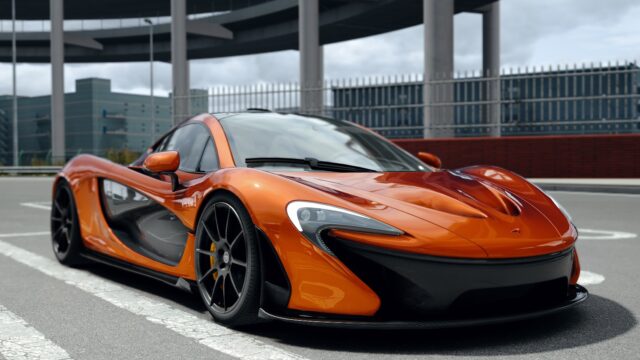
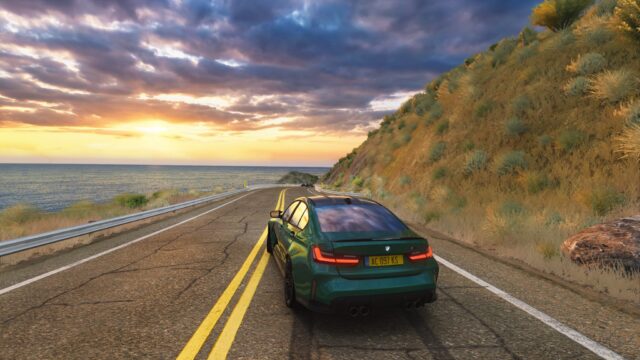
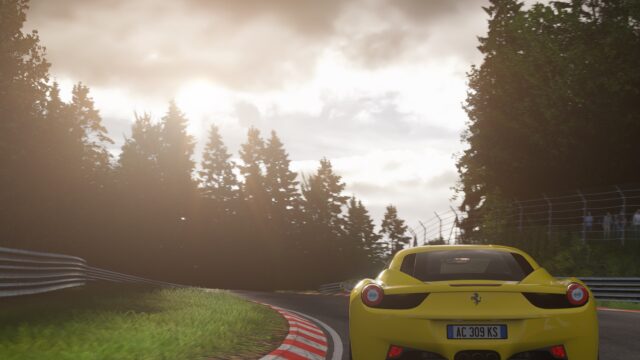
Horizon Shades: post-processing filter for Sol for Assetto Corsa
High-definition post-processing filter built on top of Sol, compatible with virtual reality and triple screens. Free; the author no longer updates it.
Download Horizon Shades: post-processing filter for Sol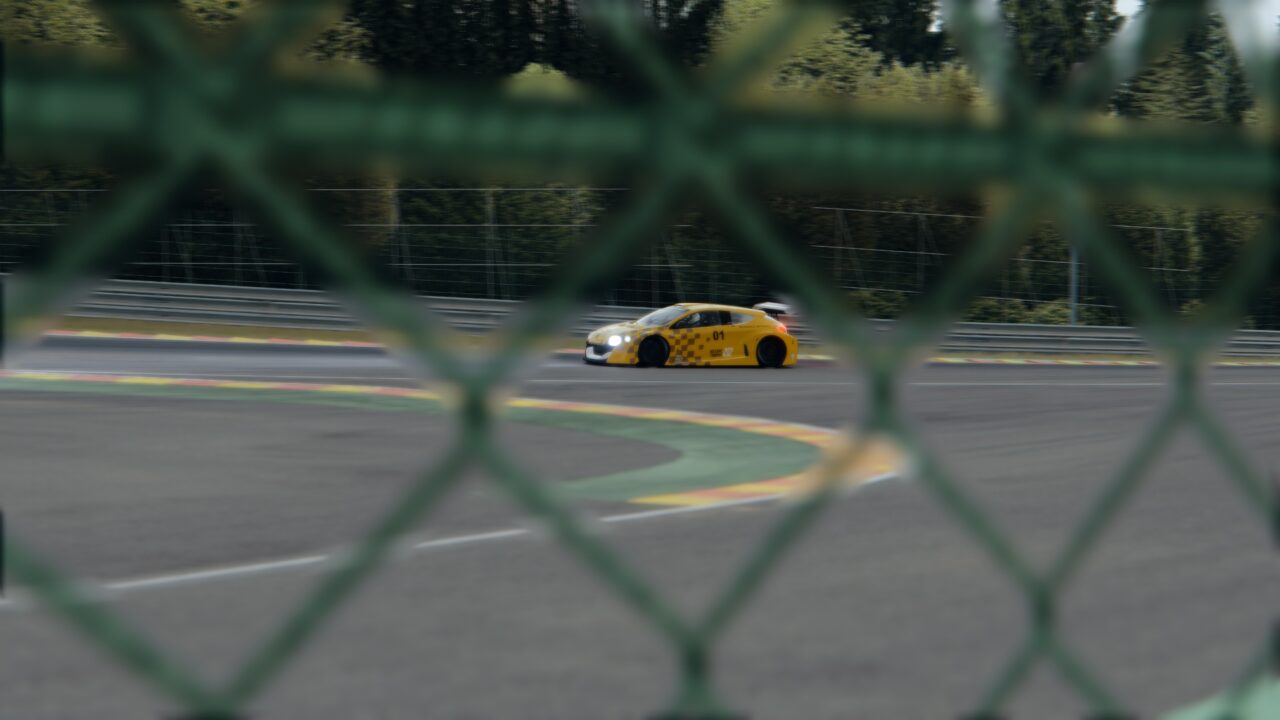
More screenshots on OverTake.gg (formerly RaceDepartment) ↗
What this mod does
Horizon Shades is a post-processing filter by modder Master that adds a high-definition visual layer built on Sol’s foundation. Released in April 2020, it has over 130,000 downloads on OverTake with a rating of 4.38 out of 5 from about 170 reviews.
What it offers
- Lighting, brightness and detail reworked in version 3.2 to keep pace with Custom Shaders Patch and Sol.
- Compatible with virtual reality and triple screens.
- Color tables (LUTs) by Prod80.
The author describes it as his personal style rather than a neutral recreation, so it’s an option for anyone looking for an image with character.
Requirements
It’s made for the new Sol base together with Custom Shaders Patch. The mod page doesn’t set minimum versions; the credits mention Kunos, acstuff (CSP), Peter Boese (Sol), Prod80 for the LUTs and Hauff for testing.
Keep in mind
The author explains that he’s stopped updating it because he sold his graphics card and can’t afford another one, so 3.2 from January 2021 is the last version. It works with Sol, not Pure. Some users mention it doesn’t show up in Content Manager’s list and you have to check the installation. The author has a YouTube channel with demo videos.
User rating
Mod video
Highlights and things to keep in mind
- VR and triple-screen compatible
- Distinctive visual style
- Very popular: over 130,000 downloads
- No updates since January 2021
- Designed for Sol, not Pure
- Slightly lower rating than other filters (4.38)
Requirements
- Assetto Corsa for PC
- Custom Shaders Patch
- Sol
- Free OverTake.gg account to download
How to install it
- Install Custom Shaders Patch and Sol.
- Go to Horizon Shades' page on OverTake.gg, log in and download the file (about 4 MB).
- Copy its contents into your Assetto Corsa folder or drag it into Content Manager.
- In the video settings, choose Horizon Shades as your post-processing filter.
- If it doesn't show up in the list, check that the .ini files are in system/cfg/ppfilters.
Version history
-
3.210 Jan 2021Current
Lighting, brightness and detail improvements to keep up with CSP and Sol updates
Common problems
Does it work with Pure?
The mod page only mentions Sol; it's built on Sol's foundation.
Is it still being updated?
No. The author stopped updating it in 2021.
Does it work in VR?
Yes, the author states it's compatible with virtual reality and triple screens.
More mods for Assetto Corsa