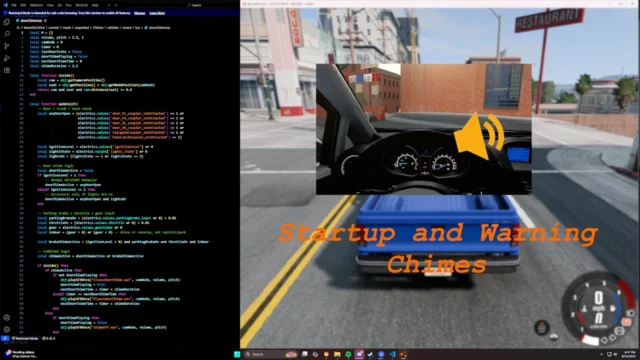
BGM Player for BeamNG.drive
Drop your songs into a folder and they play in the background in Freeroam or when missions start, with random selection and crossfades between tracks.
Download BGM Player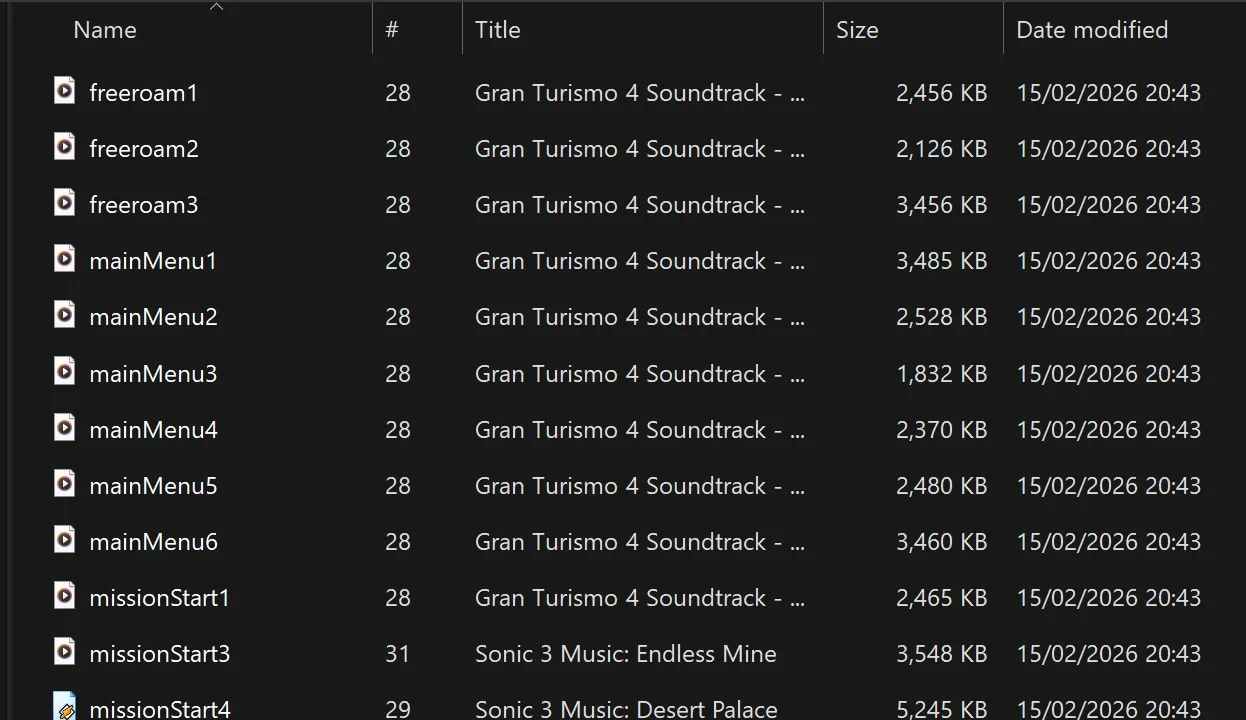
More screenshots on Official BeamNG Repository (beamng.com/resources) ↗
What this mod does
BGM Player adds background music to BeamNG.drive using your own files. You copy the songs into a folder and the mod plays them at different moments in the game. It doesn’t come with any music: you supply it.
How it works
- It plays one track at a time, picked at random and never repeating the previous one.
- When a track ends another one starts, and when the context changes the current one fades out.
- Available contexts: Freeroam (freeroam) and mission start (missionStart); the any prefix works for all of them.
- Supports .ogg, .wav, .flac and .mp3 files.
- Gain adjustable between 0.1 and 4.0, on top of the game’s master and music volume controls.
Setup
Create the art/music_player folder inside your mod folder, copy the files there and start their names with freeroam, missionStart or any depending on when you want them to play. Everything else is set in a JSON file: there’s no UI app. After editing it, reload Lua with Ctrl + L or restart the game.
Things to keep in mind
There may be a small stutter when the track changes. If your songs disappear, the author says they may have been moved to a backup folder. Version 1.1, from September 2026, fixes the crossfades and removes the music from the main menu. The author acknowledges that much of the code was generated by AI.
User rating
Mod video
Highlights and things to keep in mind
- Your own background music with no hassle
- Random selection with crossfades
- Over 31,000 downloads
- Experimental tag
- Configuration via JSON file only
- The current game version is 0.40 (released October 19, 2026): the mod doesn't list it and may need an update; after a major update the game disables mods and you have to re-enable them
Requirements
- BeamNG.drive 0.39
- Your own music files in ogg, wav, flac or mp3
How to install it
- Open the BGM Player page on the official BeamNG Repository.
- Click Download to get the .zip, or subscribe from the in-game Repository (Subscribe button).
- If you download it manually, copy the .zip, without unzipping it, into the mods folder inside your BeamNG.drive user folder (the launcher opens it via Manage User Folder).
- Launch the game and check in the Mod Manager that it's enabled.
- Create the art/music_player folder in the mod folder and copy your songs with the freeroam, missionStart or any prefix.
- Reload Lua with Ctrl + L or restart the game, and adjust the music volume in the audio options.
Version history
-
1.112 Sep 2026Current
Fixed crossfades and removed the library from the main menu.
-
—4 Mar 2026
Bug fixes.
-
—16 Feb 2026
First version released on the Repository.
Common problems
Does it come with songs?
No, the mod doesn't include music; you have to add your own files.
How do I choose when each song plays?
With the file name prefix: freeroam, missionStart or any.
Does it have an in-game menu?
No, you configure it by editing a JSON file.
More mods for BeamNG