Start Up and Warning Chimes for BeamNG.drive
Adds the warning chimes of a real car to the official vehicles: startup, open doors, handbrake, low fuel, overheating and engine failure.
Download Start Up and Warning Chimes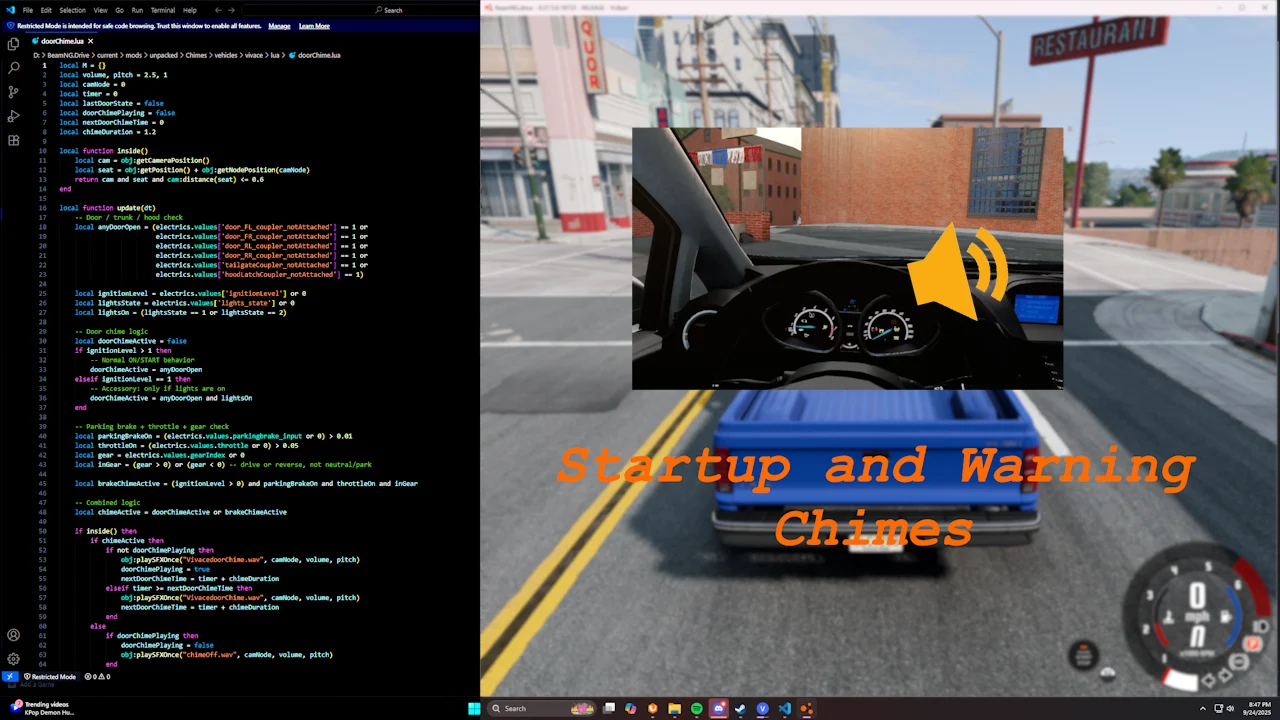
More screenshots on Official BeamNG Repository (beamng.com/resources) ↗
What this mod does
Start Up and Warning Chimes is a set of scripts that gives BeamNG.drive’s official vehicles the warning chimes real cars have. It’s a small detail, but it makes driving and messing around with the car feel much more authentic.
Chimes it adds
- A sound when you start the vehicle.
- Warning for an open door, trunk or hood while the car is running, or with the lights on in accessory mode.
- Handbrake that engages automatically if you open a door while the car is moving below 10 mph (on some vehicles).
- Warning for driving with the handbrake on and for low fuel.
- Warning for a damaged or failed engine and for engine or oil overheating.
- Turn signals with their own sound for the Bastion, Hopper, H-Series and T-Series, which need a separate mod linked in the forum thread.
What’s new and what’s planned
The author is working on a detached wheel warning in the style of tire pressure sensors and a needle sweep at startup on some cars. For now it doesn’t cover modded vehicles, although creators can use its scripts with a template and by giving credit.
Compatibility
It’s updated for 0.39: in August 2026 the author adjusted the volume, which several players found too low in that version, and released 3.1.2 with more sound tweaks.
User rating
Mod video
Highlights and things to keep in mind
- Much more realism with a tiny footprint
- Wide variety of chimes
- Updated for 0.39, with an active author
- The current game version is 0.40 (October 19, 2026): the mod doesn't list it and may need an update; also, after a major update the game disables mods and you have to re-enable them
- Only works with official vehicles
- The custom turn signals need another mod
Requirements
- BeamNG.drive 0.39
- Separate mod for the custom turn signals (optional, linked in the forum thread)
How to install it
- Open the Start Up and Warning Chimes page on the official BeamNG Repository.
- Click Download to get the .zip, or click Subscribe to install it from the in-game Repository.
- If you download it manually, copy the .zip (don't unzip it) into the mods folder in your user folder (AppData > Local > BeamNG > BeamNG.drive > current > mods; the launcher opens it with Manage User Folder).
- Launch the game and check in the Mod Manager that it's enabled.
- Get in any official vehicle, start it and try opening a door or applying the handbrake while driving to hear the chimes.
Version history
-
3.1.217 Aug 2026Current
More sound tweaks.
-
—4 Aug 2026
Volume adjustment for 0.39.
-
—17 Jun 2026
Door warning redesign.
Common problems
Does it work with modded cars?
Not yet: only with official vehicles; the author will add mods if their creators give permission.
The chimes are very quiet. What should I do?
Update to 3.1.2: the author raised and adjusted the volume in August 2026.
Can I use the scripts in my mod?
Yes, the author offers a template and asks for credit.
More mods for BeamNG