Gavril Vertex NA2 for BeamNG.drive
Compact from the fictional Gavril brand with over 100 configs, 11 engines and around 1,300 swappable parts. Updated for BeamNG.drive 0.39 in September 2026.
Download Gavril Vertex NA2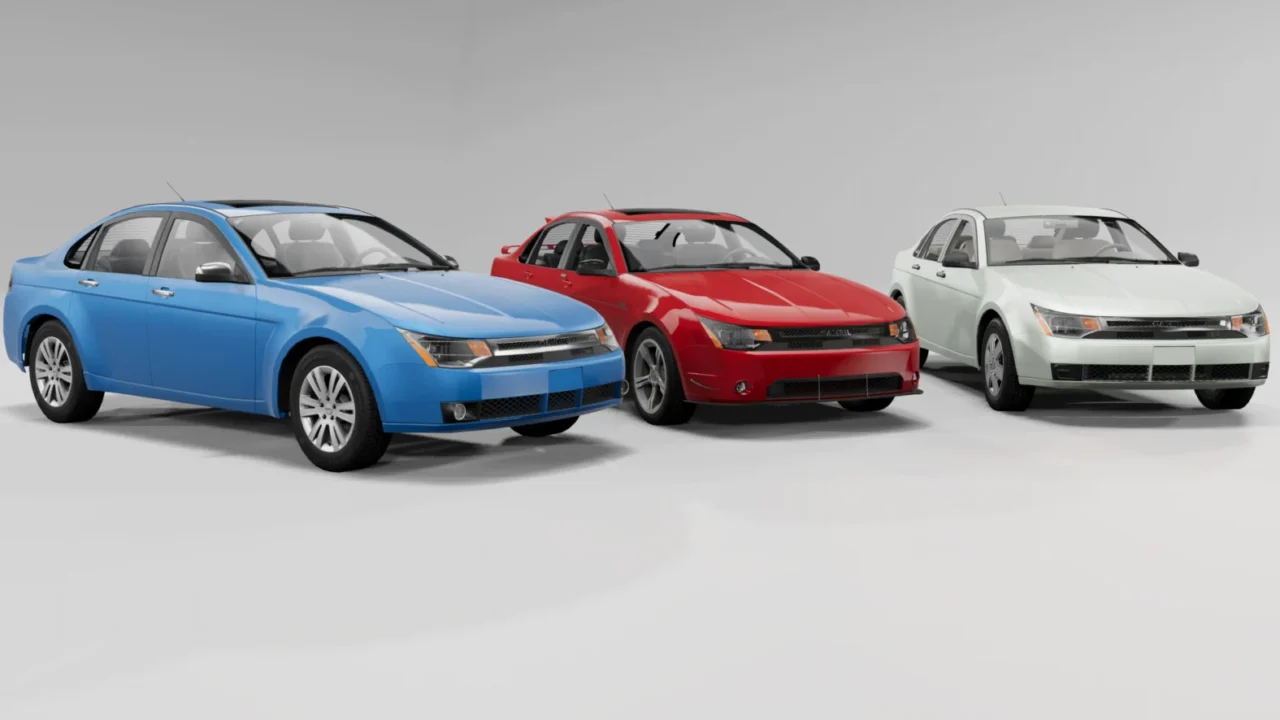
More screenshots on beamng.com/resources (official BeamNG.drive Repository) ↗
What this mod does
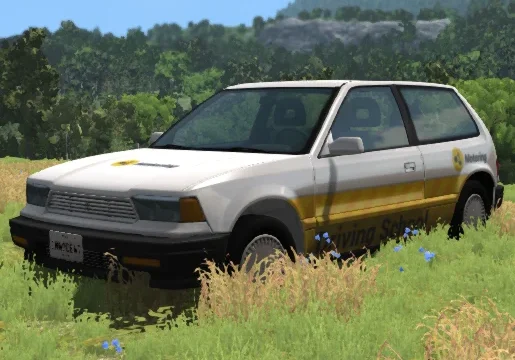
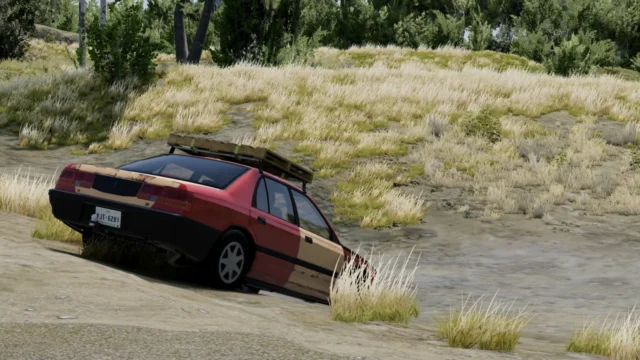
The Gavril Vertex NA2 is a five-door compact from a fictional brand that its author bills as the most customizable vehicle in the game. Its styling is reminiscent of a 2000s European compact, but the mod has grown into something of its own: from an everyday runabout to rally and derby versions, or absurd configs like a flying car.
What’s included
- 106 stock configs and around 1,300 selectable parts.
- 11 engines: from a 1.0 three-cylinder up to huge V8s and V12s, plus single- or dual-motor electric options.
- Unusual engine tuning options, such as air-fuel mixture, camshaft timing or different types of forced induction.
- 56 liveries and visual extras like glowing brakes or nitrous exhaust flames.
- Interactive interior: opening doors, a backup camera, a multimedia screen, radio, taximeter and a laptop with performance stats.
Who it’s for
For anyone who enjoys building their own car part by part or wants a single mod that does almost everything: relaxed driving, track builds, rally or destruction. If you’re after a simple car, the sheer number of options can be overwhelming at first.
Version
Version 3.71 Rework was released on September 30, 2026, following the big 0.39 update on September 22, which adapted the car to the game’s new systems and fixed numerous bugs.
User rating
Mod video
Highlights and things to keep in mind
- A massive number of configs and parts
- Interior packed with interactive features
- Freshly updated for 0.39, with follow-up fixes
- So much customization can be overwhelming if you just want to drive
- Known conflict with the Beater engines mod
Requirements
- BeamNG.drive 0.39 (the version the latest update was released for)
- About 237 MB of free space for the .zip
- Don't use it alongside Derpdeherp's Beater engines mod: the author says they conflict
How to install it
- Open BeamNG.drive and go to Repository from the main menu.
- Search for "Gavril Vertex NA2" and click Subscribe so it downloads, enables and updates itself.
- To install it manually, download the .zip from the official mod page and don't extract it.
- Open your user folder from the launcher (Manage User Folder > Open in Explorer; on Windows it's usually %LOCALAPPDATAamNGBeamNG.drivecurrent) and go into mods.
- Copy the .zip into mods, launch the game and check in the Mod Manager that it's enabled.
- Find it as Gavril Vertex in the vehicle selector and try out the configs.
Version history
-
3.71 Rework30 Sep 2026Current
Post-launch fixes: interior materials in traffic, truck horn and taillight flicker
-
0.39 Update22 Sep 2026
Adapted to the new 0.39 systems and loads of fixes
-
0.37 bug fix25 Sep 2025
Fixed textures broken by the game update
Common problems
I see broken or pink textures after updating. How do I fix it?
The author recommends clearing the game cache from the launcher; the September 2026 updates also fixed several materials.
Can I use it with other engine mods?
Generally yes, but the author warns of a conflict with Derpdeherp's Beater engines mod.
Is it a licensed Ford?
No. Gavril is a fictional BeamNG brand; the author acknowledges it's based on a real compact, but the mod is an original design with lots of made-up variants.
More mods for BeamNG