Radial Blur (Procedural Wheel Motion Blur) for BeamNG.drive
Procedural motion blur for wheels: spinning rims get realistic radial blur in screenshots, videos and replays, with settings in the Mods menu.
Download Radial Blur (Procedural Wheel Motion Blur)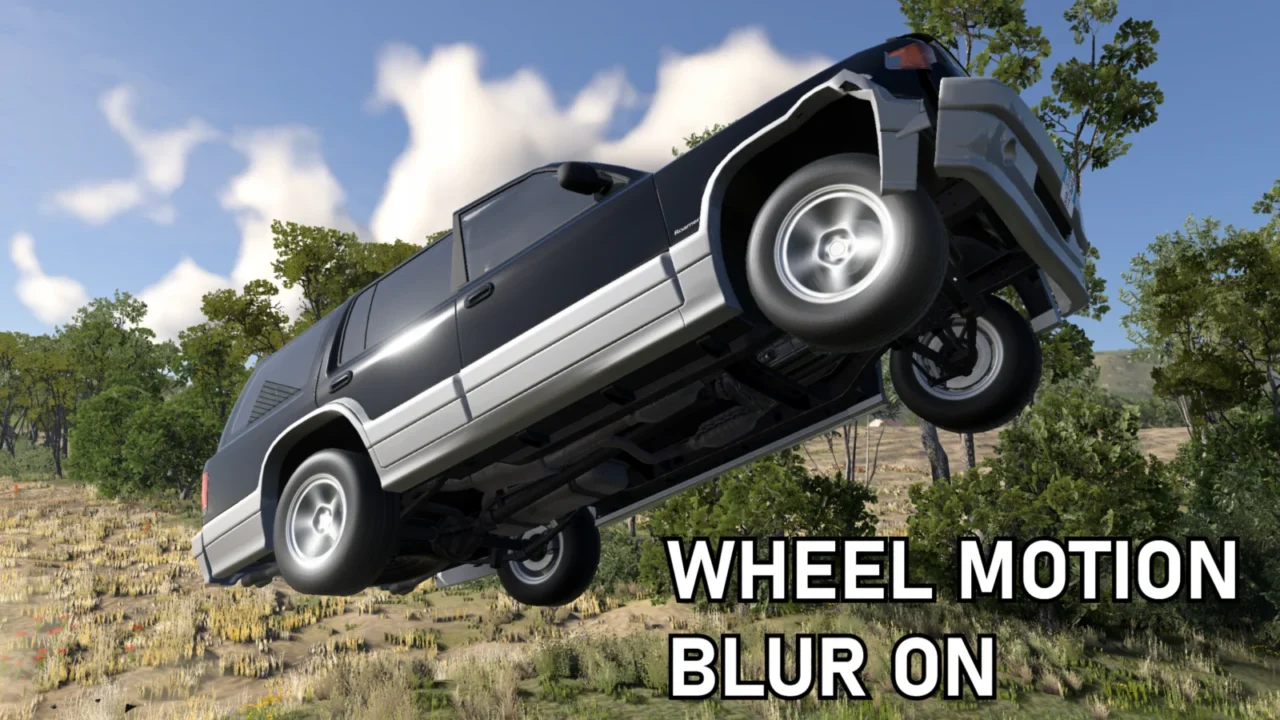
More screenshots on Official BeamNG Repository (beamng.com/resources) ↗
What this mod does
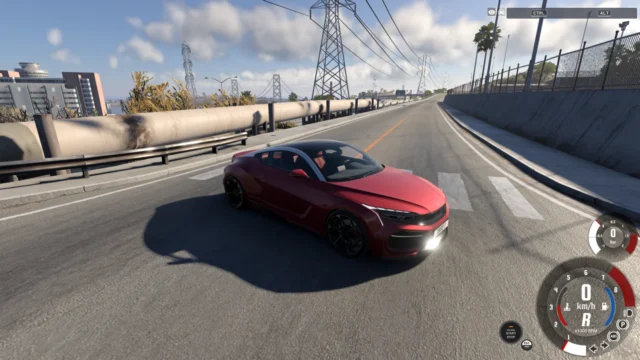
Radial Blur (Procedural Wheel Motion Blur), by Ellexium, adds a motion blur effect made specifically for wheels. Spinning rims are blurred in the direction of rotation, which gives a much stronger sense of speed in screenshots and videos.
How it works
The game sends each wheel’s angular velocity and axis to the shader, and the effect calculates the motion of a spinning cylinder to generate the motion vectors on the fly. It works with different wheel sizes, camera angles, frame rates, slow motion, pauses and replays.
What it offers
- A settings menu in the Mods tab to enable it and change how the blur looks, plus an advanced panel.
- Material detection that works with most modded vehicles.
- Since 3.0, support for wheels that use skins or alternative materials.
- Since 3.1, the blur is back on off-road tires that were being left out.
Before you install it
The author says he manually tested over 1000 stock configs and that the FPS impact should be small. He acknowledges he used AI, with lots of his own review and testing. There are rare cases where the blur shows over the bodywork. When a map loads, the wheels may flicker for a few seconds while their material loads. Clear your cache when updating.
User rating
Mod video
Highlights and things to keep in mind
- Very eye-catching effect for screenshots and videos
- Adjustable from the Mods menu
- Works with most car mods
- On some cars the blur shows over the bodywork
- You have to clear the cache when updating
- May need an update for 0.40 (released October 19, 2026)
Requirements
- BeamNG.drive 0.39 or later
- About 18 MB of free space for the .zip file
How to install it
- Open the Radial Blur page on the official BeamNG Repository.
- Click Download to get the .zip, or subscribe from the in-game Repository (Subscribe button).
- If you download it manually, copy the .zip (don't unzip it) into the mods folder inside your BeamNG.drive user folder (AppData > Local > BeamNG > BeamNG.drive > current > mods).
- Launch the game and check in the Mod Manager that it's enabled.
- Pause the game, go to the Mods tab and adjust the wheel blur.
Version history
-
3.1.014 Oct 2026Current
Tire detection using JBeam data: blur is back on off-road tires.
-
3.011 Sep 2026
Better wheel material detection, including wheels that use skins.
-
—9 Sep 2026
First version published.
Common problems
The wheels flicker when a map loads, is that normal?
Yes: it's the placeholder material while it loads; give it a few seconds.
Does it work with modded cars?
Very likely; if one doesn't get blurred, the author asks you to let him know in the mod's thread.
Does it hurt performance much?
The author has optimized it and says you shouldn't notice much, although it depends on your PC.
More mods for BeamNG