Temporal Anti Aliasing (Standalone) for BeamNG.drive
Adds temporal anti-aliasing (TAA) to BeamNG.drive for a sharper, more stable image, with its own interface, presets and no dependencies.
Download Temporal Anti Aliasing (Standalone)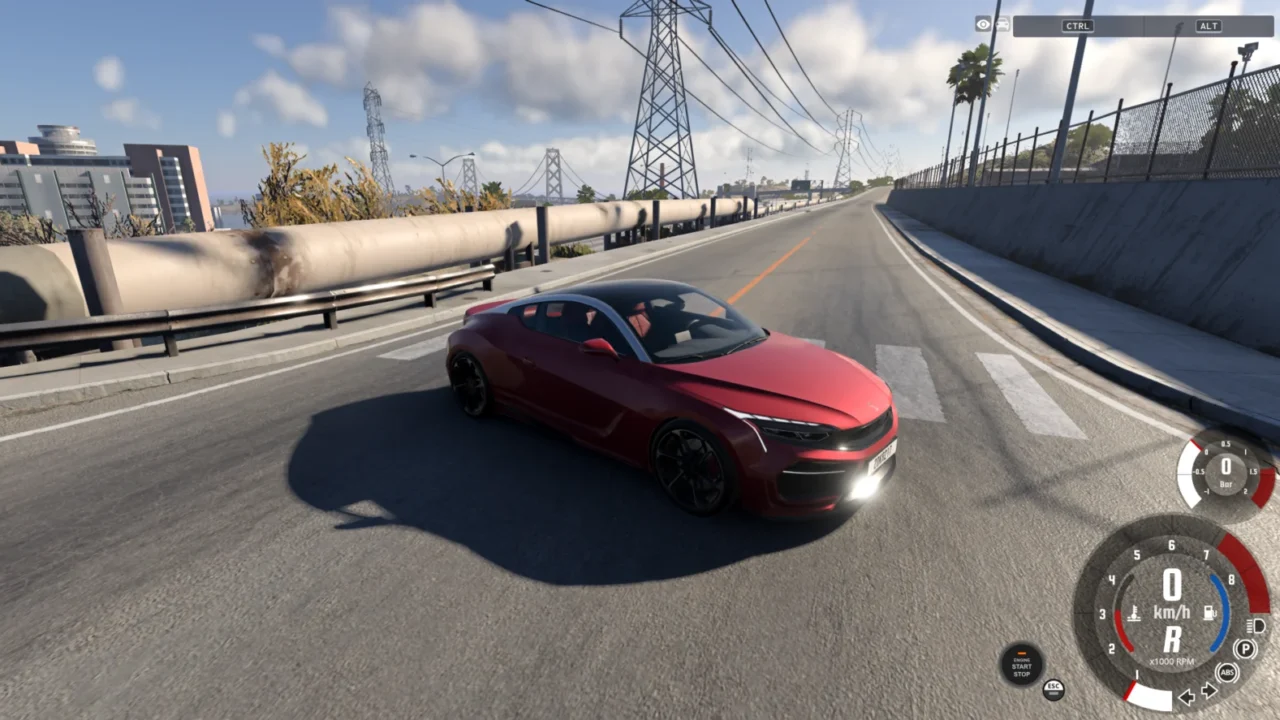
More screenshots on Official BeamNG Repository (beamng.com/resources) ↗
What this mod does
Temporal Anti Aliasing (Standalone), by nikoxx44, adds TAA to BeamNG.drive: it uses information from previous frames to smooth edges and gain detail and stability in the image. This version works on its own, with no other mods.
What it offers
- Temporal anti-aliasing built into the game.
- Its own interface with presets and lots of options, in the Mods tab of the pause menu.
- A performance preset that, according to the author, halves the FPS loss.
Version and compatibility
It’s updated very often. In October 2026 the author improved history clipping to reduce flickering and ghosting, tried a new resampler and then went back to a fine-tuned Kaiser resampling, with a slight performance gain. Version 1.8.1 is from October 19, 2026, and one user says it works fine on 0.40.
Known limitations
TAA turns off while the game is paused, and lighting quality must be at least low for the engine to generate motion vectors. Some Windows 10 users saw a single-color screen; one fixed it with the shader cache. Another noticed jittering on edges since 1.5. If something goes wrong, try the default preset and let the author know your graphics card and whether you use DX12 or Vulkan.
User rating
Highlights and things to keep in mind
- Sharper, more stable image
- Interface with presets
- Very active author with frequent fixes
- Still in Beta
- Some cases of single-color screens or jittering depending on the PC
- Doesn't work while the game is paused
Requirements
- BeamNG.drive 0.39 or later
- Lighting quality set to low or higher
How to install it
- Open the Temporal Anti Aliasing page on the official BeamNG Repository.
- Click Download to get the .zip, or subscribe from the in-game Repository (Subscribe button).
- If you download it manually, copy the .zip (don't unzip it) into the mods folder inside your BeamNG.drive user folder (AppData > Local > BeamNG > BeamNG.drive > current > mods).
- Launch the game and check in the Mod Manager that it's enabled.
- Pause the game, go to the Mods tab and choose a TAA preset.
Version history
-
1.8.119 Oct 2026Current
Small history clipping fix.
-
—19 Oct 2026
Back to fine-tuned Kaiser resampling and simplified variance clipping, with a slight performance gain.
-
—16 Oct 2026
Wiener resampler, more precise clipping against flickering and ghosting, and robustness patches.
Common problems
Where do I configure it?
In the pause menu, Mods tab; that's where the presets and all the options are.
The screen turns a single color, what do I do?
Update to the latest version; one user fixed it by clearing the shader cache.
Does it hurt performance much?
It depends on your PC; the author recommends the performance preset, which he says halves the FPS loss.
More mods for BeamNG