Roadwave — In-Car Music Player with 3D Audio for BeamNG.drive
An in-car music player with 3D sound: drop your own songs into a folder and they play from inside the cabin, muffled when you step out of the vehicle.
Download Roadwave — In-Car Music Player with 3D Audio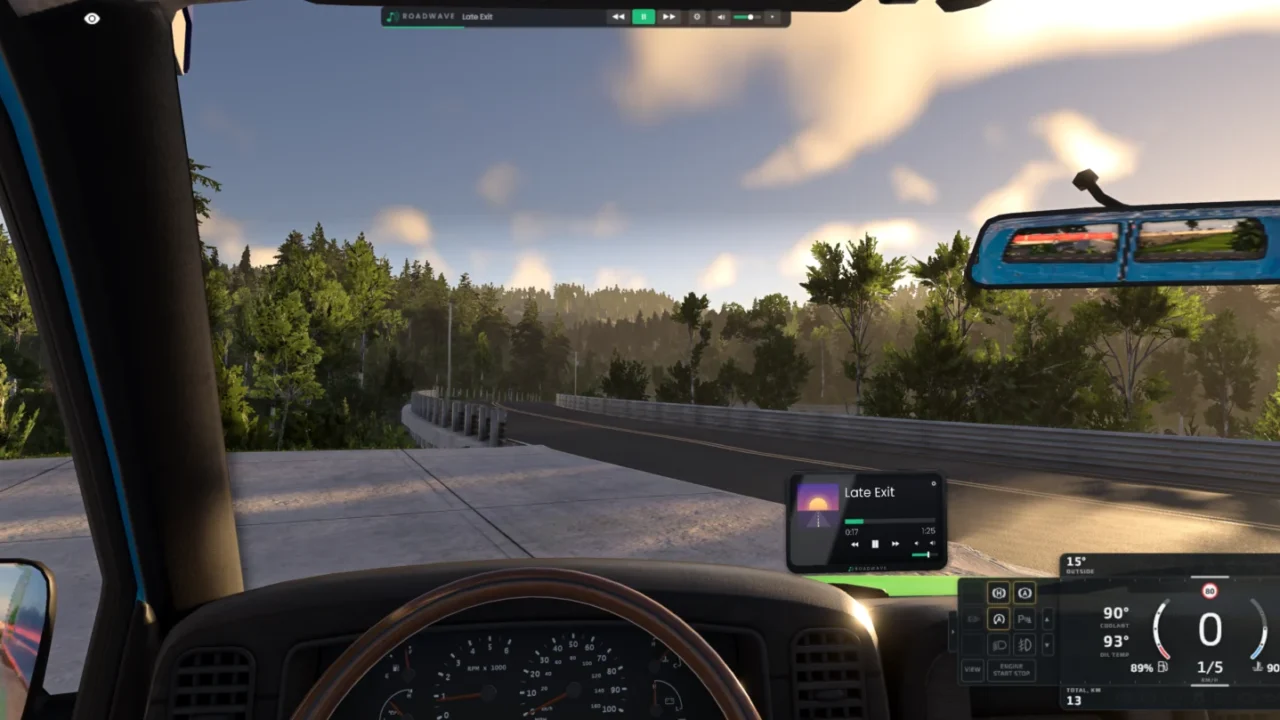
More screenshots on Official BeamNG Repository (beamng.com/resources) ↗
What this mod does
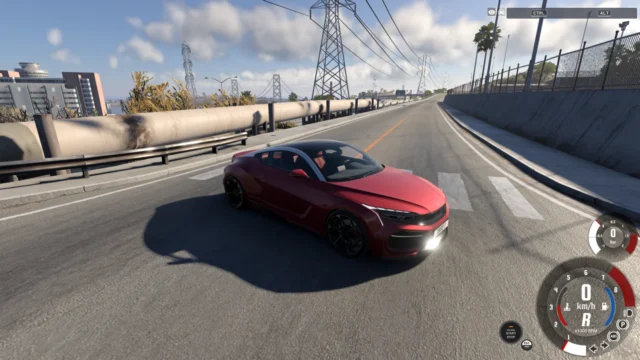
Roadwave places a music player inside the car’s cabin, at the position and size you choose, and plays your own files. The sound is 3D positional and comes from the car: if you get out, the music sounds muffled and quieter, and with the doors open or in a convertible more sound escapes.
What’s included
- An in-cabin player with a single-DIN or double-DIN design, and two UI apps: a compact player and a browser.
- Folder-based playlists, with mp3, ogg, wav and flac formats (m4a and aac aren’t supported).
- Stop when the ignition is off, mute, speed-sensitive volume, +4, +8 or +12 dB bass boost and left/right balance.
- Eight rebindable keyboard and controller controls; Shift + H hides the player without cutting the music.
How to use it
The mod creates the music folder by itself and has a button to open it. Copy your songs there into subfolders (each one is a playlist) and add a cover.jpg if you want album art. The in-cabin player is only visible with the interior camera; with other cameras, use the app.
Compatibility
It’s built and tested on 0.39; the mod page doesn’t mention 0.40. It doesn’t include any music or upload your files anywhere. There’s a paid version, Roadwave Advanced, with internet radio and audio from any program on your PC, but the free mod is complete on its own.
User rating
Highlights and things to keep in mind
- Realistic 3D sound coming from the car itself
- Very polished, with frequent updates
- Over 37,000 downloads and a 4.6 rating
- No m4a or aac support and it doesn't read song tags
- Not tested in BeamMP
- The current game version is 0.40 (released October 19, 2026): the mod doesn't list it and may need an update; after a major update the game disables mods and you have to re-enable them
Requirements
- BeamNG.drive 0.39
- Your own music files in mp3, ogg, wav or flac
How to install it
- Open the Roadwave page on the official BeamNG Repository.
- Click Download to get the .zip, or subscribe from the in-game Repository (Subscribe button).
- If you download it manually, copy the .zip, without unzipping it, into the mods folder inside your BeamNG.drive user folder (the launcher opens it via Manage User Folder).
- Launch the game and check in the Mod Manager that it's enabled.
- In the game, press Esc, open UI Apps and add the Roadwave player or browser.
- Click the button to open the music folder, copy your songs into subfolders and restart the game once after each mod update.
Version history
-
1.915 Oct 2026Current
Shift + H hides the in-cabin player, plus album art from your own files.
-
—9 Oct 2026
New single-DIN or double-DIN player; with the doors open the music can be heard outside.
-
—28 Sep 2026
The mod creates the music folder and adds a button to open it.
Common problems
Does it come with songs?
No: it creates an empty folder and you add your own files.
Why can't I see the player on the dashboard?
It only appears with the interior camera; with other cameras, use the UI app.
What does the paid version add?
Roadwave Advanced (from $6) adds internet radio and audio from whatever is playing on your PC; the free mod is still complete.
More mods for BeamNG