Traffic Flow and Density Lab for BeamNG.drive
An app to control traffic: up to 200 moving and parked cars, police percentage, radius around the player, car recycling and lightweight profiles.
Download Traffic Flow and Density Lab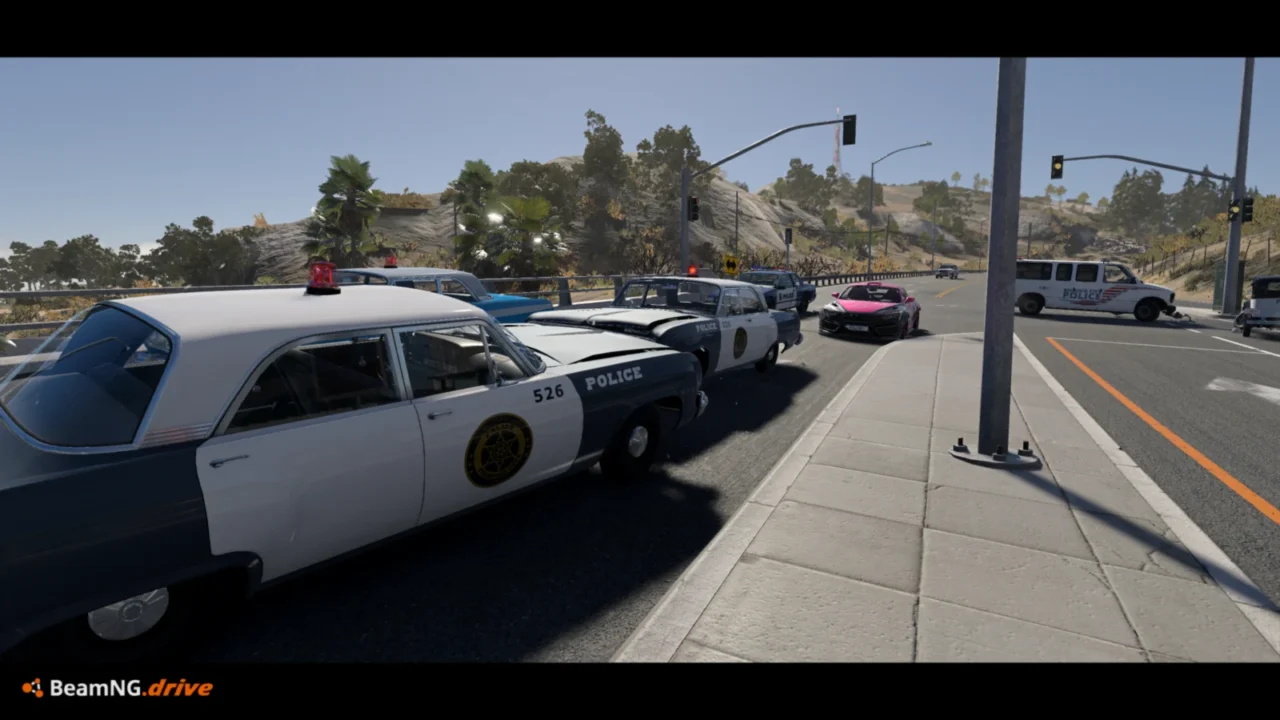
More screenshots on Official BeamNG Repository (beamng.com/resources) ↗
What this mod does
Traffic Flow and Density Lab, by SteadMeerkat, is a compact UI app for controlling BeamNG.drive’s traffic. It includes a bypass that raises the default 15-car traffic limit to 200.
What you can adjust
- Moving and parked cars, from 0 to 200.
- Police percentage, from 0 to 100%, within the total you choose.
- Concentration radius around the player, from 150 to 1000 meters, and recycling of cars left behind.
- Four vehicle profiles (Standard, Light, Wheels Only and Minimal) and two AI modes.
- Pause traffic without deleting it, and a 20-second FPS test for comparison.
- Interface in English and French.
Compatibility
It was developed and tested on 0.39.4 and works in Freeroam; version 0.7.1, from October 14, 2026, adds experimental support for free driving in Career, pausing traffic during missions and other situations. It deliberately blocks itself in BeamMP sessions. It doesn’t replace any game files.
Tips
Start with 10 or 12 cars and work your way up depending on your PC: 200 is a slider limit, not a performance promise, and police cars use more CPU. One user has seen UI flickering since 0.40, and another had an app that didn’t go away after uninstalling the mod.
User rating
Mod video
Highlights and things to keep in mind
- Full control over traffic density
- Lightweight profiles for better performance
- FPS comparison tool
- Still in Beta
- One user reports UI flickering on 0.40
- Heavy traffic demands a lot of CPU
Requirements
- BeamNG.drive 0.39.4 or later
- About 10 MB of free space for the .zip file
- A powerful PC if you want lots of traffic
How to install it
- Open the Traffic Flow and Density Lab page on the official BeamNG Repository.
- Click Download to get the .zip, or subscribe from the in-game Repository (Subscribe button).
- If you download it manually, copy the .zip (don't unzip it) into the mods folder inside your BeamNG.drive user folder (AppData > Local > BeamNG > BeamNG.drive > current > mods).
- Launch the game and check in the Mod Manager that it's enabled.
- Load a map in Freeroam; the app appears in the UI by itself. Choose the number of cars and release the slider to apply it.
Version history
-
0.7.114 Oct 2026Current
Experimental Career support in free driving and parked cars that reposition as you travel.
-
0.6.96 Oct 2026
Normal and Dense flow layouts, faster recycling and a compact UI (combines eight versions).
-
—5 Oct 2026
First version published.
Common problems
Can I really run 200 cars?
The slider goes up to 200, but the author warns that not every PC or map can handle it; start with 10-12.
Does it work in BeamMP?
No, the mod deliberately blocks itself in BeamMP sessions.
What about Career mode?
Since 0.7.1 there's experimental support for free driving in Career; traffic pauses during missions, challenges and in the garage.
More mods for BeamNG