ETA and rest on GPS – SCS Trucks for Euro Truck Simulator 2
Adds your ETA and the time left until your next rest to the in-cab GPS. For SCS's Volvo FH, Scania, Iveco S-Way and Renault T; requires the Cabin Accessories DLC.
Download ETA and rest on GPS – SCS Trucks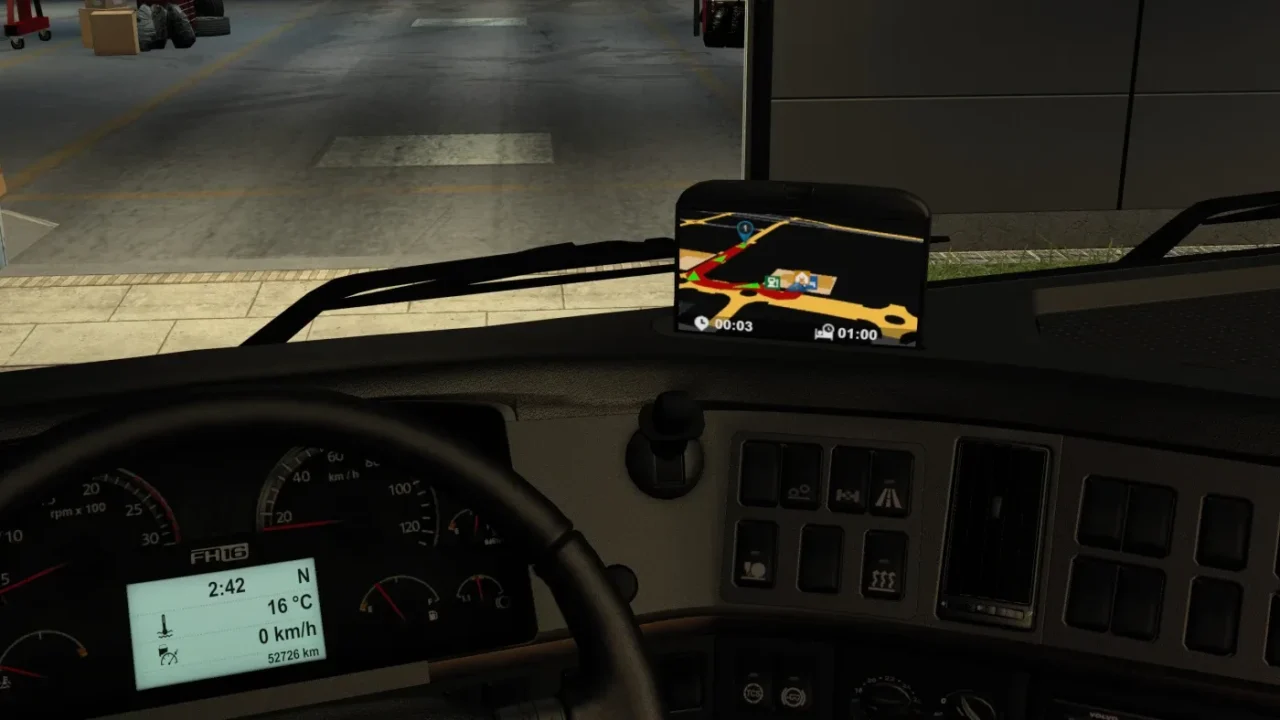
More screenshots on TruckyMods (verified account of Muha10) ↗
What this mod does
The built-in GPS in SCS trucks shows the map, but it doesn’t tell you what time you’ll arrive or how long you can drive before stopping. ETA and rest on GPS, by Muha10, adds those two screens to the in-cab navigation.
What it adds
- ETA: estimated time of arrival at your destination.
- Time until your mandatory rest.
- You check them by switching screens with the infotainment system’s mode button.
Compatible trucks
Fourth, fifth and sixth-generation Volvo FH, Scania R and S 2016, Scania BEV and Scania 2025, Iveco S-Way and Renault T (including its new interior since 1.8).
Requirements and limitations
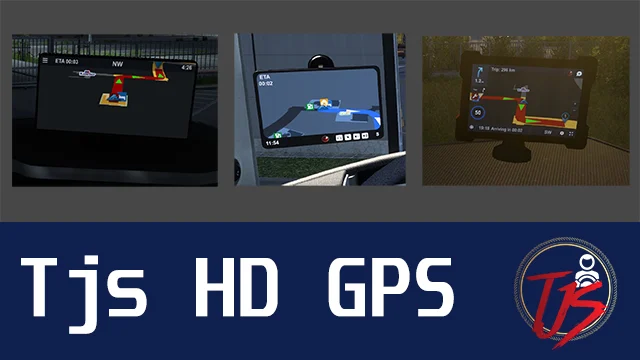
It requires the Cabin Accessories DLC. For the info to appear you need a destination set and fatigue enabled. The author warns that it doesn’t work alongside other interior, truck or GPS mods, so don’t combine it with the Tjs HD GPS Mod on the same truck.
Version
1.8 (February 15, 2026) is listed for ETS2 1.58–1.60. As of October 7, 1.61 isn’t listed yet.
Holyfix Check
Will it work with your mods?
Load your game.log.txt and check whether this mod is for your ETS2 version, whether you're missing a mod or DLC it needs and where to place it.
It's in Documents › Euro Truck Simulator 2 › game.log.txt. It's read in your browser: the file is never uploaded.
Something else failing? Holyfix for ETS2 checks all your mods at once.
User rating
Highlights and things to keep in mind
- Useful info the stock GPS doesn't show
- Lightweight and doesn't change the look of the cab
- Updated for the new Renault T interior
- Requires the Cabin Accessories DLC
- Incompatible with other interior, truck or GPS mods
- Listed up to ETS2 1.60
Requirements
- Euro Truck Simulator 2 1.60 (listed versions: 1.58–1.60)
- Cabin Accessories DLC
- Fatigue enabled in the gameplay options
How to install it
- Open the mod's page on TruckyMods and download it.
- Copy the file to Documents/Euro Truck Simulator 2/mod and enable it in the Mod Manager.
- In Options > Controls, bind a key to the infotainment display mode.
- Enable fatigue in the gameplay options and set a destination.
- Once on the road, press that key until you reach the ETA and rest screen.
Version history
-
1.815 Feb 2026Current
Compatibility with the new Renault T interior
-
1.722 Nov 2025
Fixed a crash with the Scania R and S 2016 and added support for the Scania 2025 dashboard
-
1.6.118 Sep 2025
Adjusted the GPS background color on the Volvo FH6
Common problems
Why doesn't the new screen show up?
You need a selected destination, fatigue enabled and a key bound to the infotainment display mode.
Does it work with other GPS or interior mods?
No. The author warns it isn't compatible with other interior, truck or GPS mods.
Does it work on every truck?
Only on the SCS models on the list: Volvo FH4/FH5/FH6, several Scanias, Iveco S-Way and Renault T.
More mods for ETS2
 ✓ ETS2 1.61
  ✓ ETS2 1.61
  Requires DLC
  ✓ ETS2 1.61
  ✓ ETS2 1.61
  ETS2 1.57