Extended Backpacks for Hytale
Adds a backpack upgrade system: you craft a first backpack that unlocks extra inventory slots and then keep expanding it tier by tier. Version 4.2.2 for Hytale 0.6.
Download Extended Backpacks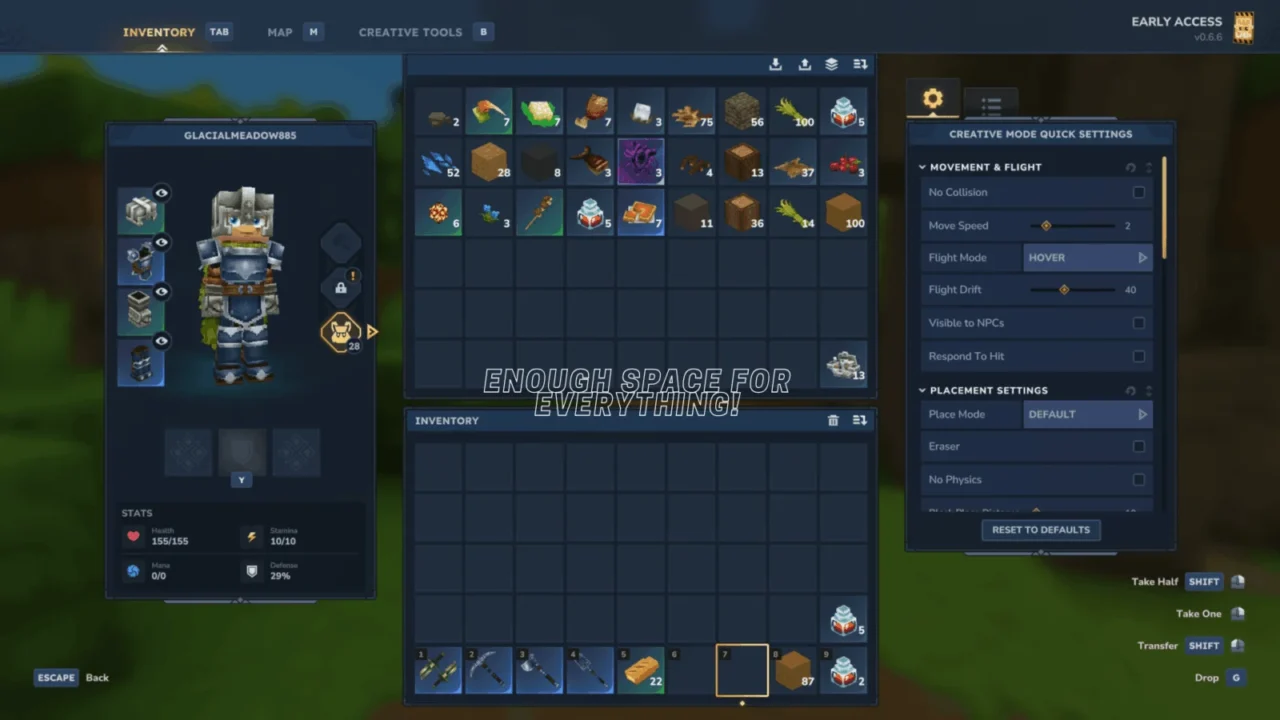
More screenshots on CurseForge ↗
What this mod does
Extended Backpacks expands Hytale’s inventory with a backpack upgrade system built into the game. You start by crafting a basic backpack, which gives you the first set of extra slots, and from there you can keep upgrading it to carry more items on your expeditions.
What changes in game
- More inventory slots without relying on chests or separate bags.
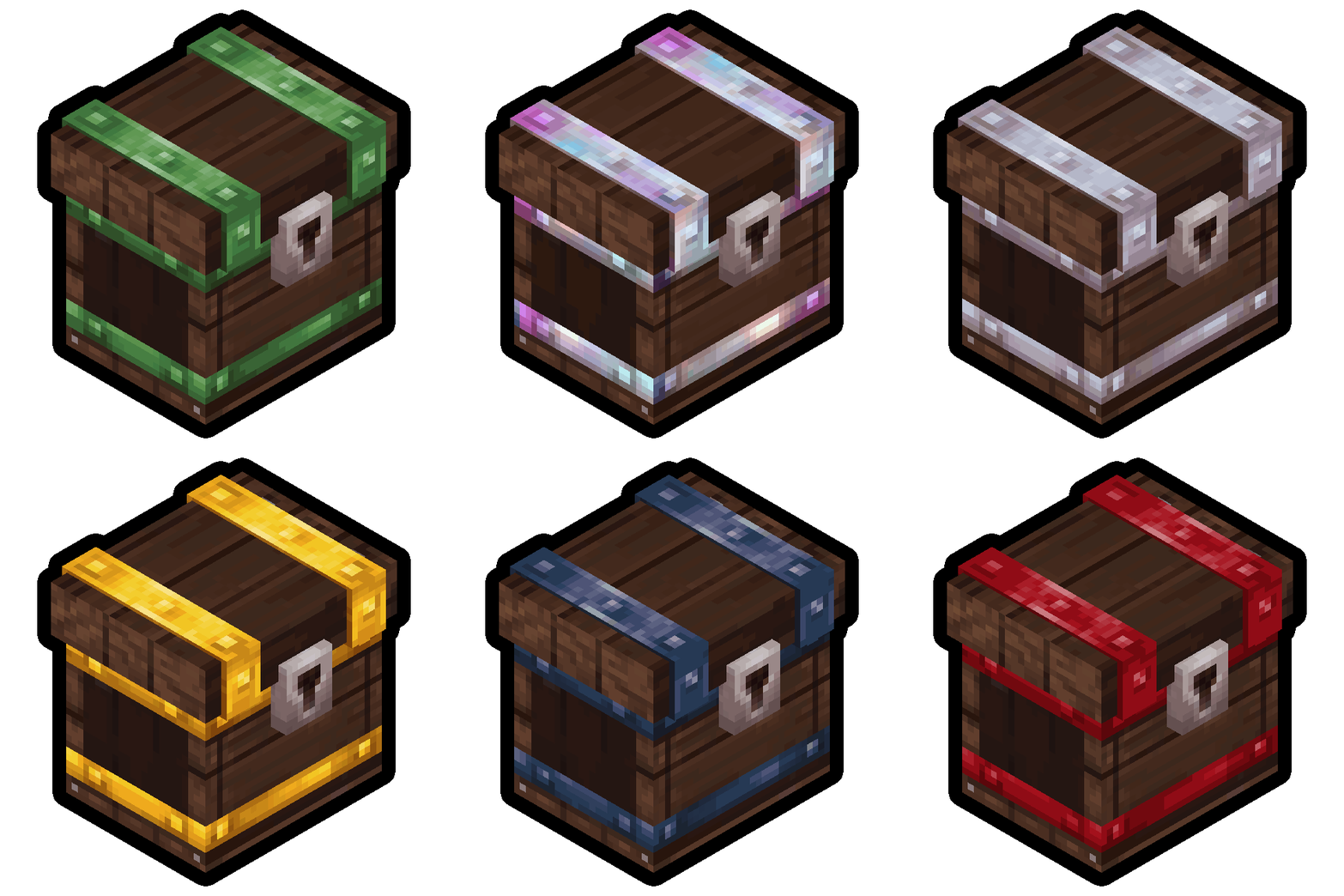
- Progressive upgrades: the official gallery shows eleven upgrade tiers.
- The extra slots work normally while you mine, build or explore.
Who it’s for
For players who keep heading home every few minutes because their inventory fills up, especially during long mining or exploration sessions. The author is going for a balanced system that you earn by crafting, rather than giving you infinite space from the start.
Version
Version 4.2.2 is released for Hytale 0.6; according to the author, it works on game versions 0.6.5 to 0.7.0. Support and bug reports are handled on their Discord.
Checked on October 20, 2026: the author hasn’t yet released a file tagged for Hytale 0.7 (Update 7) on CurseForge. We’ll check again and update this page as soon as it’s out.
User rating
Highlights and things to keep in mind
- More inventory in a gradual, balanced way
- Built into the game's backpack system
- Updated frequently
- The page doesn't detail how many slots each upgrade gives or their recipes
- Support is only offered through Discord
Requirements
- Hytale (Early Access) on PC, version 0.6 for version 4.2.2 of the mod
- Enable the mod in the world settings or install it on the server
- No other mods needed
How to install it
- Open the Extended Backpacks page on CurseForge and click Install to install it with the CurseForge app, or download the .zip file from the Files tab.
- If you download it manually, copy the file into the mods folder: on Windows %APPDATA%\Hytale\UserData\Mods.
- Open Hytale, right-click the world where you want to use it, check Extended Backpacks in the mod list and click Save World Settings.
- On a dedicated server, put the file in the server's mods folder and restart it.
- In game, craft the starter backpack to unlock the first extra slots.
Version history
-
4.2.214 Sep 2026Current
Updated and stabilized for Hytale 0.6.5 to 0.7.0
Common problems
Do I have to craft something to get more space?
Yes. First you craft the starter-tier backpack and then its upgrades; it doesn't give you extra slots right away.
Does it work on the latest game version?
4.2.2 is tagged for Hytale 0.6, and the author states compatibility from 0.6.5 to 0.7.0.
I found a bug, where do I report it?
The author handles reports through tickets on their Discord server, linked on the CurseForge page.
More mods for Hytale
 Multiplayer
 Multiplayer
  Multiplayer