Vein Mining for Hytale
Hold the walk key (Left Alt) while breaking a block and you'll mine the whole connected vein at once. Includes tunnel, cube and wall patterns, configurable with /vm.
Download Vein Mining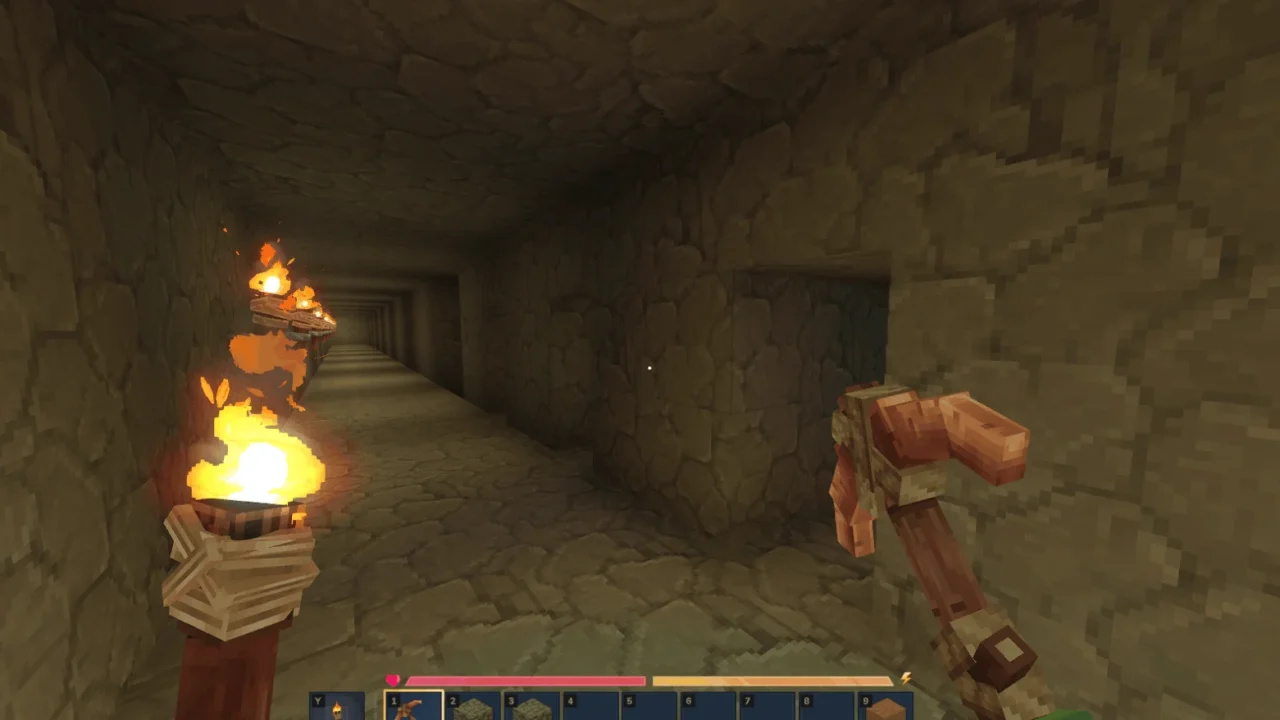
More screenshots on CurseForge ↗
What this mod does
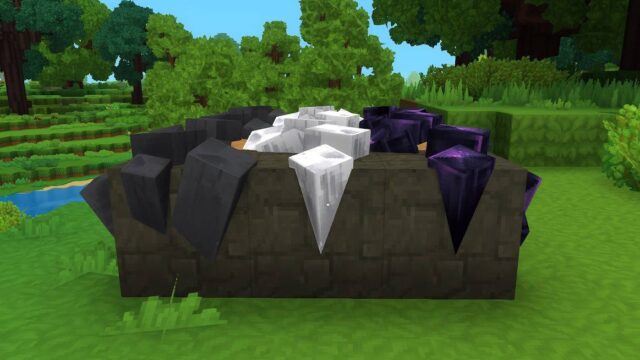
Vein Mining speeds up mining in Hytale: if you hold the walk key (Left Alt by default) while breaking a block, the mod also breaks every matching block connected to it. That way you clear an entire ore vein in one hit instead of mining block by block.
Modes and patterns
- Target: all blocks (the default), ores only or off.
- Digging patterns: free (follows the vein), cube, 1×1, 1×2 or 3×3 tunnel, 3×3 or 5×5 wall, and diagonal.
- Orientation based on the block face you hit or on where you’re looking.
- You can change the activation key to crouch or leave it always on.
Balance and configuration
Your tool loses durability based on the total number of blocks broken, so it isn’t free. Drops can be gathered into a single pile at your feet or at the origin block. Everything is adjusted from the window opened by the /vm command or through chat options, and each world keeps its own VeinMining.json file with advanced settings like maximum vein size, the wear multiplier or tool requirements.
Who it’s for
For players who spend hours mining or digging tunnels and want to save time. Version 2.4.0 is released for Hytale 0.6.
Update (Oct 12, 2026): with Update 7 (0.7) now out, the author has already released a compatible file: version 2.5.0 (October 12, 2026). What’s described on this page was tested with the previous version; check the author’s changelog in case anything has changed.
User rating
Highlights and things to keep in mind
- Saves a lot of time mining and digging
- Several useful patterns for tunnels and walls
- Per-world configuration and no dependencies
- Uses tool durability for every block broken
- Advanced settings are edited in a per-world JSON file
Requirements
- Hytale (Early Access) on PC, version 0.7 for version 2.4.0 of the mod
- Enable the mod in the world settings or install it on the server
- No other mods needed
How to install it
- Open the Vein Mining page on CurseForge and click Install to install it with the CurseForge app, or download the .jar file from the Files tab.
- If you download it manually, copy the file into the mods folder: on Windows %APPDATA%\Hytale\UserData\Mods.
- Open Hytale, right-click the world where you want to use it, check Vein Mining in the mod list and click Save World Settings.
- On a dedicated server, put the file in the server's mods folder and restart it.
- In game, type /vm to choose the mode, pattern and activation key.
Version history
-
2.5.012 Oct 2026Current
File for Hytale 0.7 (Update 7)
-
2.4.02 Sep 2026
Updated for Hytale 0.6
Common problems
It doesn't mine the whole vein, just one block
Make sure you're holding the walk key (Left Alt) and that the mode isn't set to Off. You can check it with /vm.
Can I use it to dig straight tunnels?
Yes. Choose the Tunnel (1x1, 1x2 or 3x3) or Wall pattern in /vm and the mod will dig that shape instead of following the vein.
My pickaxe breaks really fast
That's intentional: wear depends on the blocks broken. You can change the durability multiplier in VeinMining.json.
More mods for Hytale
 Multiplayer
  Multiplayer
  Multiplayer
  Multiplayer
  Multiplayer