Realm Revamped HD for Hytale
HD texture pack that adds detail to forests, rocky areas, lava regions and snowy biomes without breaking Hytale's style. It's in beta and weighs about 106 MB.
Download Realm Revamped HD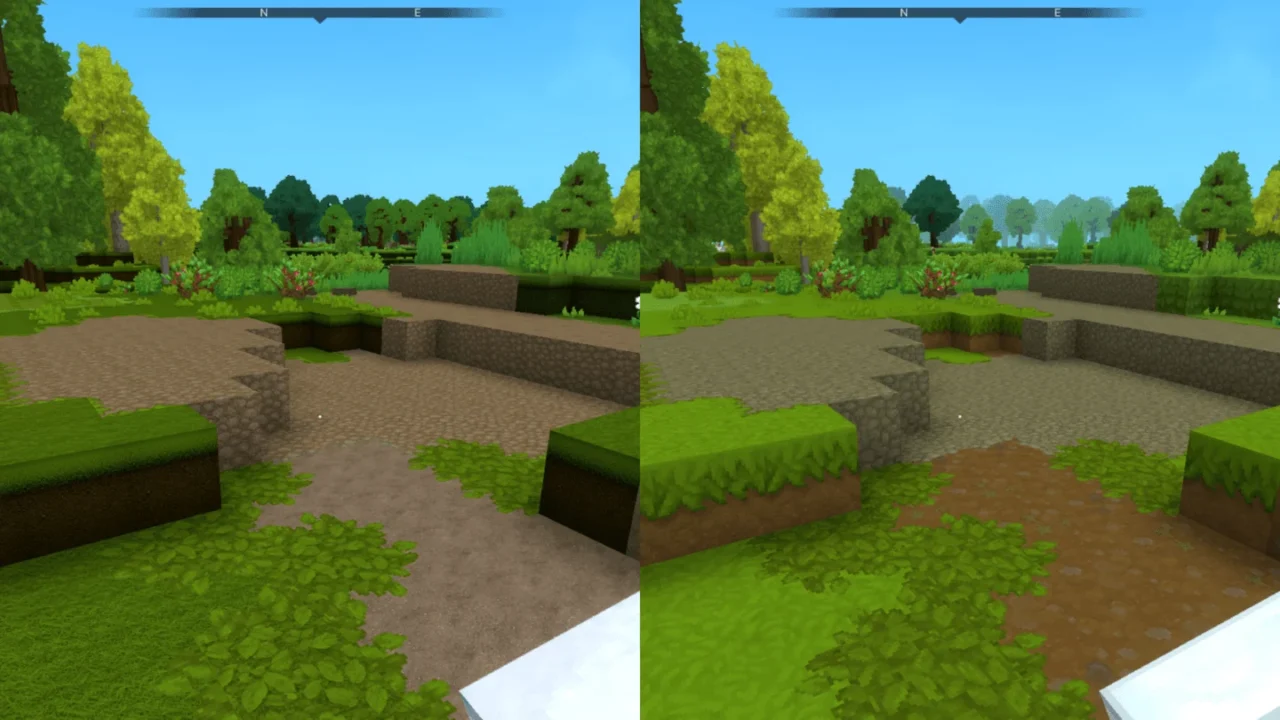
More screenshots on CurseForge ↗
What this mod does
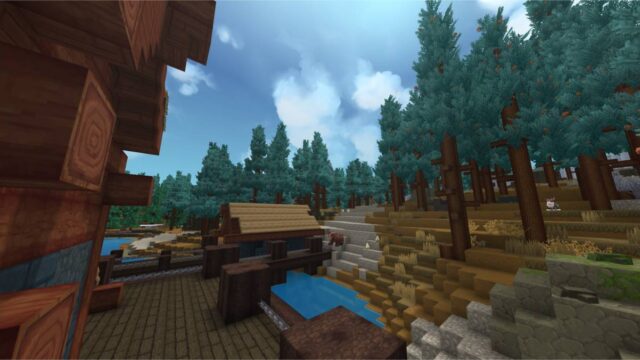
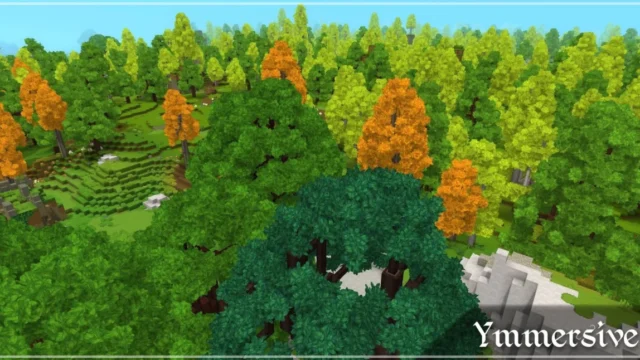
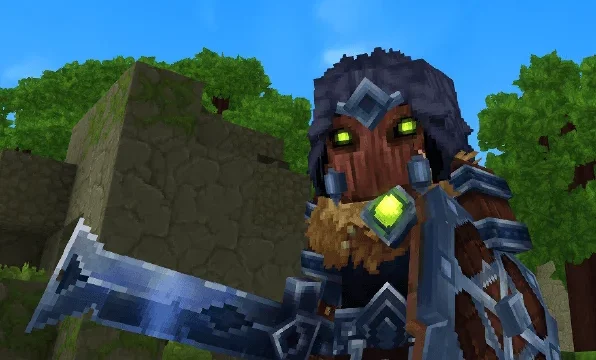
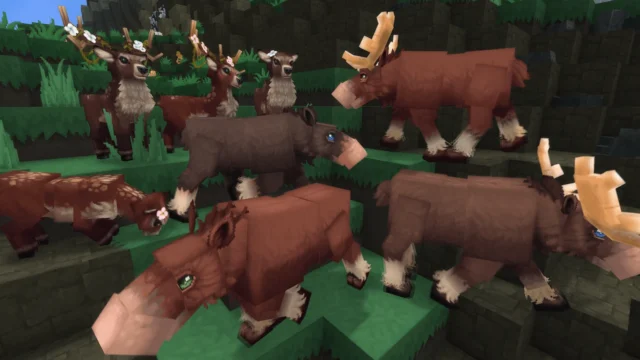
Realm Revamped HD is a visual overhaul for Hytale focused on textures. It’s not a shader mod: for now, Hytale has no shader mods published on CurseForge, and the graphics upgrades you can install as mods come from resource packs like this one. The author’s goal isn’t just to bump the resolution, but to give each area more detail and a more immersive feel while keeping the original look.
What it changes
- Reworked textures in forests, rocky areas, lava regions and snowy biomes.
- More environmental detail so the world looks less flat.
- The gallery has before-and-after comparisons so you can see the change before installing it.
Project status
It’s in beta: the author warns that some textures and areas are further along than others and that it’s their first project of this kind. The latest file was uploaded on August 29, 2026 and weighs about 106 MB, much more than a typical mod.
Who it’s for
For players who want a more visually detailed Hytale without changing its style and don’t mind that the pack is still in development.
Checked on October 20, 2026: the author hasn’t yet released a file tagged for Hytale 0.7 (Update 7) on CurseForge. We’ll check again and update this page as soon as it’s out.
User rating
Highlights and things to keep in mind
- More detail without losing Hytale's style
- Before-and-after comparisons in the gallery
- No dependencies
- It's in beta and coverage is uneven
- Large file for a mod
- CurseForge doesn't list the exact game version, only Early Access
Requirements
- Hytale (Early Access) on PC
- About 106 MB of space for the pack
- No other mods needed
How to install it
- Open the Realm Revamped HD page on CurseForge and click Install to use the CurseForge app, or download the .zip from the Files tab.
- If you download it manually, copy the file into the mods folder: on Windows %APPDATA%\Hytale\UserData\Mods.
- In Hytale, right-click the world, check Realm Revamped in the mod list and save the world settings.
- Join the world and visit a forest or a snowy area to see the change.
- If you want to go back to the original look, uncheck the mod in the world settings.
Common problems
Are these shaders?
No. It's a texture pack. If what you want is to change the lighting and color of the image, check out ReShade presets like Atmosphere.
Some areas don't change
The pack is in beta and the author admits not every area is equally far along.
Why is it so big?
They're HD textures; the file takes up nearly 106 MB.
More mods for Hytale