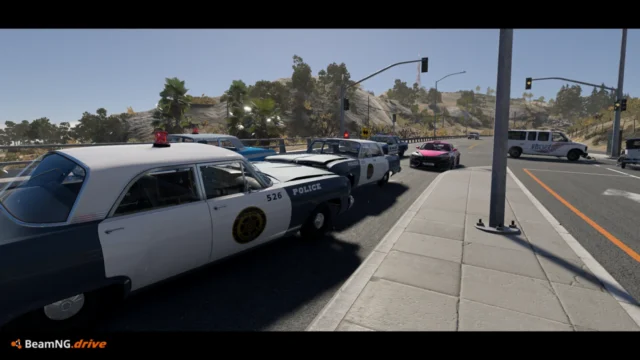
Multi-Monitor Split Screen for BeamNG.drive
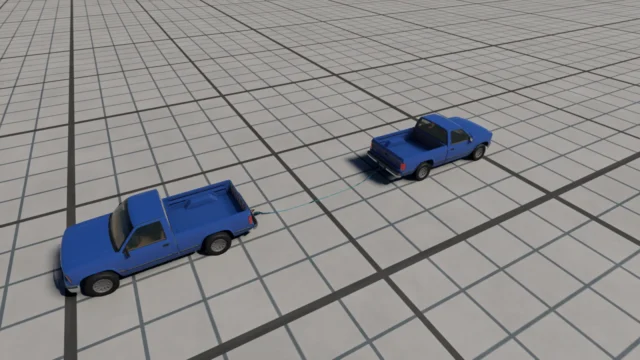
Takes BeamNG's native split-screen to several monitors: up to 8 screens, a layout per monitor and independent resolution. Version 1.1 from October 29, 2026.
Download Multi-Monitor Split Screen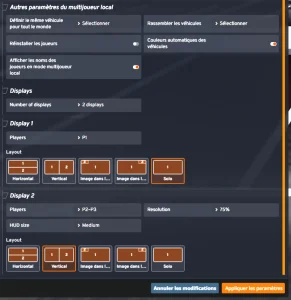
More screenshots on Official BeamNG Repository (beamng.com/resources) ↗
What this mod does
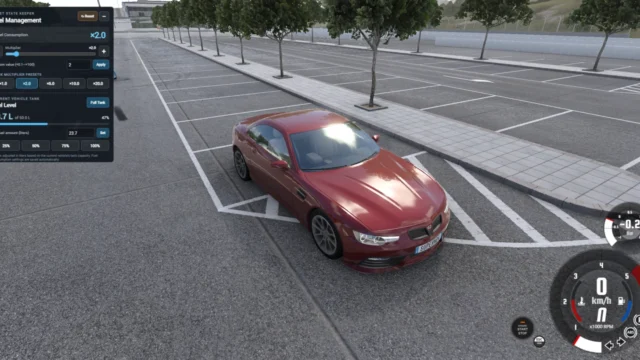
Multi-Monitor Split Screen by ragnarok179 extends BeamNG.drive’s native split-screen mode, introduced with 0.40, so players can be spread across several physical monitors. It continues the author’s Local Split-Screen mod, which is no longer needed. Version 1.1 was released on October 29, 2026.
What’s included
- Up to 8 screens, with monitor selection for each output.
- An independent layout on each screen and a full-screen layout for a single player.
- Independent render resolution.
- Settings are saved between sessions.
Requirements
- BeamNG’s native local multiplayer mode.
- The game in borderless mode: Settings, Display, General.
- Disable or remove the old Local Split-Screen mod.
Limitations
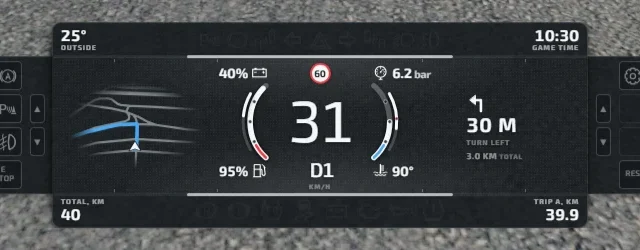
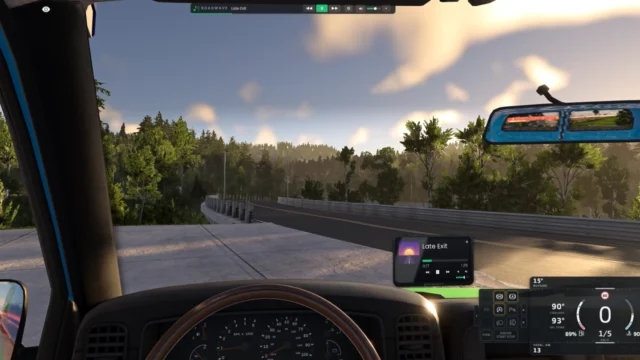
The author warns that the HUD may look slightly different on secondary screens. The page gives no exact game version; it only says native split-screen arrived with 0.40. It weighs 1.3 MB, declares no license or price and downloads directly from the official repository.
User rating
Highlights and things to keep in mind
- Up to 8 monitors
- Independent render resolution
- Settings saved between sessions
- Requires borderless mode
- The HUD may look different on secondary screens
- The page gives no exact game version
- Disable the Local Split-Screen mod
Requirements
- BeamNG.drive with native local multiplayer (0.40 or later)
- Game in borderless mode (Settings > Display > General)
- Disable or remove the Local Split-Screen mod
- Several monitors connected
How to install it
- Open the Multi-Monitor Split Screen page on the official BeamNG repository.
- Click Download or subscribe from the in-game repository.
- If you download it by hand, copy the .zip, without unzipping it, into the mods folder of your BeamNG.drive user folder.
- Disable or remove the Local Split-Screen mod if you had it.
- Set the game to borderless mode and configure each player's monitor.
Version history
-
1.129 Oct 2026Current
Version 1.1 of the mod.
Common problems
How many screens does it support?
Up to 8, with an independent layout on each.
Do I still need Local Split-Screen?
No: this mod replaces it and the old one must be disabled.
Does the HUD look the same everywhere?
Not always: the author warns it may differ on secondary screens.
More mods for BeamNG