Better HUD for Hytale
Shows your helmet, chestplate, greaves and boots durability on screen, plus how many arrows you have, without opening your inventory. Version 6.0.0 for Hytale 0.6.
Download Better HUD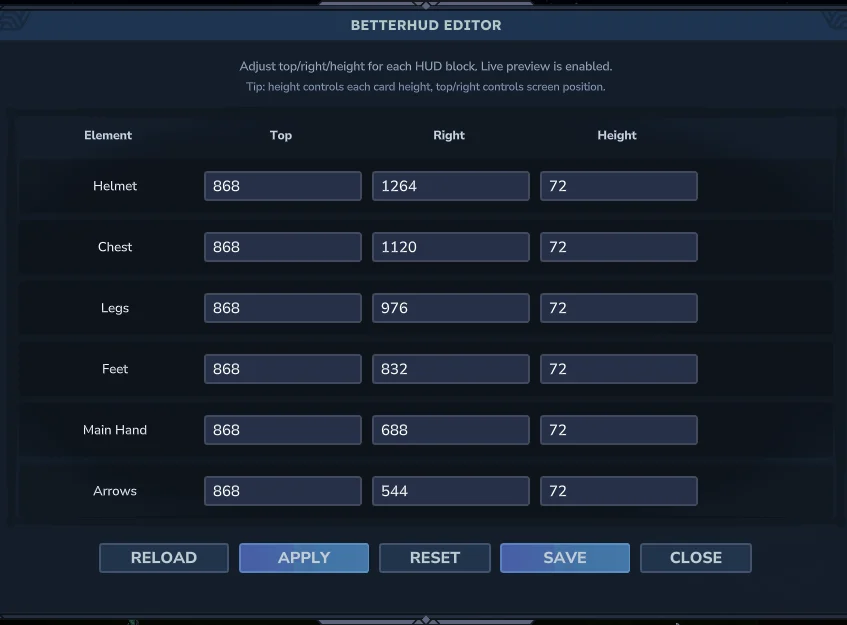
More screenshots on CurseForge ↗
What this mod does
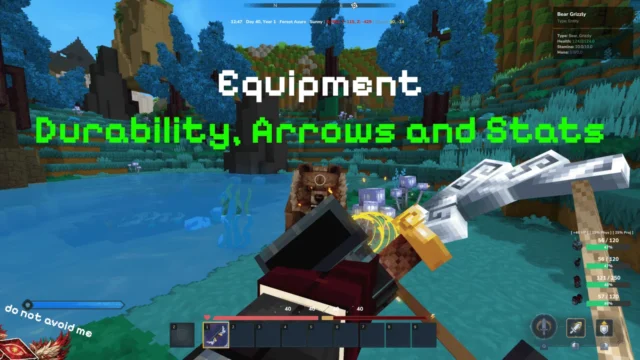
Better HUD adds the info you miss most in the middle of an adventure to Hytale’s interface: how much your armor has left before it breaks and how many arrows you have left. That way you don’t have to open your inventory in the middle of a fight.
What it shows
- Durability percentage for your helmet, chestplate, greaves and boots.
- Number of arrows in your inventory.
- It updates instantly when you put on, take off or damage a piece.
Customization
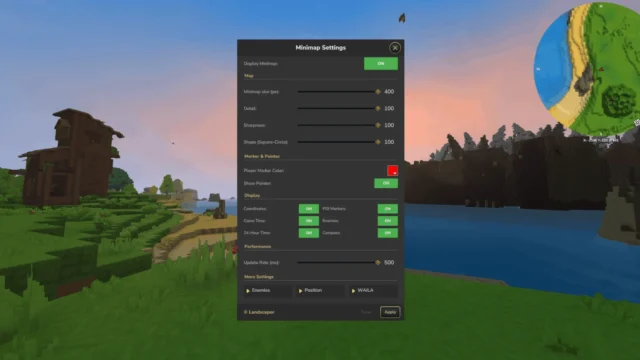
With /betterhud (or the /hud shortcut) you open a menu to move the elements to whichever part of the screen you prefer. The author designed it to be lightweight, not block clicks and not clutter the screen with data. It installs like any other mod; on a server, just put it in the mods folder.
Version 6.0.0 was released on August 27, 2026 for Hytale 0.6; the author hasn’t published a changelog.
This mod page was checked with Hytale 0.6 (Update 6). With Update 7 (0.7), released on October 12, 2026, the mod will need an update: don’t use it in an important world until the author releases a file tagged for the new version.
Checked on October 20, 2026: version 7.0.0 came out on October 11, 2026, one day before Update 7, and doesn’t state compatibility with Hytale 0.7. There’s no file tagged for 0.7 yet.
User rating
Highlights and things to keep in mind
- Armor durability always in view
- Very lightweight (57.9 KB)
- Repositionable elements
- Short description and no changelog for 6.0.0
- Only covers armor and arrows
- All Rights Reserved license
- With Update 7 (released October 12, 2026), you'll have to wait for a compatible version and update the mod
Requirements
- Hytale (Early Access) on PC, version 0.6 (file BetterHUD-6.0.0.jar)
- No dependencies
How to install it
- Open the Better HUD page on CurseForge and click Install to install it with the CurseForge app, or download BetterHUD-6.0.0.jar from the Files tab (the file tagged 0.6).
- If you download it manually, copy the file as is, without unzipping it, into the mods folder: on Windows, %APPDATA%\Hytale\UserData\Mods.
- Open Hytale, right-click the world, check Better HUD in the mod list and save the world settings.
- On a dedicated server, place the file in the server's mods folder and restart it.
- In game, type /betterhud or /hud to place the indicators wherever you like.
Version history
-
7.0.011 Oct 2026Current
New version (no game version tag)
-
6.0.027 Aug 2026
File for Hytale 0.6 (no changelog)
-
5.0.024 May 2026
File for Hytale 0.5
Common problems
Does it show weapon durability?
The description only mentions the four armor pieces and the arrow count.
Can I move the panel?
Yes. With /betterhud or /hud you open a menu to reposition the elements.
Is it compatible with other UI mods?
It uses the game's UI system and doesn't block clicks; no incompatibilities are listed, but if you use several panels, check that they don't overlap.
More mods for Hytale
 Multiplayer
  Multiplayer
  Multiplayer
  Multiplayer
  Multiplayer
  Multiplayer