Connected Windows for Hytale
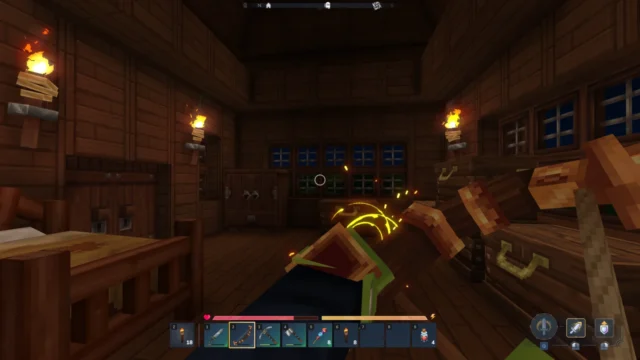
Makes the game's windows visually connect when placed together, forming continuous glass walls without repeated frames. Use the hammer to disconnect one.
Download Connected Windows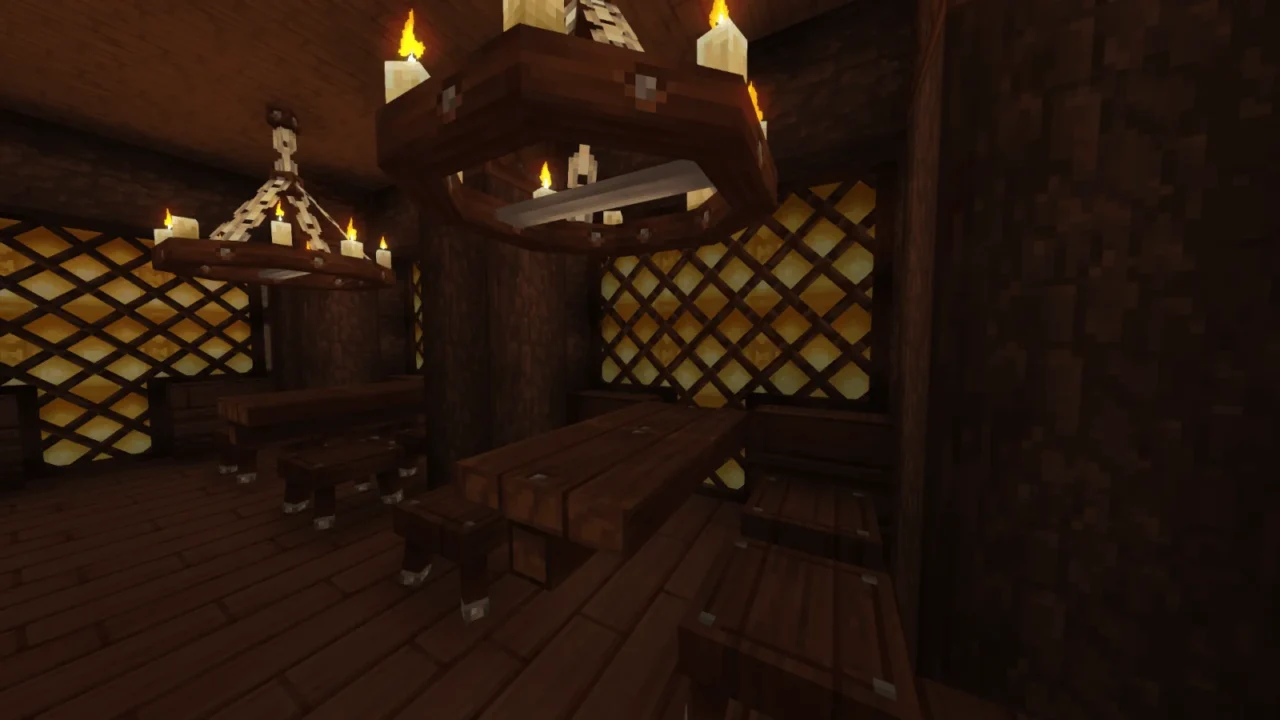
More screenshots on CurseForge ↗
What this mod does
If you’ve ever placed several windows in a row in Hytale, you know each block keeps its frame and the result looks like a grid. Connected Windows, by caon_alex, makes adjacent windows visually join up, so a wall of windows looks like a single glass pane. It has almost 97,000 downloads on CurseForge, and its version 0.14.1, from September 27, 2026, adds compatibility with Update 6 (0.6).
Supported windows
- Simple Wooden Window and Crude Window.
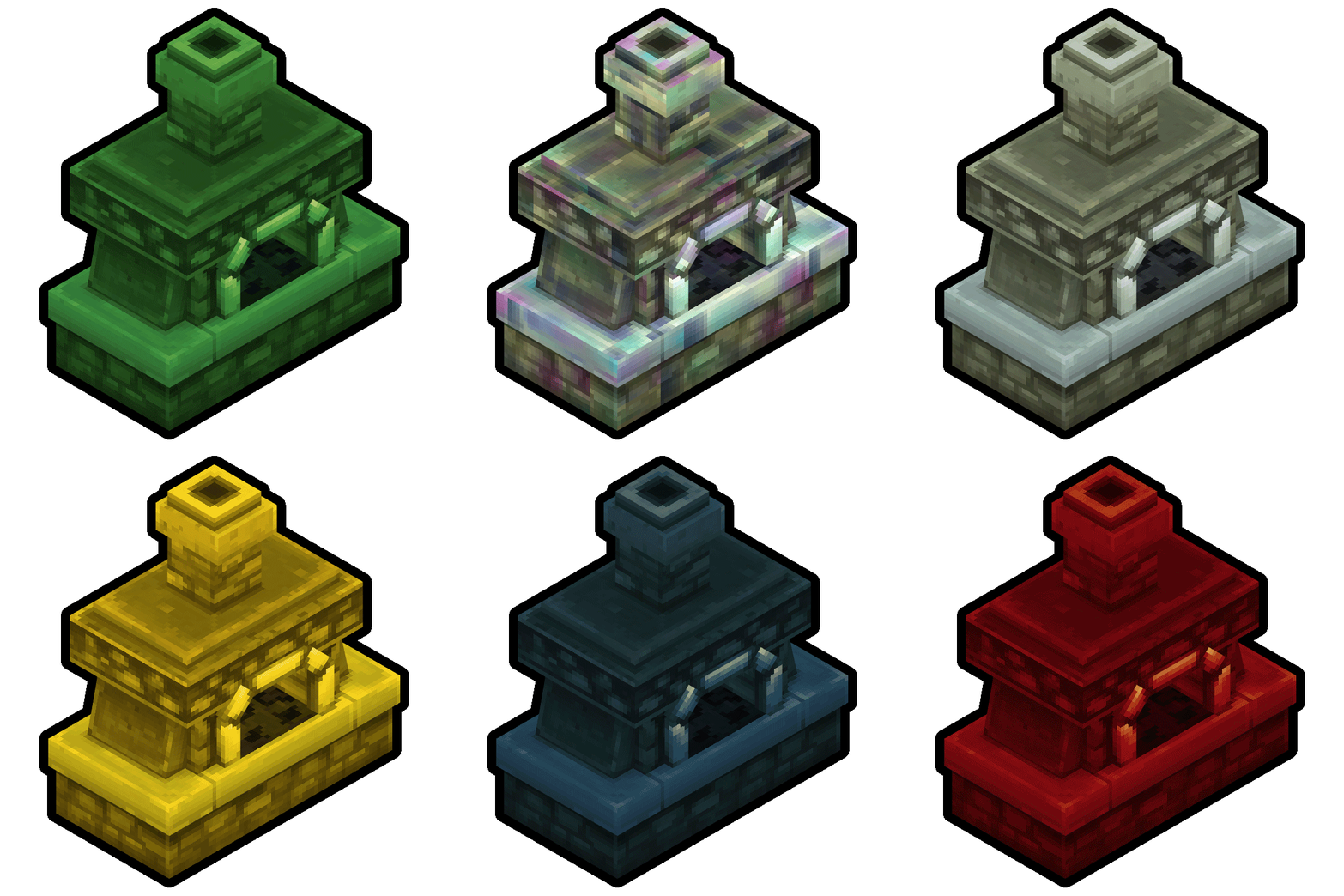
- The temple windows: Dark, Light, Wind and Overgrown Temple Window.
- Tavern Window and Lost Civilization Window.
How to use it
There’s nothing new to craft: the listed windows connect automatically when you place them next to each other. If you want a specific window not to join the ones beside it, click on it with a hammer. The change shows fully once the block updates, for example when you place or remove an adjacent block.
Who it’s for
For builders: houses with big windows, greenhouses, temples or taverns look much cleaner. It’s a cosmetic change and doesn’t alter recipes or the rest of the game. It doesn’t need other mods.
Checked on October 20, 2026: the author hasn’t yet released a file on CurseForge tagged for Hytale 0.7 (Update 7). We’ll check again and update this page as soon as it’s out.
User rating
Highlights and things to keep in mind
- Continuous window walls without repeated frames
- Works with the windows you already have, no new recipes
- You can disconnect individual windows with the hammer
- Only affects eight window types
- After using the hammer you have to force a block update
Requirements
- Hytale (Early Access) on PC, version 0.6
- No other mods needed
How to install it
- Open the Connected Windows page on CurseForge and click Install to install it with the CurseForge app, or download the file ConnectedWindows_0.14.1.zip (version for 0.6) from the Files tab.
- If you download it manually, copy the file as is, without unzipping it, into the mods folder: on Windows %APPDATA%\Hytale\UserData\Mods.
- Open Hytale, right-click the world where you want to use it, tick Connected Windows in the mod list and save the world settings.
- On a dedicated server, place the file in the server's mods folder and restart it.
- In game, place several supported windows together; to separate one, click it with the hammer and place or remove a block next to it so it updates.
Version history
-
0.14.127 Sep 2026Current
Compatibility with Hytale 0.6
Common problems
I used the hammer and the window looks the same
The change needs a block update: place or remove a block next to it and you'll see it.
Some windows don't connect
Only the eight windows on the list work. Windows from other mods aren't included unless the author adds them.
Does it change anything else in the game?
No. It only affects how the supported windows look.
More mods for Hytale

 Multiplayer