UI Info Suite 2 for Stardew Valley
Daily luck, tomorrow's weather, days to harvest, sprinkler range, an XP bar and more, each one toggled separately. Version 2.3.7 for Stardew Valley 1.6.14.
Download UI Info Suite 2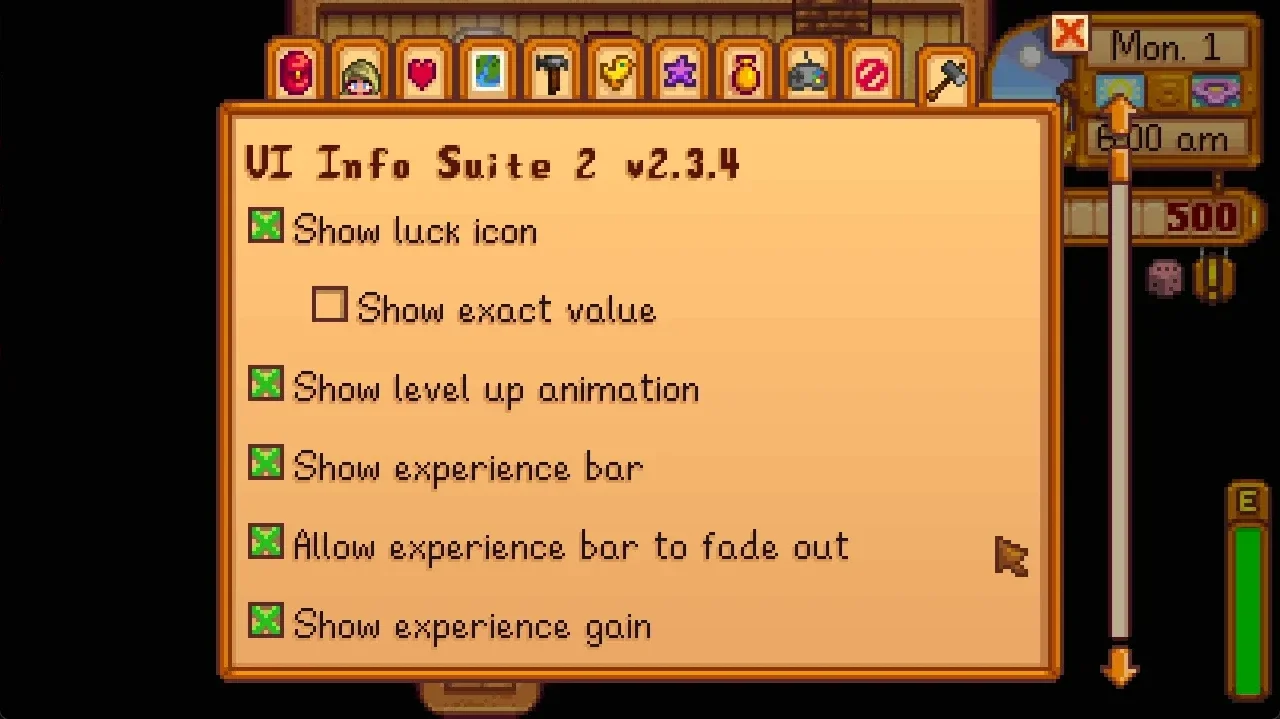
More screenshots on Nexus Mods ↗
What this mod does
UI Info Suite 2 brings a ton of data into the interface that you’d normally have to look up on the wiki. Each feature is turned on or off separately in a new tab of the options menu.
What it adds
- An icon with the day’s luck and a forecast of tomorrow’s weather.
- An experience bar and experience gained notifications.
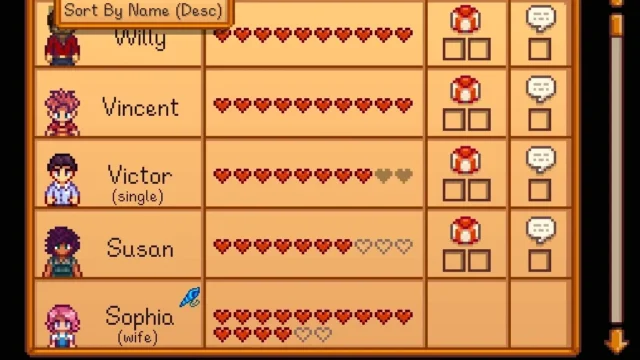
- More precise friendship hearts.
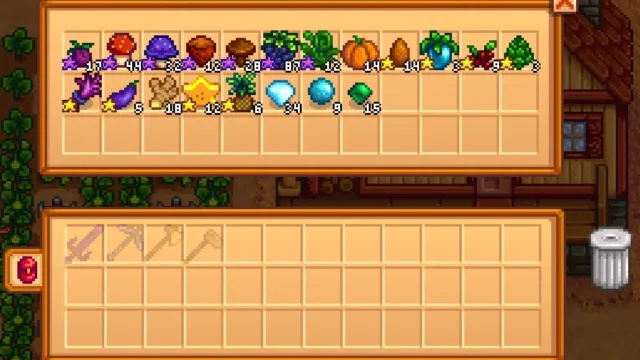
- More info on items, for example whether you need them for a Community Center bundle.
- Crop type and days left until harvest.
- Range of sprinklers, scarecrows, bee houses and Junimo huts.
- Icons for unpetted animals, recipes from the TV cooking show, Clint’s tool upgrades and items for the museum.
- Calendar and quest board accessible from anywhere.
Compatibility
v2.3.7 (November 12, 2024) is updated for Stardew Valley 1.6.14 or later with SMAPI 4.1.7 or later, and it’s marked as Android-compatible. Known bug: in multiplayer, only the host sees NPCs correctly on the map; the page itself recommends NPC Map Locations. It’s a rewrite of cdaragorn’s UIInfoSuite, abandoned since 2019. Nexus links a Spain Spanish translation by Gonzy42, updated for 2.3.7.
User rating
Highlights and things to keep in mind
- Lots of useful info in a single mod
- Each feature is toggled separately
- Tagged as Android-compatible
- Updated Spanish translation on Nexus
- The NPC map fails for farmhands in multiplayer
- Latest version from November 2024 (for 1.6.14)
- It's a continuation of the original mod with no explicit permission stated (see legal risk)
Requirements
- Stardew Valley 1.6.14 or later (PC; tagged as Android-compatible)
- SMAPI 4.1.7 or later
How to install it
- Install SMAPI first (see its mod page) and launch the game once with it to make sure it works.
- Open the UI Info Suite 2 page on Nexus Mods, go to the Files tab and click Manual download on the main file (UI Info Suite 2 v2.3.7). You need a free Nexus account to download.
- Unzip the .zip outside the game folder and move the resulting folder into Mods, inside the game folder (on Steam for Windows: C:\Program Files (x86)\Steam\steamapps\common\Stardew Valley\Mods).
- Launch the game with SMAPI and open the options menu: in its new tab you can turn each feature on or off.
Version history
-
v2.3.712 Nov 2024Current
Support for Stardew Valley 1.6.14+ with SMAPI 4.1.7+
-
v2.3.68 Nov 2024
Previous version
-
2.3.522 Oct 2024
Translations of SVE trees in tooltips
Common problems
Can I turn off what I'm not interested in?
Yes. Each feature has its own checkbox in a new tab of the options menu.
Does it work well in multiplayer?
Almost everything does, but only the host sees NPCs correctly on the map. For that, the page recommends NPC Map Locations.
Does it conflict with Experience Bars?
No conflict is listed, but both show an experience bar: it makes sense to use only one of them.
More mods for Stardew Valley
 ✓ Stardew Valley 1.6Multiplayer
  ✓ Stardew Valley 1.6Multiplayer
  ✓ Stardew Valley 1.6Multiplayer
  ✓ Stardew Valley 1.6
  ✓ Stardew Valley 1.6
  ✓ Stardew Valley 1.6