
Stardew Valley UI mods
 ✓ Stardew Valley 1.6Multiplayer
  ✓ Stardew Valley 1.6Multiplayer
  ✓ Stardew Valley 1.6
  ✓ Stardew Valley 1.6
  ✓ Stardew Valley 1.6
  ✓ Stardew Valley 1.6Multiplayer
  ✓ Stardew Valley 1.6Multiplayer
  ✓ Stardew Valley 1.6
  ✓ Stardew Valley 1.6Multiplayer
  ✓ Stardew Valley 1.6
  ✓ Stardew Valley 1.6
  ✓ Stardew Valley 1.6
  ✓ Stardew Valley 1.6
  ✓ Stardew Valley 1.6Multiplayer
  ✓ Stardew Valley 1.6Multiplayer
  ✓ Stardew Valley 1.6
  ✓ Stardew Valley 1.6Multiplayer
  ✓ Stardew Valley 1.6Multiplayer
  ✓ Stardew Valley 1.6Multiplayer
  ✓ Stardew Valley 1.6
  ✓ Stardew Valley 1.6Multiplayer
  ✓ Stardew Valley 1.6Multiplayer
  ✓ Stardew Valley 1.6Multiplayer
  ✓ Stardew Valley 1.6Multiplayer
 Here are 31 mods for the Stardew Valley interface: mods that show what the game doesn't tell you (favorite gifts, days until harvest, the day's luck, sell price), maps with the villagers' positions, access to your chests from anywhere, improved crafting menus and recolors of the whole interface. They're for 1.6 on PC with SMAPI, and several of the most popular ones are by Pathoschild, the author of SMAPI.
The best Stardew Valley UI mods to start with
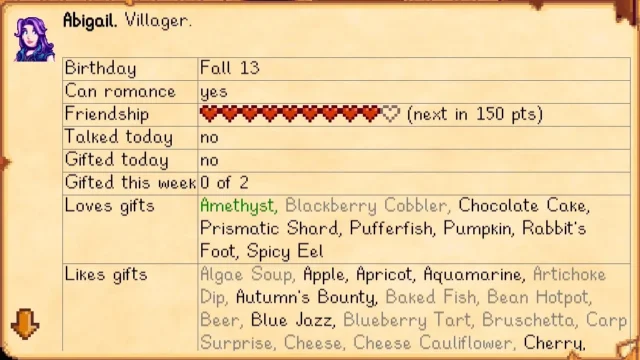
- Lookup Anything: press F1 over anything to see favorite gifts, days until harvest or how your animals are doing. Version 1.55.0 for 1.6.15.
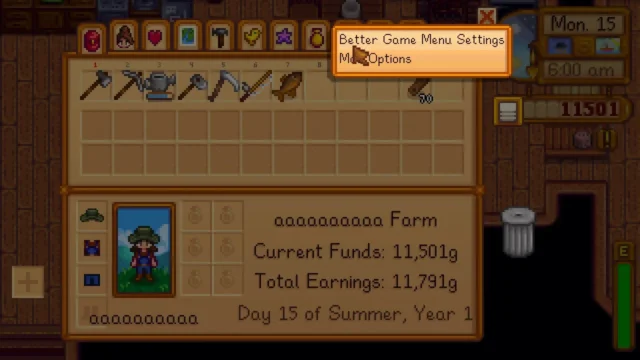
- UI Info Suite 2: the day's luck, tomorrow's weather, days until harvest, sprinkler range and an experience bar, each one toggled separately. Version 2.3.7.
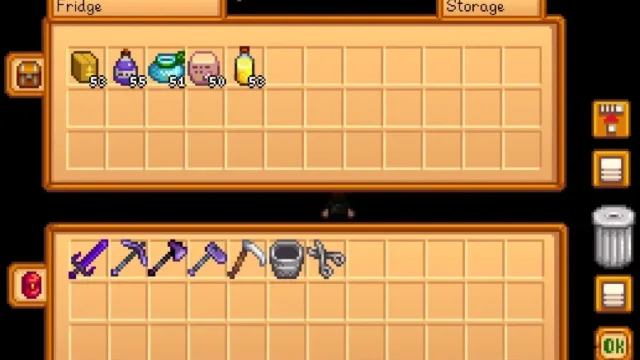
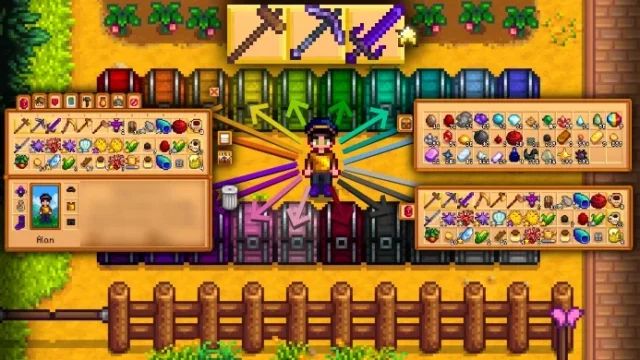
- Chests Anywhere: open your chests, the fridge and the shipping bin from anywhere with the B key. Version 1.30.1.
- NPC Map Locations: villagers and players on the map in real time, with an optional minimap and birthday alerts. Version 3.5.2, with Spanish included.
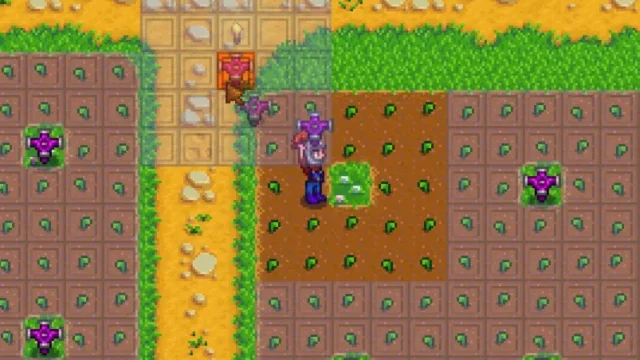
- Data Layers: overlays on the map with sprinkler and scarecrow range, unwatered crops and buildable tiles. Open them with F2.
- Better Crafting: a crafting and cooking menu with categories, favorites, search and bulk crafting. Version 2.18.0.
- CJB Show Item Sell Price: each item's sell price next to the cursor, per unit and per stack, with a Spanish translation.
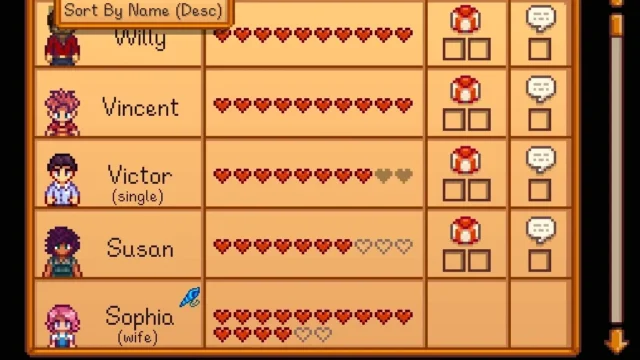
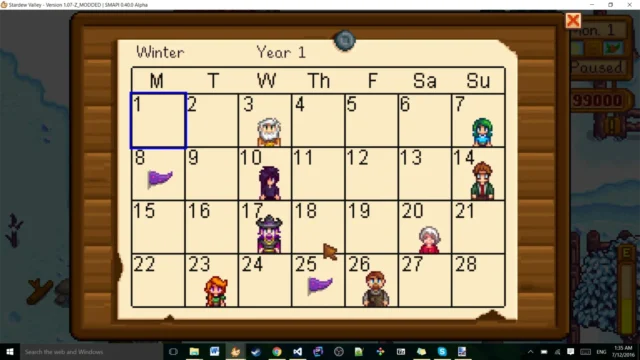
- Gift Taste Helper Continued x2: each villager's favorite gifts on the calendar and the social page.
Keys, overlapping features and multiplayer
- Keys: Lookup Anything uses F1, Data Layers F2 and Chests Anywhere B. If they clash with another mod, change them in the config.json created after the first launch or from Generic Mod Config Menu.
- Overlapping features: UI Info Suite 2 already includes an experience bar and sprinkler range. If you use it, you may not need Experience Bars or Range Highlight, or you may want to turn those options off.
- Recolors: DaisyNiko's Earthy Interface and Lavender Dreams UI Recolor change the same menus; use only one.
- Multiplayer: Lookup Anything, Chests Anywhere or UI Info Suite 2 are local and only used by whoever installs them. NPC Map Locations, on the other hand, is needed by the host and by every guest who wants to see it.
If you're looking for more improvements like these, check out the Stardew Valley quality-of-life mods. To install them, follow the guide to install mods in Stardew Valley, and if you play with friends, the one on mods in multiplayer.
Frequently asked questions
Which mod shows favorite gifts in Stardew Valley?
Lookup Anything, by pressing F1 over a villager, and Gift Taste Helper Continued x2, which shows them on the calendar and the social page. Better Friendship shows you, over each villager, which gift in your inventory they love.
How do I see where the villagers are on the map?
With NPC Map Locations, which shows them in real time and adds an optional minimap plus birthday and quest alerts.
Can you open chests remotely?
Yes, with Chests Anywhere (B key), which also opens the fridge and the shipping bin. Convenient Chests, on the other hand, lets you craft and cook with what's stored in nearby chests.
- Stardew Valley Expanded vs Ridgeside Village: which to get→
- Is Stardew Valley free? Price on Steam, console and mobile→
- Stardew Valley PC requirements: minimum specs, Mac and mods→
- Stardew Valley file size: GB on PC, Switch, mobile and mods→
- Stardew Valley romance mods: marriage, spouses and kids→
- Stardew Valley clothing and portrait mods: hair and more→
- Stardew Valley graphics mods: retextures and recolors→
- Stardew Valley SMAPI errors: causes and fixes→