Skip Intro for Stardew Valley
Skips the startup logos and takes you straight to the title, load or co-op screen. Version 1.9.25 (March 2026), with translations included.
Download Skip Intro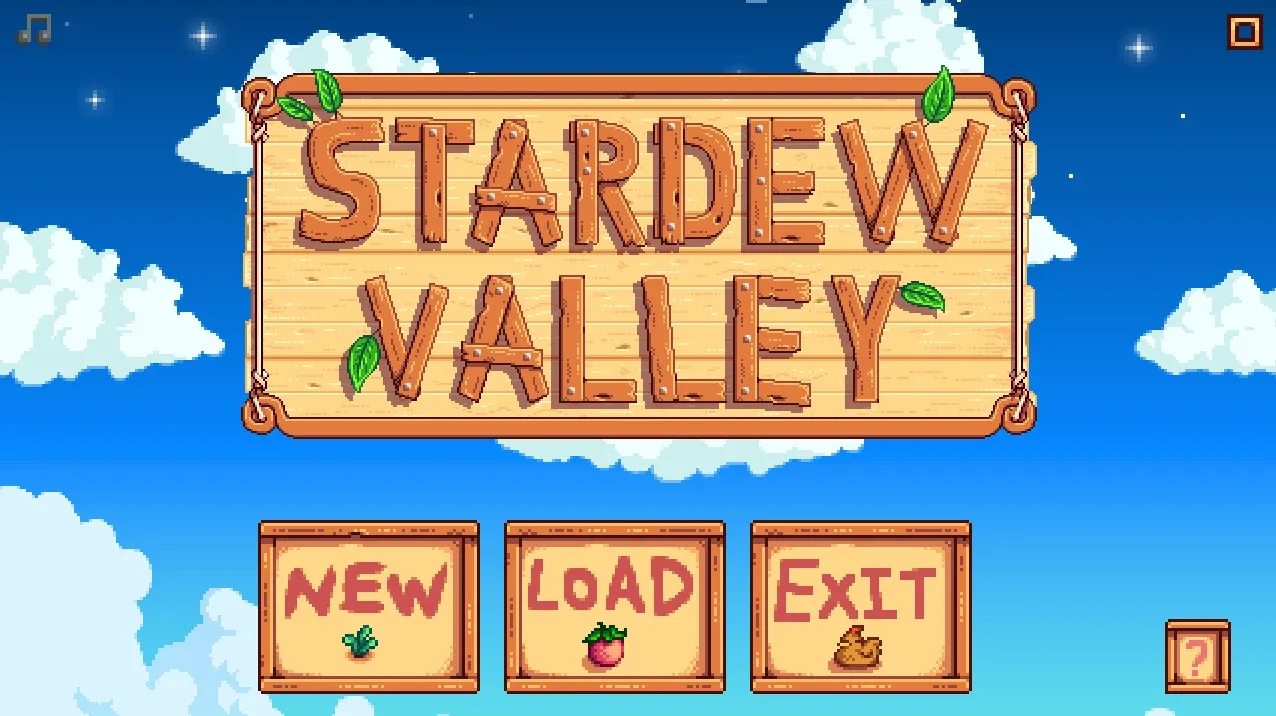
More screenshots on Nexus Mods ↗
What this mod does
Skip Intro is a small mod by Pathoschild, the author of SMAPI, Content Patcher and Lookup Anything. It does just one thing: it removes the logos and transition when the game starts so you get where you want to go faster.
What it does
- By default it skips the intro and drops you on the title screen.
- In
config.jsonyou can choose to go straight to the load game screen or the co-op screen instead. - According to the author, startup goes from about 13 seconds (double-clicking the first logo) or 5 (pressing Esc) to about 2.
Compatibility
File 1.9.25 (March 15, 2026, 91 KB) requires Stardew Valley 1.6.15 or later and SMAPI 4.1.10 or later, on Windows, macOS and Linux. It works in single-player and multiplayer, even if the other players don’t have it, and the page doesn’t list any conflicts with other mods.
Translations are included in the mod itself, and Gonzy42 also publishes a separate Spanish translation on Nexus. It pairs well with quality-of-life mods like UI Info Suite 2 or Chests Anywhere, the latter by the same author.
User rating
Highlights and things to keep in mind
- Saves time every time you launch the game
- By the author of SMAPI and updated in 2026
- No known conflicts
- Other players don't need to have it
- It does very little: it only affects startup
- To change the destination screen you have to edit config.json
Requirements
- Stardew Valley 1.6.15 or later (Windows, macOS or Linux)
- SMAPI 4.1.10 or later
How to install it
- Install SMAPI first (see its mod page) and launch the game with it once to make sure it works.
- Open the Skip Intro page on Nexus Mods, go to the Files tab and click Manual download on the main file (Skip Intro 1.9.25). You need a free Nexus account to download.
- Unzip the .zip outside the game folder and move the resulting folder into the Mods folder, inside the game folder.
- Optional: launch the game once so config.json is created, then change the destination screen there (title, load game or co-op).
- Launch the game with SMAPI: the logos should be gone and you'll reach the chosen screen in a couple of seconds.
Version history
-
1.9.2515 Mar 2026Current
Current file; requires SMAPI 4.1.10 or later
-
1.9.204 Nov 2024
Version for Stardew Valley 1.6.9 (requires SMAPI 4.1.0)
-
1.9.1619 Mar 2024
First stable version for 1.6 (requires SMAPI 4.0.0)
Common problems
Can I go straight to the load game screen?
Yes. In config.json you can pick the load screen or the co-op screen instead of the title.
Does it work in multiplayer?
Yes, and the other players don't need to have it.
Is it available in Spanish?
Translations are included, and Gonzy42 also publishes a Spanish translation on Nexus.
More mods for Stardew Valley
 ✓ Stardew Valley 1.6Multiplayer
  ✓ Stardew Valley 1.6Multiplayer
  ✓ Stardew Valley 1.6Multiplayer
  ✓ Stardew Valley 1.6
  ✓ Stardew Valley 1.6Multiplayer
  ✓ Stardew Valley 1.6Multiplayer