Convenient Inventory for Stardew Valley
Quick-stacks items into nearby chests that already hold them and marks favorites so you don't sell or trash them. Version 1.6.1 (May 2026), with Spanish.
Download Convenient Inventory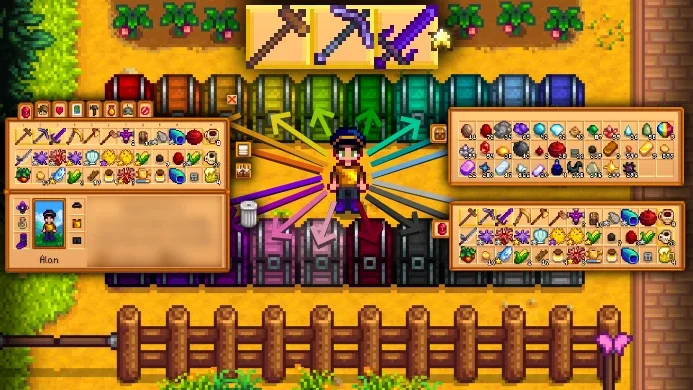
More screenshots on Nexus Mods ↗
What this mod does
Convenient Inventory adds two features any player will appreciate after a few hours of play. The first is quick stacking to nearby chests: an inventory button (and an optional key) puts each item into the chests that already hold that item. The second is favorites: by holding Left Alt (or the left trigger on a controller) you mark items that are then protected from stacking, trashing, selling and sorting.
More features
- Take all but one from a stack, and automatic sorting per chest by right-clicking Organize.
- Since 1.6.0: choose which chests receive items and with what priority, stack only into the open chest, and also send variants (such as flavored honey) and non-stackable items.
- It can also stack into fridges, mills, Junimo Huts or hoppers.
Compatibility
Version 1.6.1 (May 25, 2026) is for Stardew Valley 1.6.15 and SMAPI 4.1.10 or later. It works in single-player, split-screen and multiplayer, with a controller, and you configure it with Generic Mod Config Menu. It’s compatible with Bigger Backpack, Wear More Rings, Custom Backpack Framework and Chests Anywhere, which gives it a global range. It’s tagged as compatible with Android. Gonzy42 has published a Spain Spanish translation on Nexus.
User rating
Highlights and things to keep in mind
- Saves a huge amount of time organizing
- Favorites that stop you from selling or trashing items by mistake
- Works with a controller, split-screen and multiplayer
- Updated in 2026 and translated into Spanish
- It has lots of options: worth reviewing them with Generic Mod Config Menu
- Some 1.6.0 features are off by default
- There are 6 open bugs on Nexus
Requirements
- Stardew Valley 1.6.15 (PC; tagged as compatible with Android)
- SMAPI 4.1.10 or later
- Optional: Generic Mod Config Menu
How to install it
- Install SMAPI first (see its mod page) and launch the game once with it to make sure it works.
- Open the Convenient Inventory page on Nexus Mods, go to the Files tab and click Manual download on the main file (ConvenientInventory-1.6.1). You need a free Nexus account to download.
- Extract the .zip outside the game folder and move the resulting folder into the Mods folder, inside the game folder.
- Optional: for Spanish, download 'Convenient Inventory - Spanish' by Gonzy42 on Nexus and follow its instructions.
- Launch the game with SMAPI, open your inventory near your chests and click the new button to quick stack; hold Left Alt and click an item to mark it as a favorite.
Version history
-
1.6.125 May 2026Current
Support for Convenient Chests 2, favorites API, fridge options and optimization
-
1.6.017 Mar 2026
Per-chest priority, stacking into the open chest, variants and non-stackable items
-
1.5.625 Jan 2025
Fixes favorites being cleared when adding to existing stacks
Common problems
How do I mark an item as a favorite?
Hold Left Alt (or the left trigger on a controller) and click it. The key can be changed.
Does it stack into chests across the whole farm?
By default, into nearby ones. With Chests Anywhere you can use the global range.
Is it available in Spanish?
Yes, with Gonzy42's translation on Nexus.
More mods for Stardew Valley
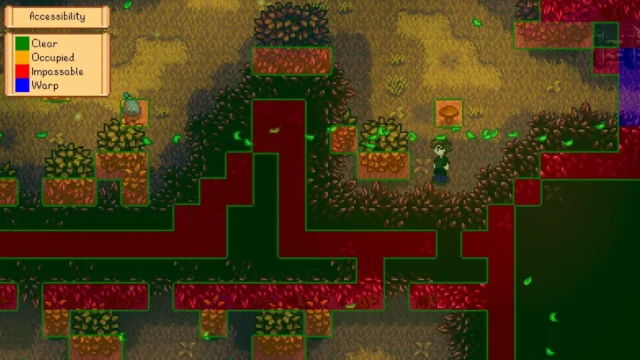 ✓ Stardew Valley 1.6Multiplayer
  ✓ Stardew Valley 1.6Multiplayer
 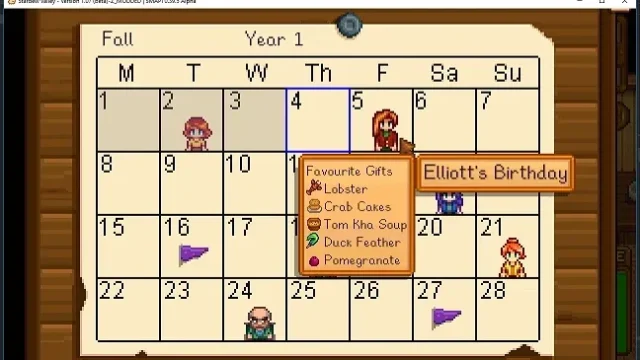 ✓ Stardew Valley 1.6Multiplayer
 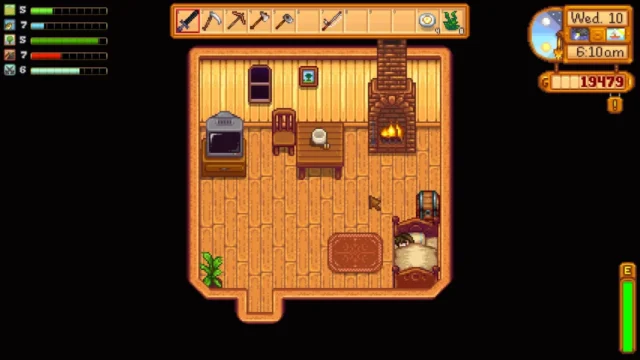 ✓ Stardew Valley 1.6Multiplayer
  ✓ Stardew Valley 1.6Multiplayer
  ✓ Stardew Valley 1.6Multiplayer