DaisyNiko’s Earthy Interface for Stardew Valley
A recolor of the entire interface in warm earth tones, with 12 accent colors or one per season. Version 1.2 for 1.6, works with every game language.
Download DaisyNiko’s Earthy Interface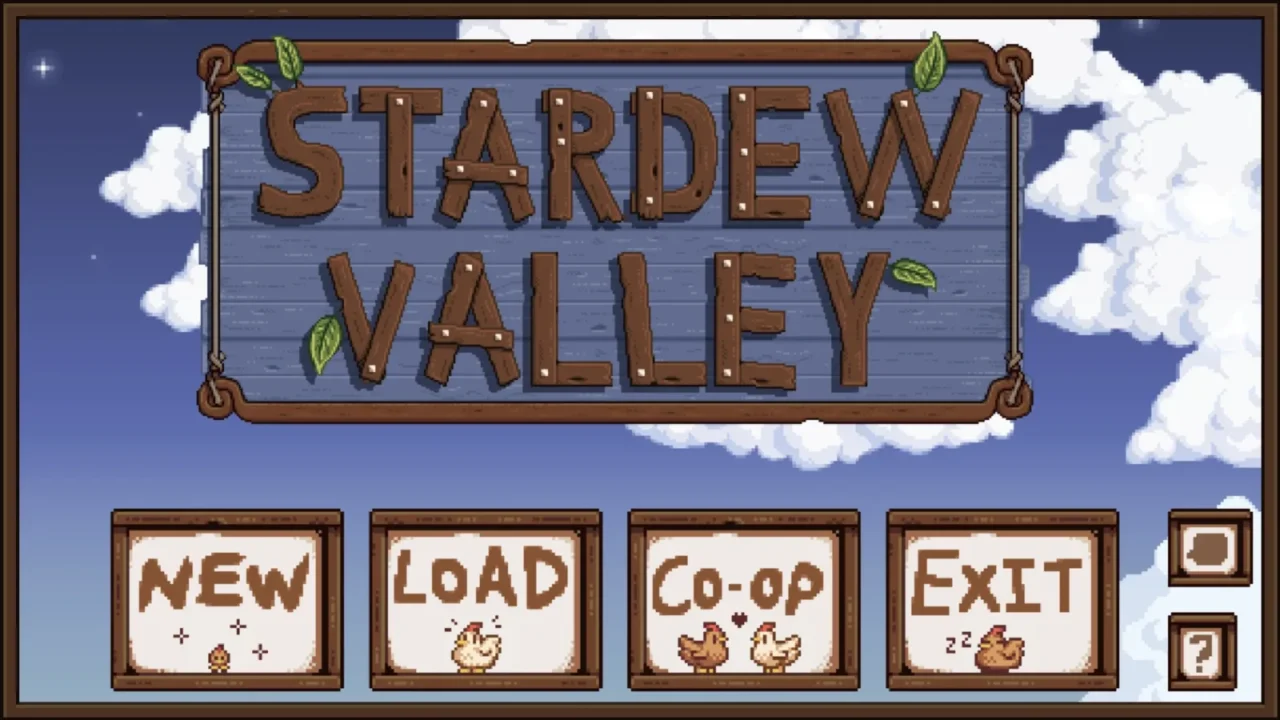
More screenshots on Nexus Mods ↗
What this mod does
DaisyNiko’s Earthy Interface is the interface recolor that goes with DaisyNiko’s Earthy Recolour. It darkens and mutes the colors of menus, buttons and dialogue boxes with a warm, earthy palette, although the author explains that it also looks good on its own or with other map recolors.
Options
AccentColour: 12 accent colors (slate, maroon, plum, sienna, olive, forest, emerald, navy and others) or the «Seasonal» and «Random» options.- With «Seasonal,» you pick a color for each season.
RecolourCursors: turn it off if you use another cursor mod.
Requirements and compatibility
It needs SMAPI and Content Patcher, and the author recommends FixFontOption. Version 1.1 recolored the new 1.6 icons, and 1.2 (November 11, 2024, 9 MB) added missing elements. It works with every game language, Spanish included. There’s a compatibility file for Custom Reminders, Event Lookup, Generic Mod Config Menu and Mod Update Menu.
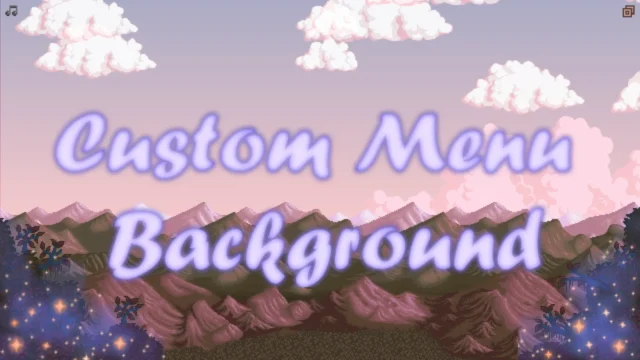
It pairs with Custom Menu Background and with building retextures that have an Earthy palette, like Elle’s Seasonal Buildings. There’s no Android tag: the file is for PC.
User rating
Highlights and things to keep in mind
- Warm interface that matches Earthy Recolour
- 12 accent colors and a seasonal mode
- Compatible with every language
- Compatibility files for other interface mods
- Configured by editing config.json
- Conflicts with other interface recolors
- FixFontOption is downloaded outside Nexus (the author's blog)
Requirements
- Stardew Valley 1.6.x (PC)
- SMAPI 4.x
- Content Patcher
- Recommended: FixFontOption
How to install it
- Install SMAPI and Content Patcher first (see their mod pages) and launch the game once with SMAPI to make sure everything loads.
- Open the DaisyNiko's Earthy Interface page on Nexus Mods, go to the Files tab and click Manual download on the main file (DaisyNiko's Earthy Interface 1.2). You need a free Nexus account to download.
- Extract the .zip outside the game folder and move the resulting folder into the Mods folder, inside the game folder.
- Launch the game once so config.json is created, then choose the accent color (AccentColour) or seasonal mode there.
- Start the game again with SMAPI: menus and dialogue boxes will have the new palette.
Version history
-
1.211 Nov 2024Current
Adds more missing 1.6 elements
-
1.14 Apr 2024
Recolors the new 1.6 icons
Common problems
Do I need Earthy Recolour?
No. It's designed to go with it, but it works on its own or with other recolors.
Does it work in Spanish?
Yes: the author says it's compatible with every game language.
Can I change the color by season?
Yes, by setting AccentColour to Seasonal and choosing a color for each season.
More mods for Stardew Valley
 ✓ Stardew Valley 1.6
  ✓ Stardew Valley 1.6
  ✓ Stardew Valley 1.6Multiplayer
  ✓ Stardew Valley 1.6Multiplayer
  ✓ Stardew Valley 1.6Multiplayer
  ✓ Stardew Valley 1.6