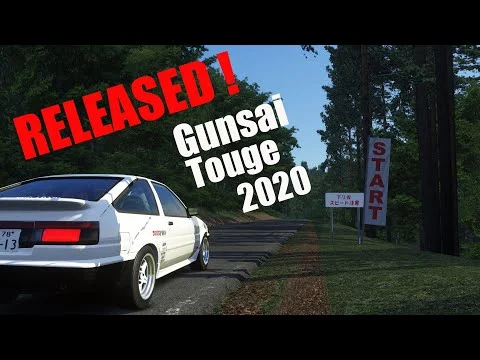
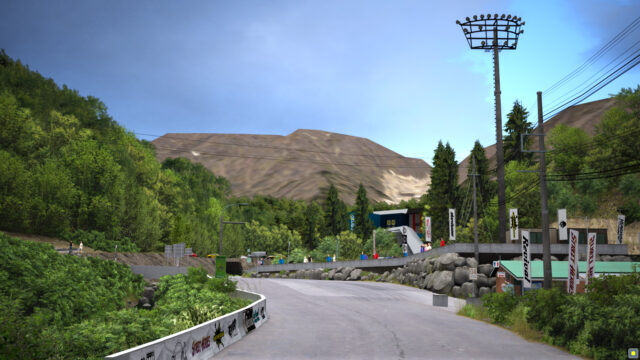
Dousojin Touge (90’s Golden Drift Spot Project #5) for Assetto Corsa
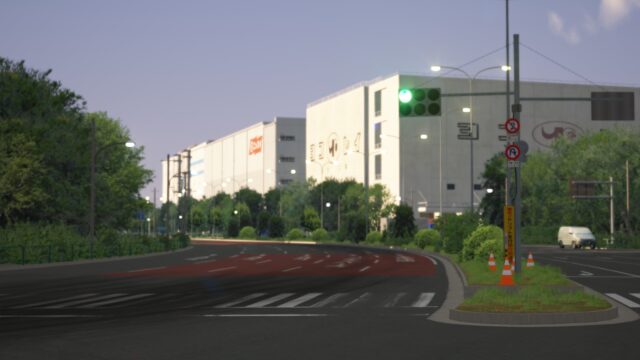
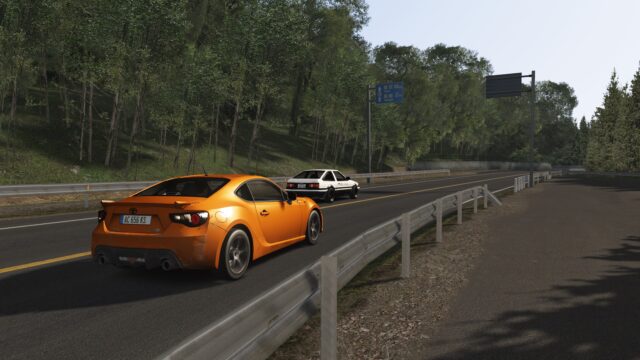
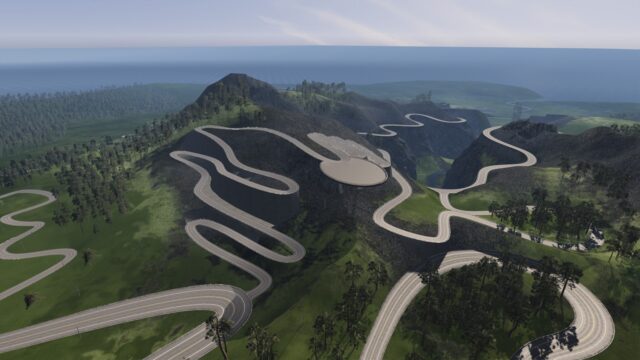
Wagakuni Touge, the Route 42 pass in Ibaraki and a '90s drift spot, with today's road and the 1990 version. From the 90’s Golden Drift Spot Project. Free.
Download Dousojin Touge (90’s Golden Drift Spot Project #5)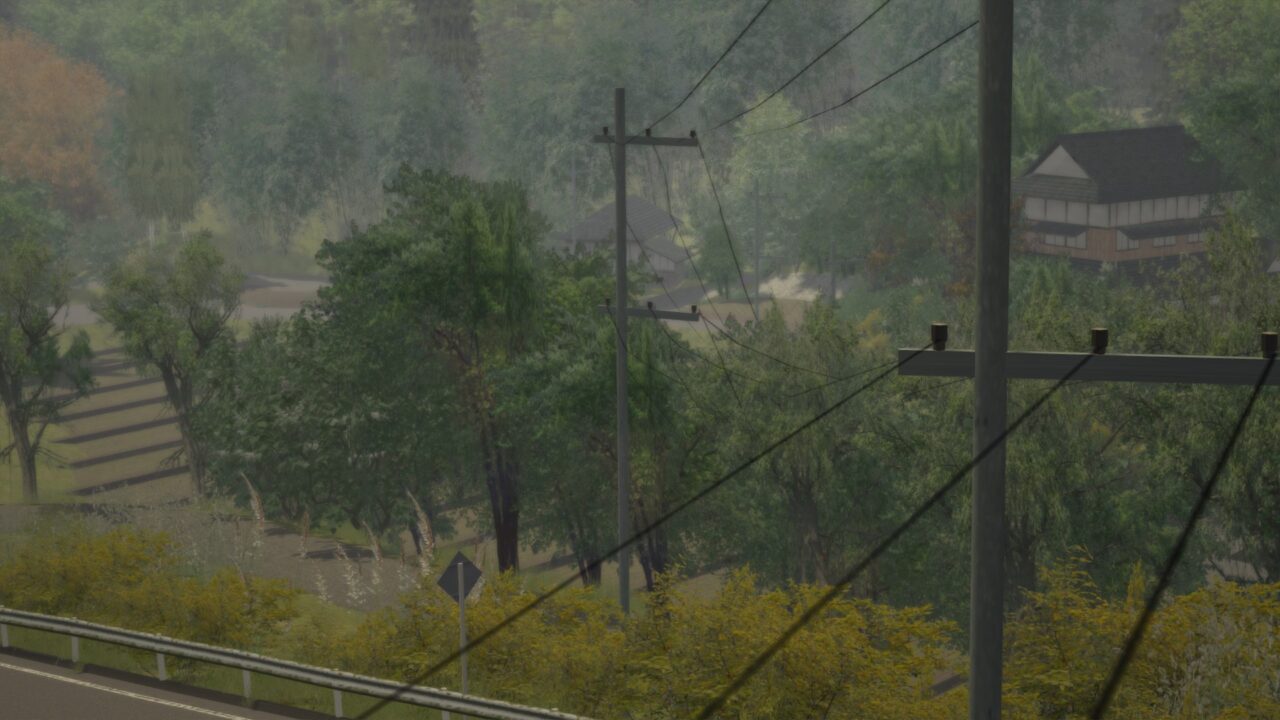
More screenshots on OverTake.gg (formerly RaceDepartment) ↗
What this mod does
Dousojin Touge is the fifth entry in skyflightmusic’s 90’s Golden Drift Spot Project series, which recreates Japanese drift spots from the late eighties and the nineties. It’s Route 42 over Mount Wagakuni (Ibaraki), also known as Wagakuni Touge, which links the cities of Ishioka and Kasama and was one of the most popular racing and drifting spots in the Mount Tsukuba area.
The route
- Long sequences of S-bends, a wide road and little traffic, with steep sections.
- Two variants: today’s road and the 1990 version, which has parking areas for turning around at both ends.
Version 1.3
It fixes transparency bugs the textures had with Custom Shaders Patch. If everything looks snowy when you load it, one review explains that you can fix it by deleting the dousojin_touge.ini file from the track configs folder.
Who it’s for
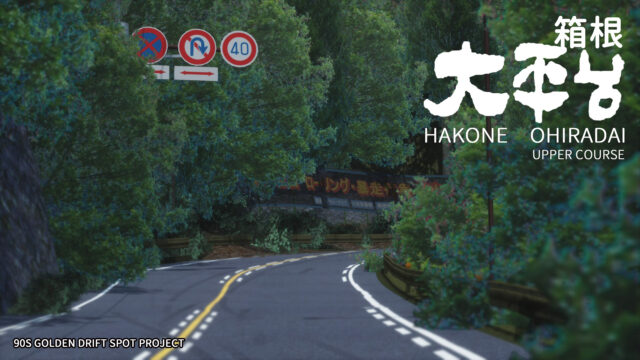
For fans of nineties Japanese drifting: reviews highlight the quality and detail, although some find it a bit short. In the 1990 variant one user reports dropping to around 30 FPS, so it’s worth adjusting your graphics quality. If you like it, the same series includes Otarumi Touge, Oi Wharf, Hakone Ohiradai and Sunrise Circuit.
Unofficial mod made by a fan. The names of tracks, places, events and brands shown here belong to their respective owners; neither the author nor Holymod is affiliated with them.
User rating
Mod video
Highlights and things to keep in mind
- Real nineties drift spot
- Two eras of the same road
- Good level of detail
- A bit short according to some reviews
- Possible FPS drop in the 1990 variant
- No updates since 2019
- Unofficial mod: names and brands belong to their owners
Requirements
- Assetto Corsa for PC
- About 180 MB of free space
- Free OverTake.gg account to download
How to install it
- Go to the Dousojin Touge page on OverTake.gg and log in.
- Download version 1.3 (about 174 MB).
- Drag the file into the Content Manager window and click install, or copy the track folder into assettocorsa/content/tracks.
- Choose today's road or the 1990 variant.
- If everything looks snowy, delete dousojin_touge.ini from the track configs folder.
Version history
-
1.319 Nov 2019Current
Fixed transparent texture bugs with Custom Shaders Patch
-
5 Apr 2018
First release
Common problems
Everything looks snowy
According to one review, you can fix it by deleting dousojin_touge.ini from the track configs folder.
What's the difference between the variants?
One is today's road and the other is the 1990 version, with turnaround areas at the ends.
It goes back to the menu when loading
Some users have run into this; reinstall the track and check that the folder is complete.
More mods for Assetto Corsa
 Multiplayer