DynaCam: arcade-style chase camera for CSP for Assetto Corsa
Arcade-style chase camera with impact shake and a strong sense of speed, an evolution of KirbyCam. Free; requires CSP and Content Manager.
Download DynaCam: arcade-style chase camera for CSP
More screenshots on OverTake.gg (formerly RaceDepartment) ↗
What this mod does
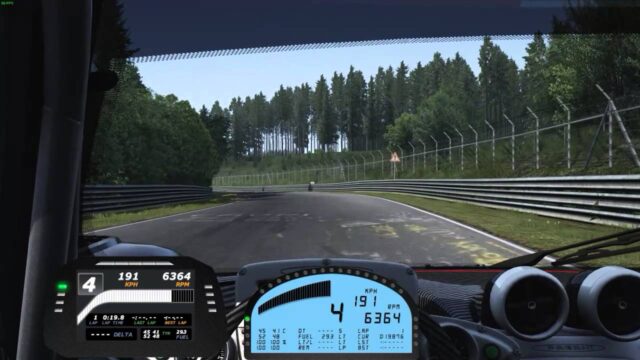
DynaCam is an arcade-inspired chase camera for Assetto Corsa that focuses on the sense of speed and on impacts. It’s the evolution of KirbyCam, by the same author, kirbyguy22, with improvements to the core behavior and new effects. Released in March 2023 and updated in November 2025, it’s rated 4.87 out of 5.
Effects
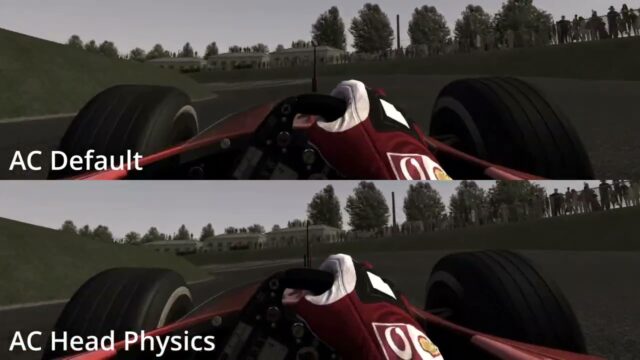
- Impact bumps: hard landings and crashes shake the camera.
- Speed shake: a slight shake at high speed.
- Automatic distance: calculated from the rear wheels and scaled to each car’s wheelbase.
- Gamepad control: the camera doesn’t recenter when the car is stopped.
Recommended settings
In Settings, Assetto Corsa, Chaser Camera, the author suggests a distance of 6.4 m, height 1 m and pitch 0 for the first camera, and 6.4 m, 1.35 m and 2 for the second. Values above 5 m are typed in by clicking on the number.
What’s new in 1.1
All options, including the base and dynamic field of view, move to the camera script settings section in Content Manager, with no file editing needed. It also fixes issues with some CSP versions and adds an option to disable the braking effect.
User rating
Mod video
Highlights and things to keep in mind
- Strong sense of speed
- Adapts to each car automatically
- Updated in 2025
- Arcade style, not for anyone after a subdued camera
- Needs Content Manager and CSP
- Few reviews (15)
Requirements
- Assetto Corsa for PC
- Custom Shaders Patch
- Content Manager
- Free OverTake.gg account to download
How to install it
- Go to DynaCam's page on OverTake.gg, log in and download the .zip (about 6 KB).
- Drag it into the Content Manager window, open the top menu and click Install.
- Or extract the extension folder into your Assetto Corsa folder.
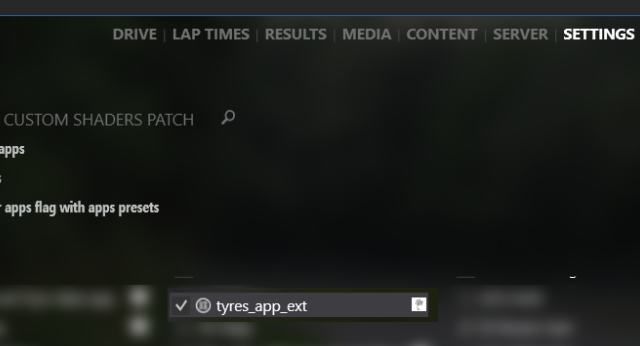
- In Content Manager, go to Settings, Custom Shaders Patch, Chaser Camera, enable the extension and choose DynaCam.
- Adjust the camera in Settings, Assetto Corsa, Chaser Camera using the values the author recommends.
Version history
-
1.1-public12 Nov 2025Current
Options moved to Content Manager settings, fixes for CSP versions and an option to disable the braking effect
-
1.012 Mar 2023
Release
Common problems
How is it different from KirbyCam?
DynaCam builds on KirbyCam and adds impact bumps, speed shake and automatic distance based on the car.
Where do I change the field of view?
Since 1.1, in the camera script settings inside Content Manager.
I can't set a distance above 5 m
Click on the number and type it in manually.
More mods for Assetto Corsa