Assetto Corsa tools and apps




 Multiplayer

 Multiplayer
  Multiplayer
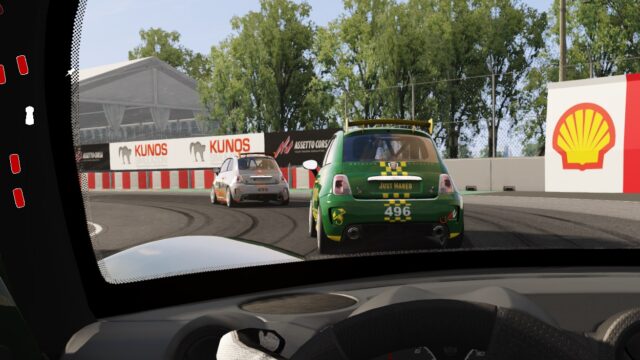

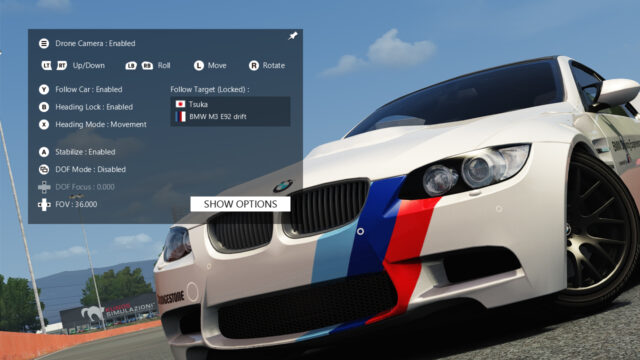
Here are 30 mods in the Assetto Corsa tools category: the Content Manager launcher, HUD and telemetry apps, radars, cameras, aids for playing with a controller and LUT tables for wheel force feedback. Almost all are free and each mod page links to its author's official download. They're for the original Assetto Corsa on PC (1.16); many are Python apps that work with nothing else, and others need Custom Shaders Patch (CSP), as each mod page notes.
The best Assetto Corsa tools to start with
- Content Manager: an alternative launcher that installs cars and tracks by dragging in the file and manages CSP. The Lite version is free.
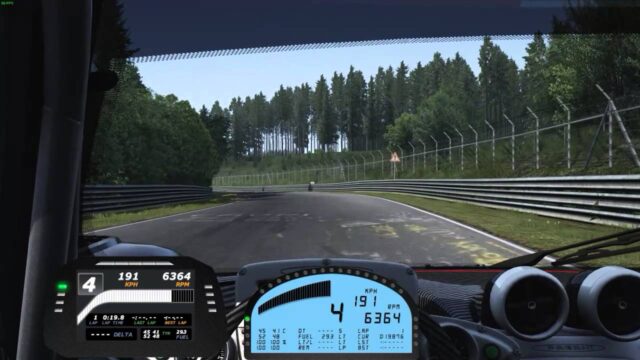
- Sidekick: gear, times, deltas, fuel and tires in a compact panel. A Python app with no CSP requirements.
- CMRT Essential HUD: nine apps that replace the stock HUD and work in multiplayer. Requires CSP 0.2.3.
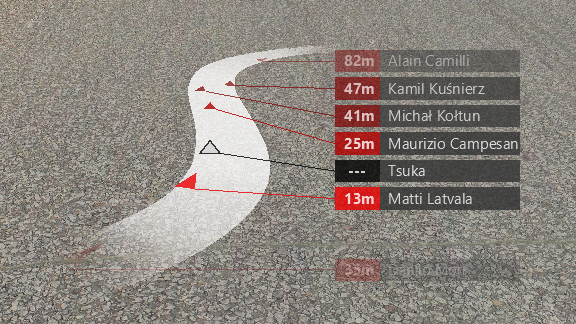
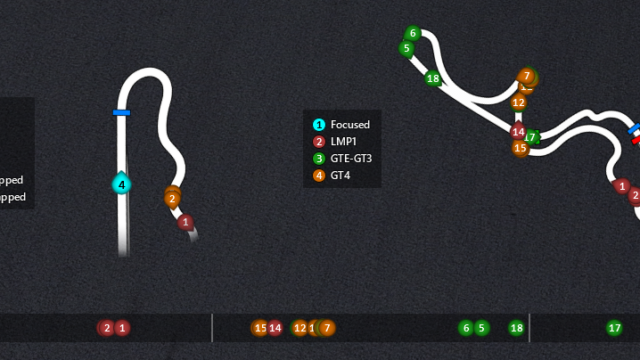
- Helicorsa: a top-down radar so you know if someone's alongside you, offline and online.
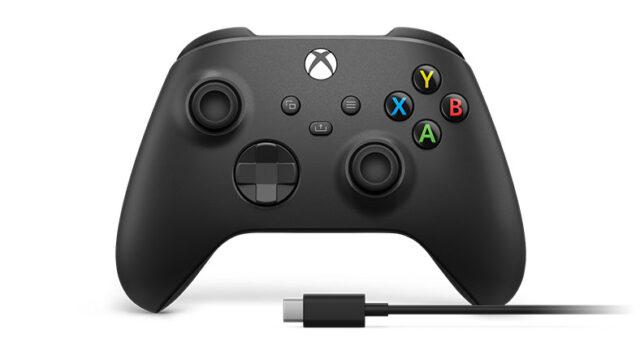
- Advanced Gamepad Assist: highly configurable steering for controller or keyboard. Requires CSP 0.2.0 and Content Manager.
- RasmusP's LUTs: removes the force feedback deadzone on Logitech G25 to G923 wheels.
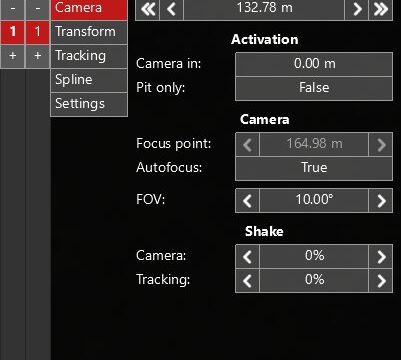
- KirbyCam: one of the most downloaded chase cameras; requires CSP and Content Manager.
What you need depending on the app
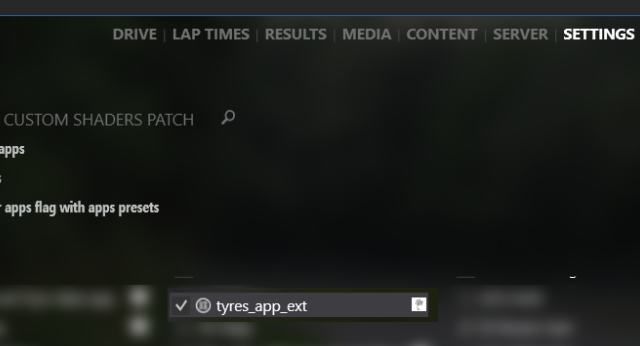
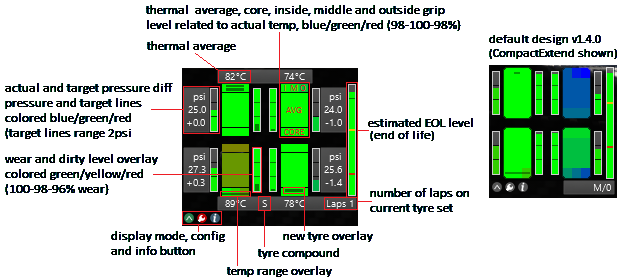
- Python apps: they're copied into the game's appspython folder and enabled in Options > General. They work without CSP, like Sidekick, proTyres or ACTV.
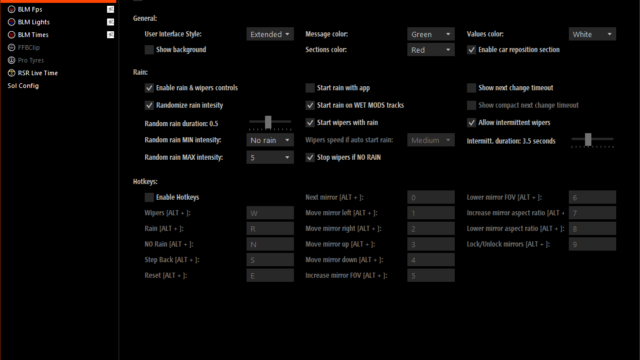
- CSP Lua apps: Comfy Map, BLM Car or Track Map Display Extended need Custom Shaders Patch at the minimum version listed on their mod page.
- External programs: ACTI exports telemetry to MoTeC i2 and LUT Generator works alongside WheelCheck; they run outside the game.
- On servers: if a server uses Real Penalty, you need its client app installed to join.
For the step-by-step for each type of app, read how to install Assetto Corsa mods. If you're going to race online, the Assetto Corsa servers guide explains which apps and CSP version you'll be asked for, and in Assetto Corsa setups you'll find how to tune your car.
Frequently asked questions
Which Assetto Corsa tools should you install first?
Content Manager and Custom Shaders Patch as the foundation. After that, an info app like Sidekick and a radar like Helicorsa.
Is Content Manager free?
Yes, the Lite version is free and enough for most people. The full version comes with a donation to the author (from about $2) and adds features in development.
Where do Assetto Corsa apps get installed?
Python apps go in the game's appspython folder and are enabled in Options > General. Lua apps need Custom Shaders Patch.
Can you play Assetto Corsa with a controller?
Yes. Advanced Gamepad Assist and A7-Assist greatly improve steering with a controller; both need Custom Shaders Patch.
- Does Assetto Corsa work on Steam Deck? Performance and mods→
- Assetto Corsa servers: how to play online and host your own→
- Pure vs Sol in Assetto Corsa: differences and which to use→
- Assetto Corsa PC requirements: minimum, recommended and mods→
- Assetto Corsa price: is it free? Steam, PS4 and Ultimate→
- The 12 best Assetto Corsa mods (2026)→
- Assetto Corsa file size: GB on PC, console and with mods→
- How to install Assetto Corsa mods: cars, tracks and skins→